


Categories
-
 SUAPP AIR
-
 Release Notes
Search Results
- /293
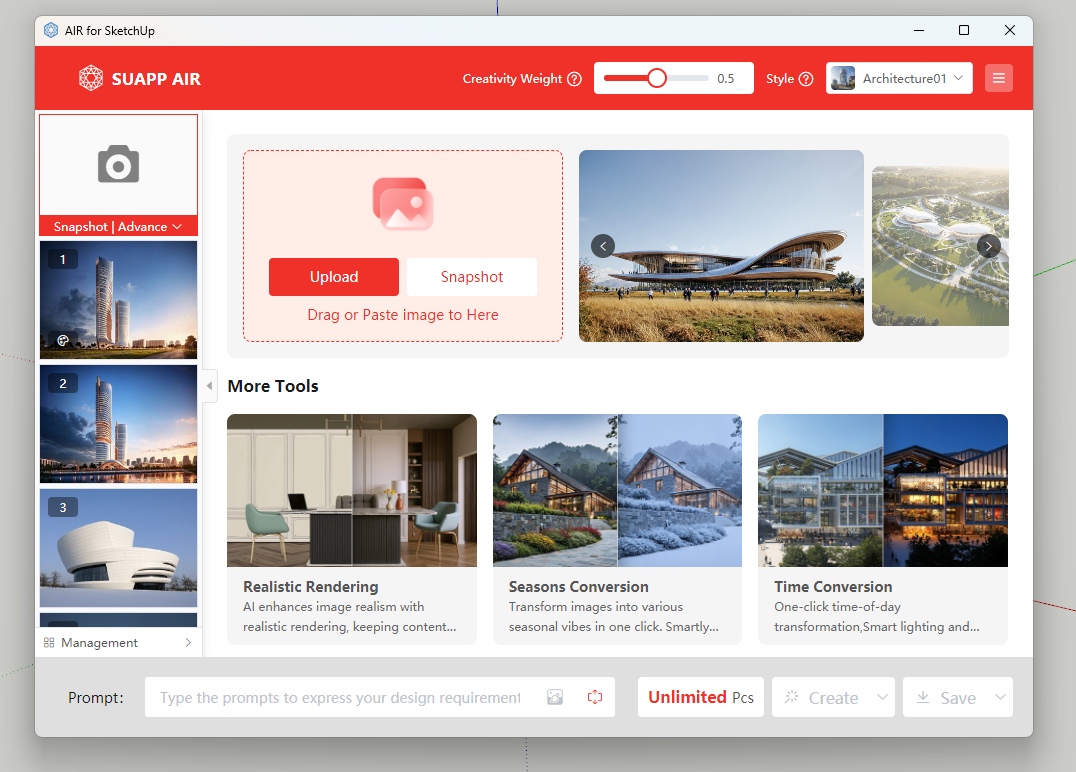
 Open SUAPP AIR
Two Ways to Access SUAPP AIR:
PluginVersion: Download and install the SUAPP AIR plugin for your software, then open it to get started.
WebVersion: Open SUAPP AIR directly in your browser at https://suapp.ai
Desktopversion: available for Windows and Mac.
- /443
How to purchase, download and install SUAPP AIR?
Get Started with SUAPP AIR:
1. Subscribe: Visit https://suapp.ai/member to choose your plan.
2. Integrate: Use SUAPP AIR seamlessly within SketchUp or your preferred design software.
3. Install: Download the plugin from the SUAPP AI website: https://suapp.ai
4. Launch & Create: Open SUAPP AIR in your software, log in to your account, and start designing.
5. Web Access: Enjoy the full SUAPP AIR feature set directly in your browser at https://suapp.ai
Detailed video demonstration: SUAPP AIR | 01 Installation and Registration - YouTube
- /80
Can I purchase and use SUAPP AIR separately?
Yes, AIR is one of the SUAPP AI plugins and can be used independently. You can access it by:
● Purchasing the Basic or Standard Plan (90 days)
● Using the web version directly, without installing any software
Just visit https://suapp.ai on your computer and click SUAPP AIR in the top-right corner to start.
For other inquiries, contact us via:
[email protected]