


-
 SUAPP AIR
-
 Release Notes
- /393
 What is SUAPP AIR?
“AI gives it form, you give it meaning.”
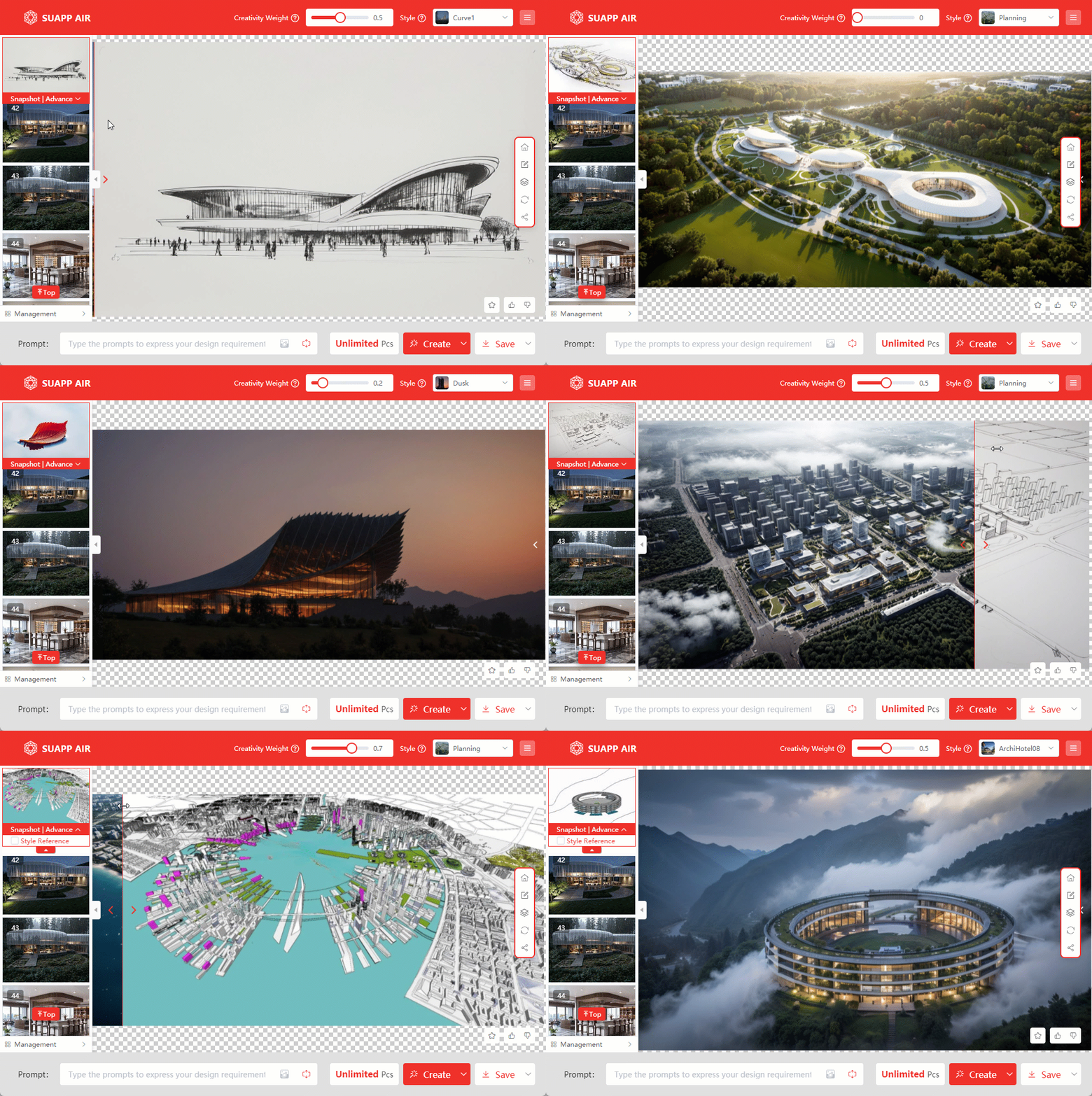
SUAPP AIR (AI Render) is an AI-powered inspirational rendering tool developed by SUAPP. Unlike traditional rendering software, AIR is designed to ignite creativity and provide artistic inspiration rather than generating photorealistic visuals.
With simple parameter adjustments, AIR allows you to quickly generate a “rendered image” that serves as a conceptual reference to support and refine your design process. It is currently applicable to a wide range of fields, including urban design, architectural design, landscape architecture, interior design, plan views, physical models, and hand-drawn illustrations.
AIR is not a conventional renderer—it is a tool for accelerating the exploration of design possibilities.
30s Quick Video Introduction: SUAPP AIR | Quick Introduction
2nd Anniversary Feature Introduction: SUAPP AI 2nd Anniversary
Basic Tutorial, Still Being Updated: Basic tutorial of AIR for SketchUp - YouTube
- /434
How to purchase, download and install SUAPP AIR?
Get Started with SUAPP AIR:
1. Subscribe: Visit https://suapp.ai/member to choose your plan.
2. Integrate: Use SUAPP AIR seamlessly within SketchUp or your preferred design software.
3. Install: Download the plugin from the SUAPP AI website: https://suapp.ai
4. Launch & Create: Open SUAPP AIR in your software, log in to your account, and start designing.
5. Web Access: Enjoy the full SUAPP AIR feature set directly in your browser at https://suapp.ai
Detailed video demonstration: SUAPP AIR | 01 Installation and Registration - YouTube