


-
 SUAPP AIR
-
 Release Notes
- /17
 SUAPP_AI_20260915
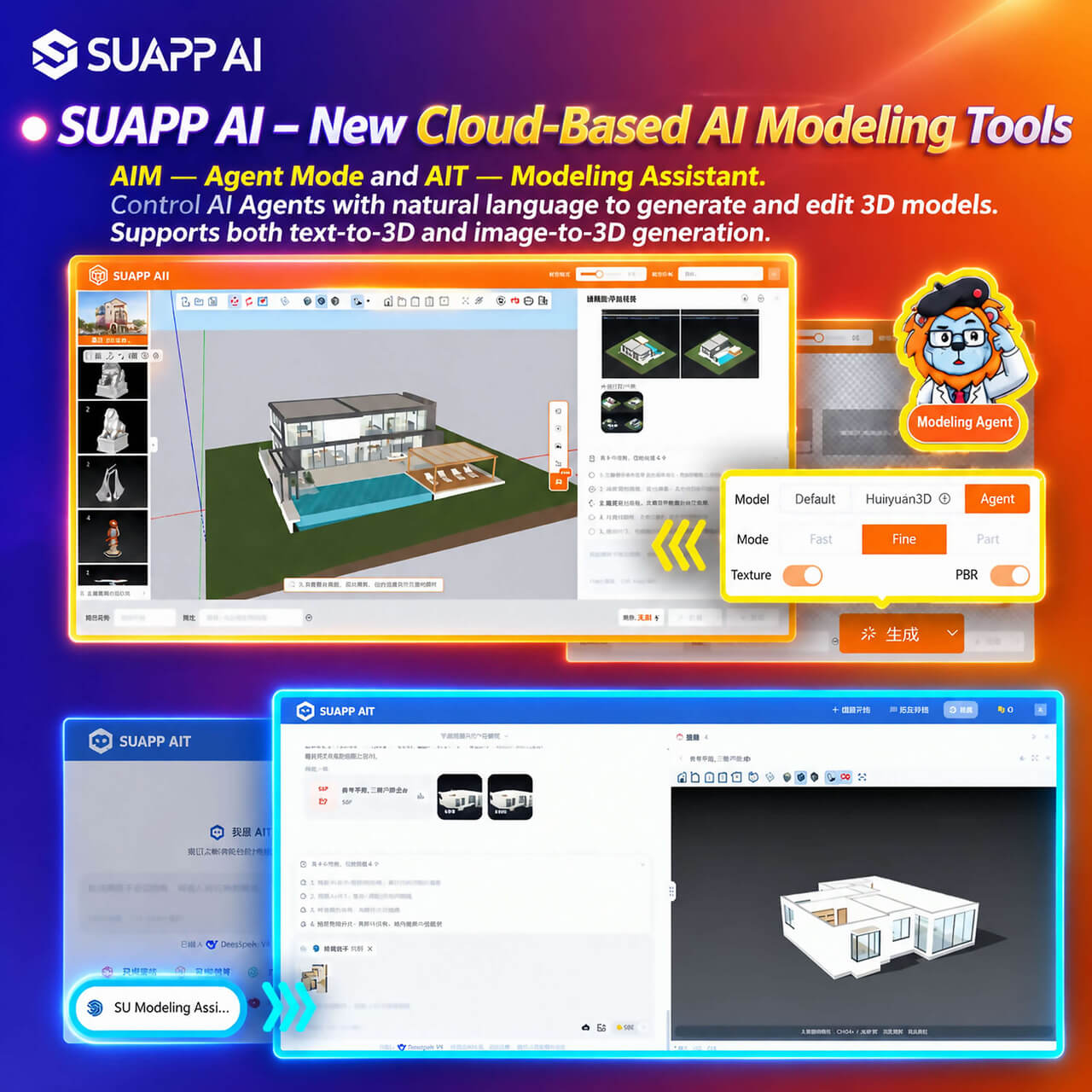
1. SUAPP AI – New Cloud-Based AI Modeling Tools Are Now Live: AIM — Agent Mode and AIT — SU Modeling Assistant. Control AI Agents with natural language to generate and edit 3D models. Supports both text-to-3D and image-to-3D generation.
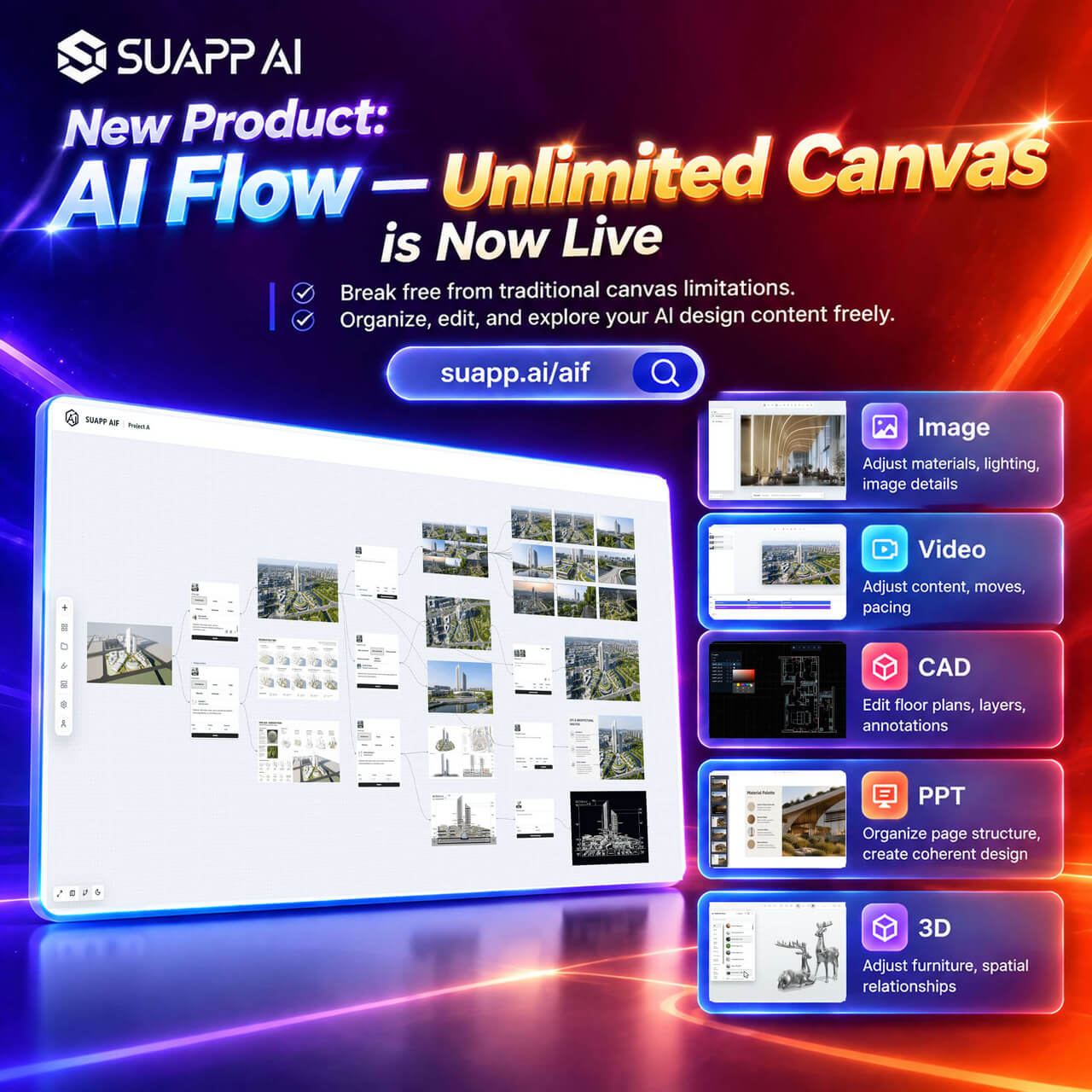
2. SUAPP AI – New Infinite Canvas Product, AI Flow, Is Now Live: https://suapp.ai/aif
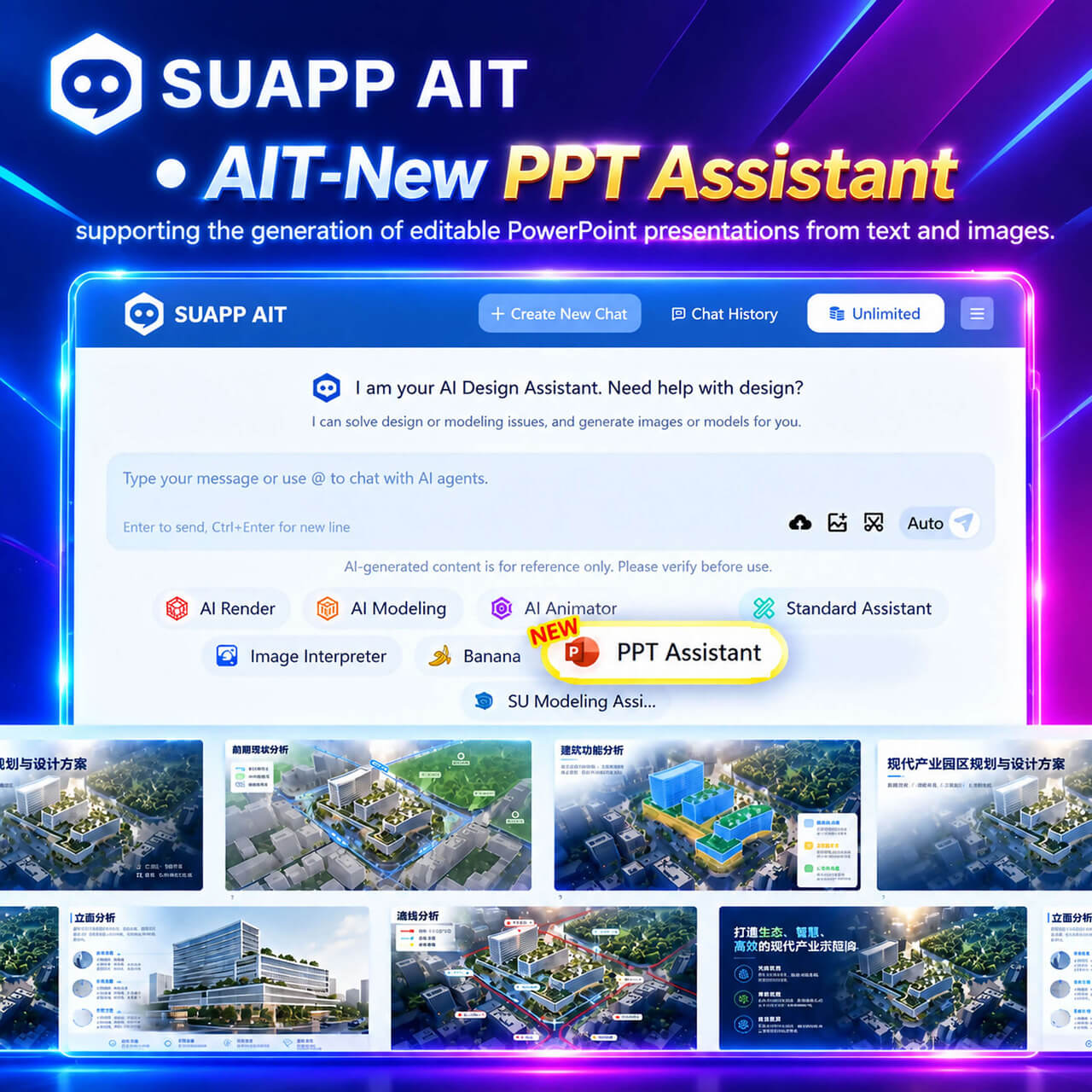
3. AIT – New PPT Assistant, supporting the generation of editable PowerPoint presentations from text and images.
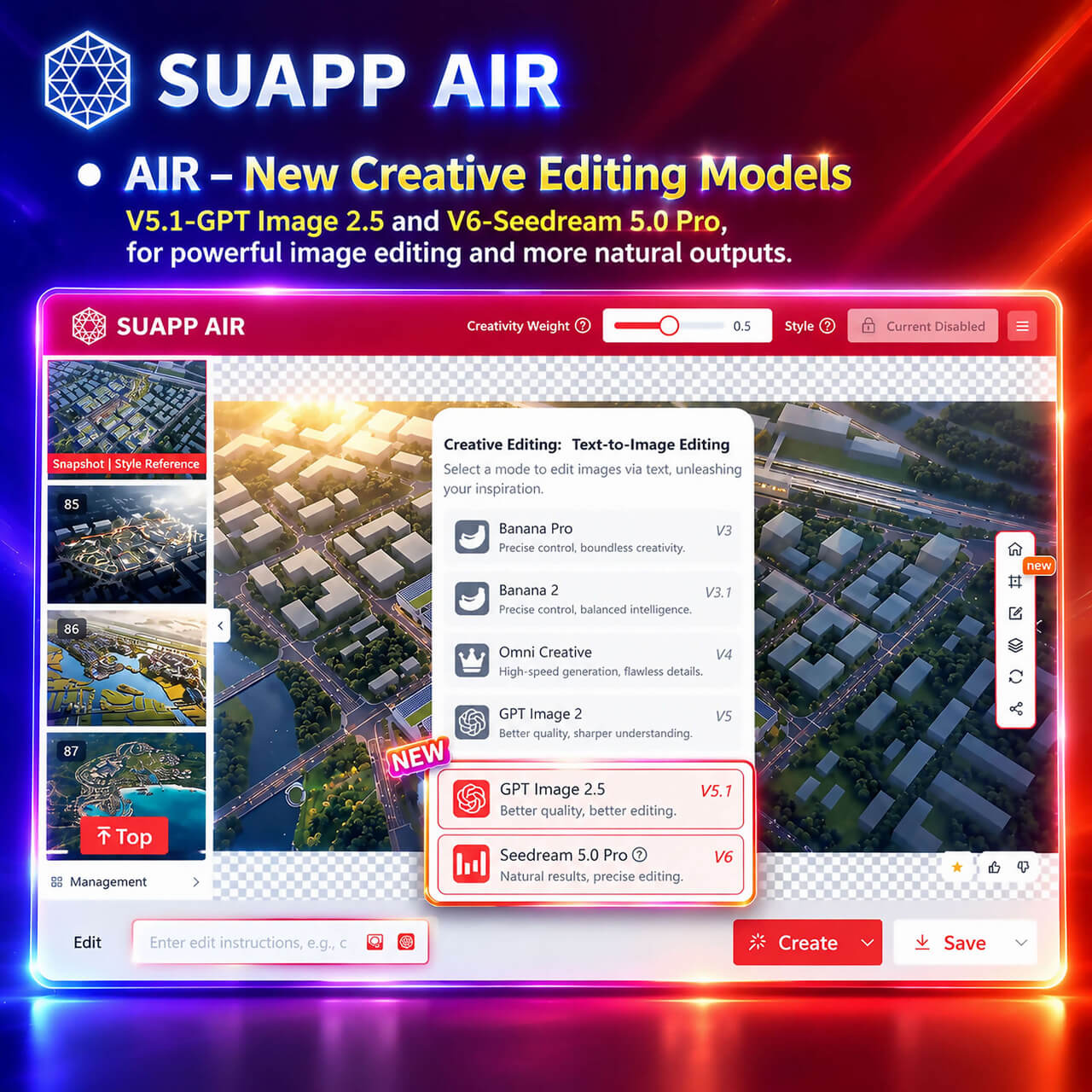
4. AIR – New Creative Editing V5.1 – GPT Image 2.5, with enhanced image generation and editing capabilities; New Creative Editing V6 – Seedream 5.0 Pro, with more precise editing control and more natural results.
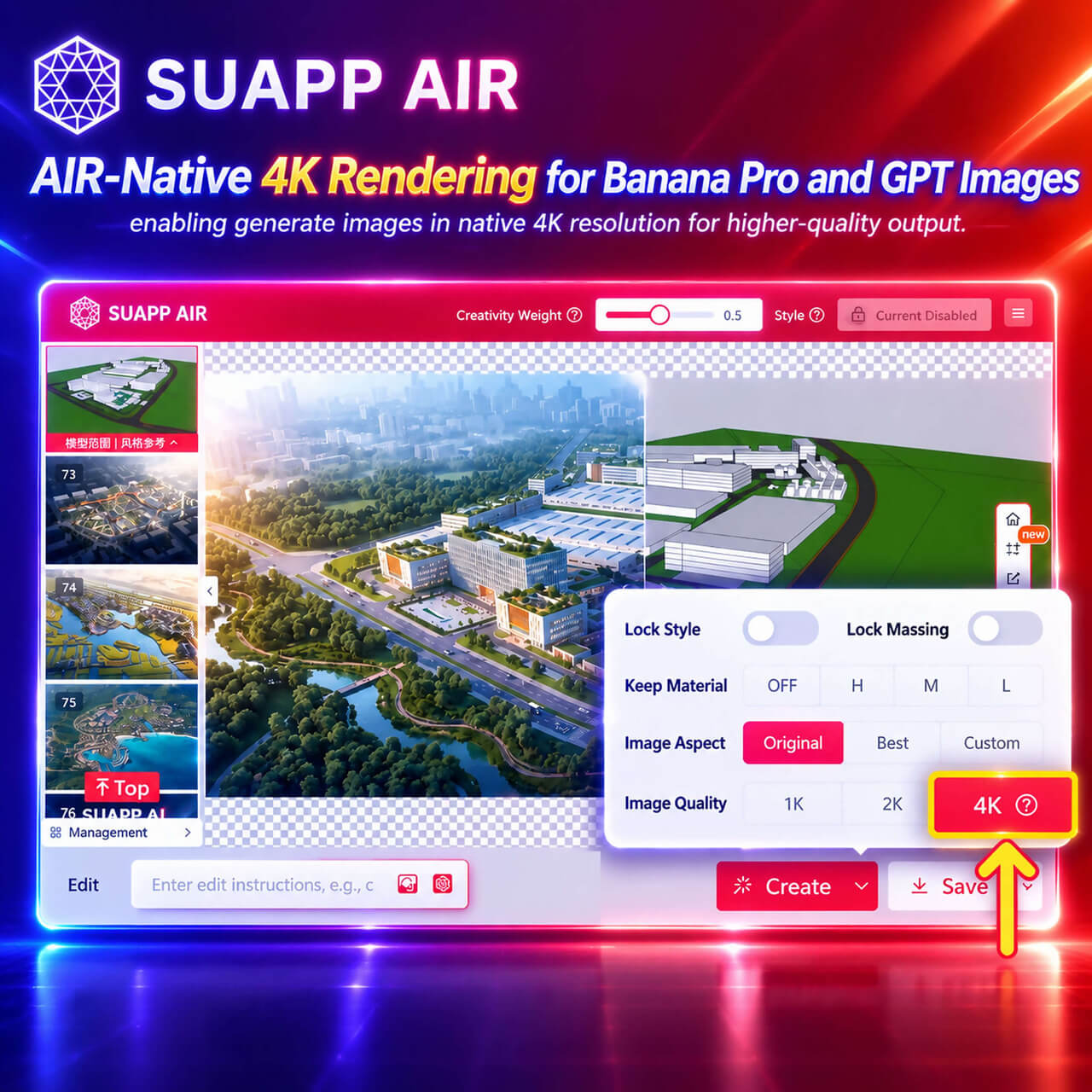
5. AIR – Native 4K Rendering for Banana Pro and GPT Image, enabling generate images in native 4K resolution for higher-quality output.
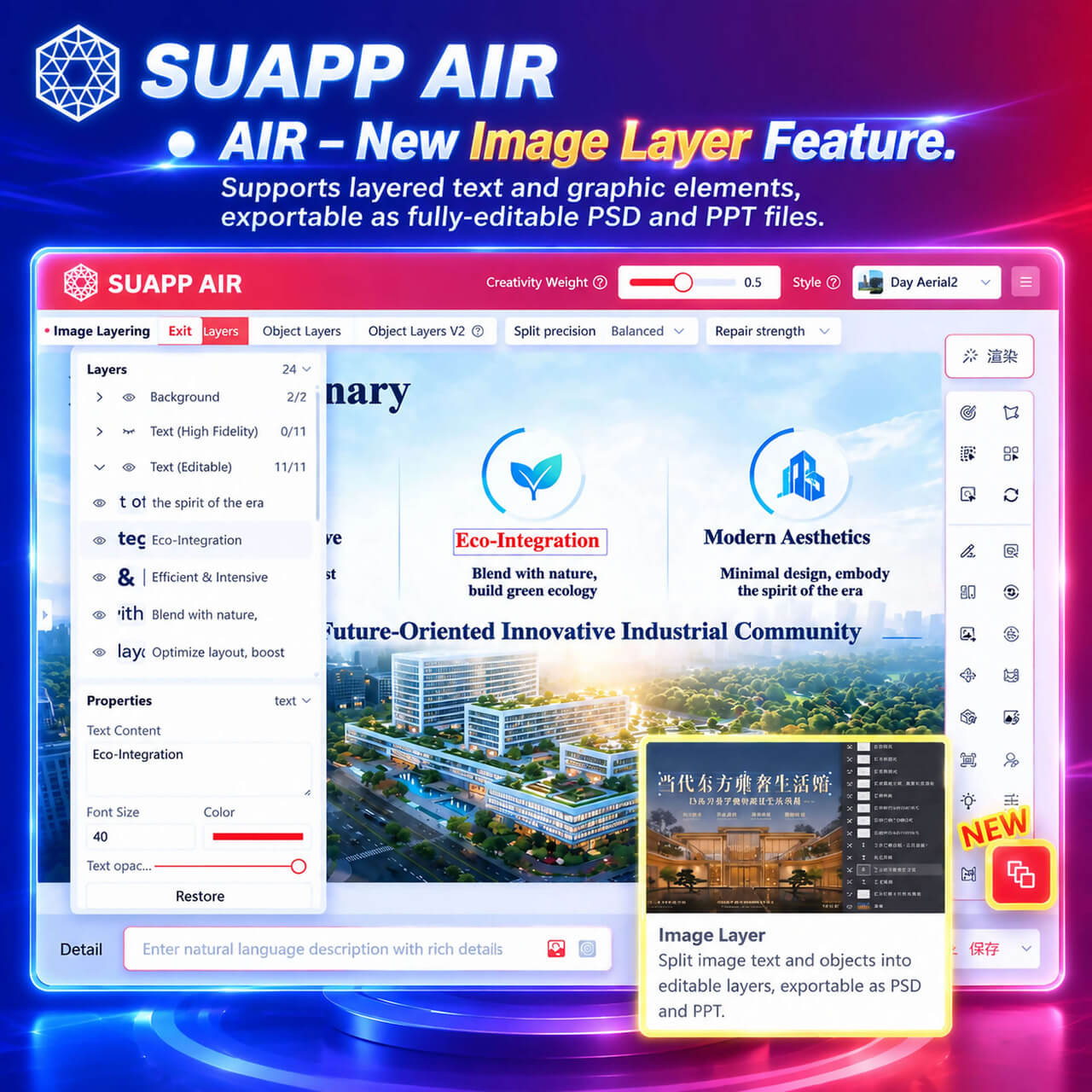
6. AIR – New Image Layer Feature, allowing you to create separate layers for text and individual elements, and save your work as fully editable PSD or PPT files.
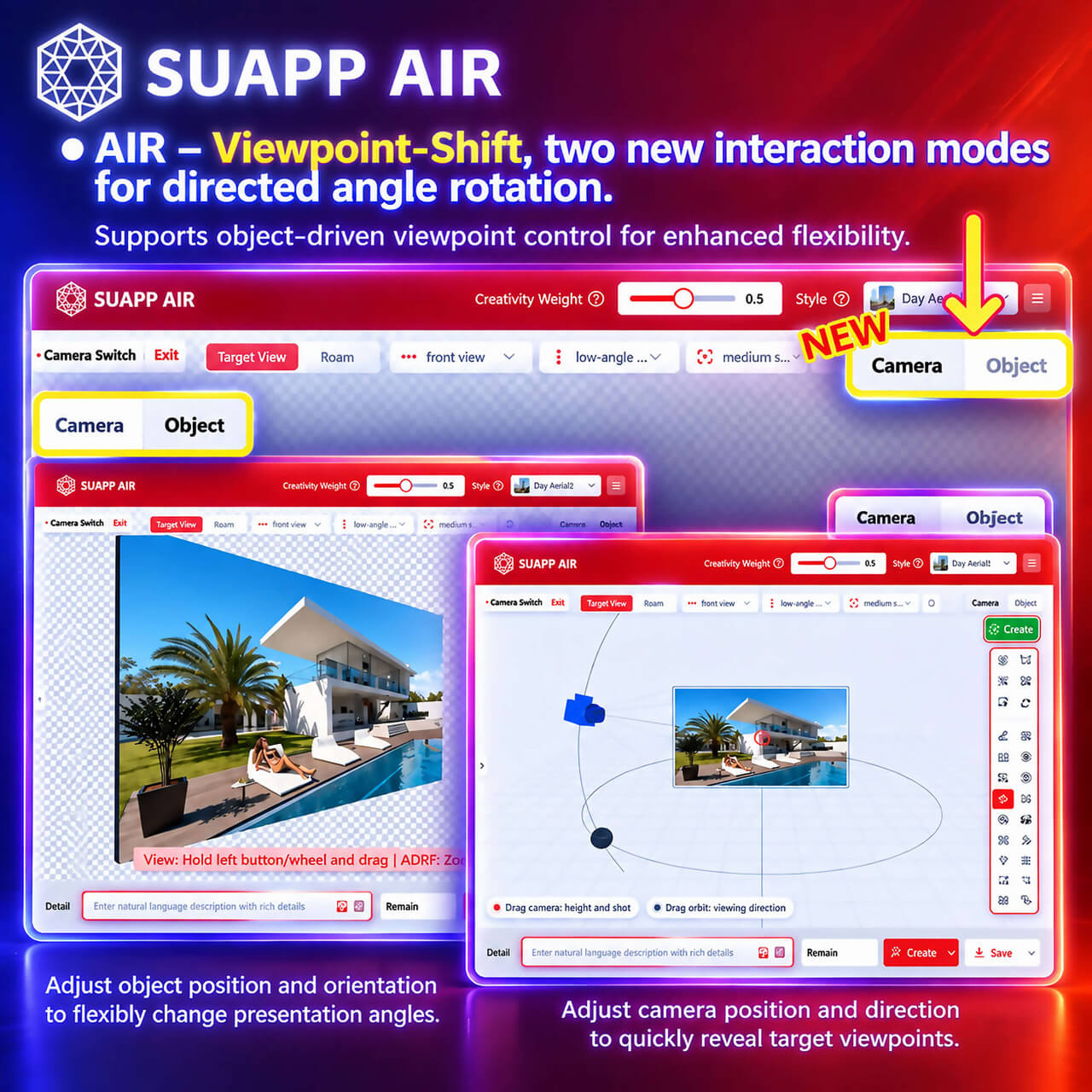
7. AIR – Viewpoint Shift, two new interaction methods for precise viewpoint adjustments.
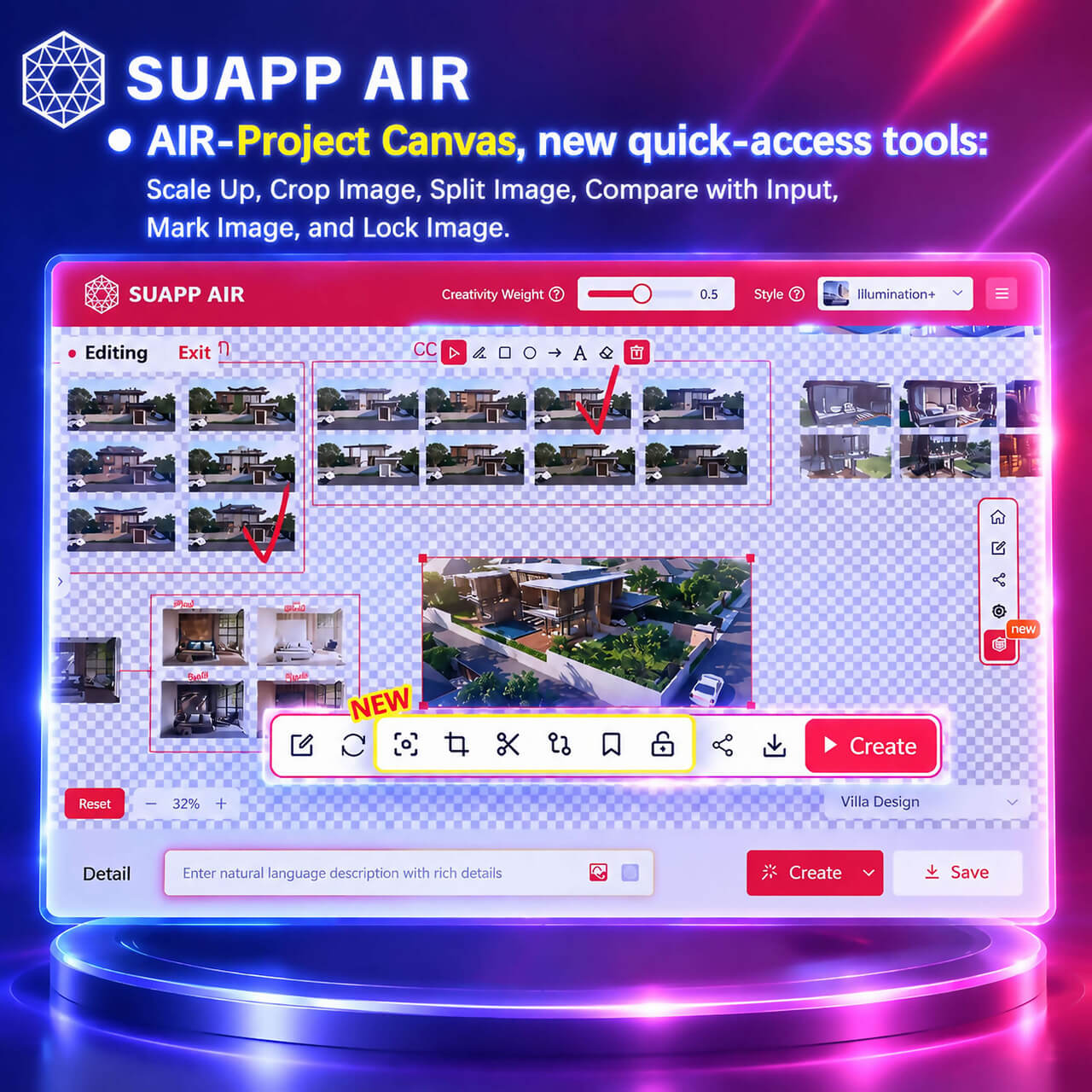
8. AIR – Project Canvas, new quick-access tools: Scale Up, Crop Image, Split Image, Compare with Input, Mark Image, and Lock Image.
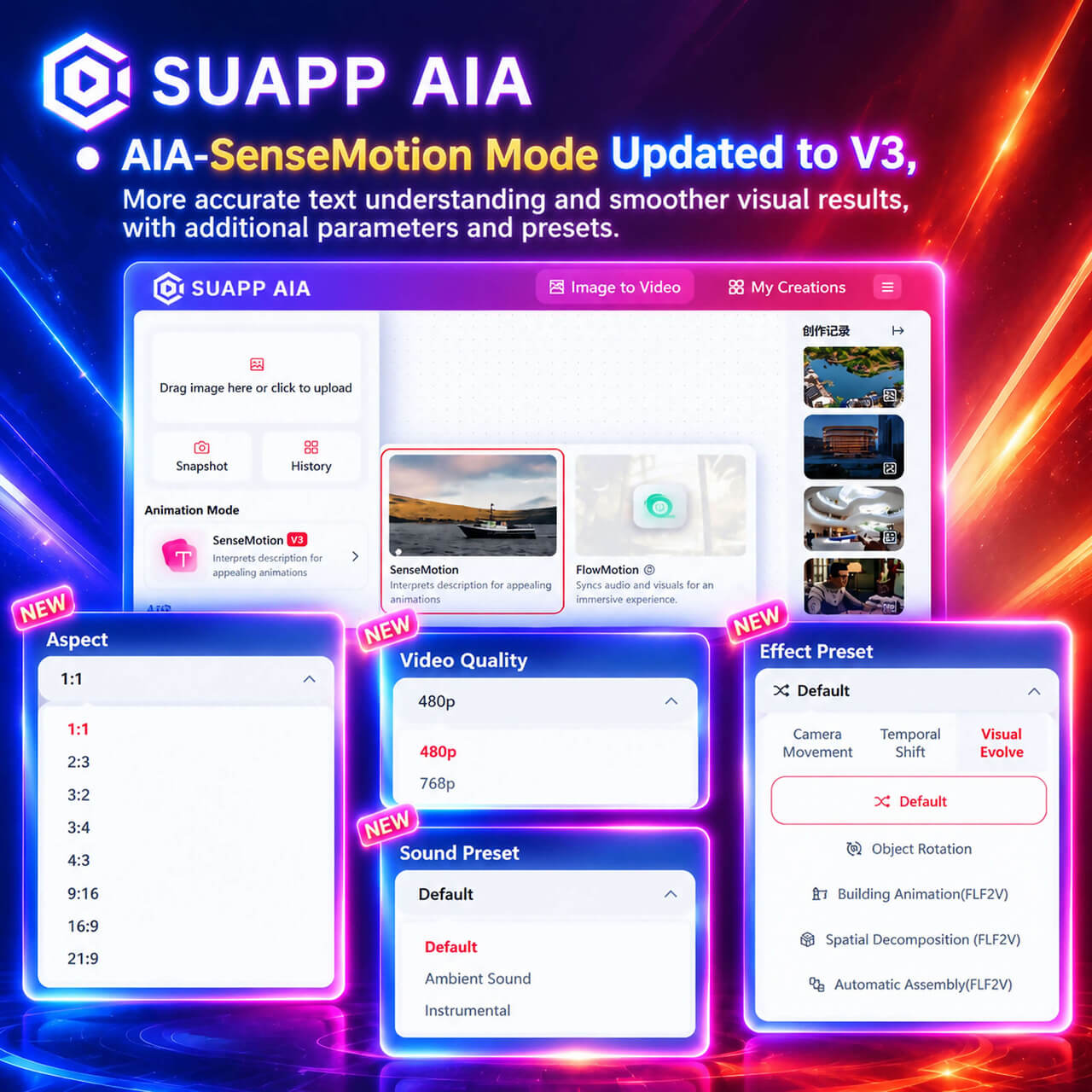
9. AIA – SenseMotion Mode Updated to V3, more accurate text understanding and smoother visual results, with additional parameters and presets.
- /53
SUAPP_AI_20260525
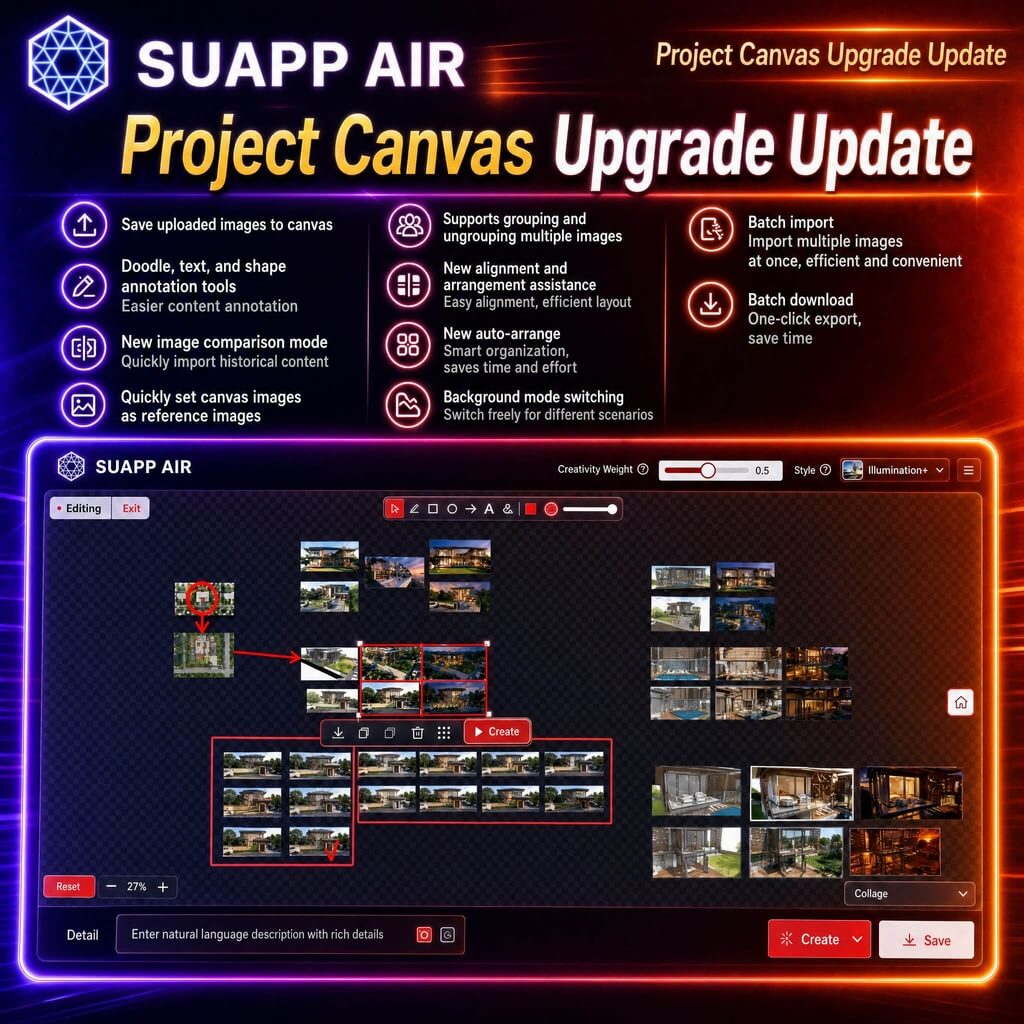
1. AIR – Project Canvas upgraded with support for saving uploaded images to canvas; added doodle, text, and shape annotation tools; introduced image comparison mode, quick import from history, and quick reference setting; supports grouping or ungrouping, alignment guides, auto layout, background modes, batch import, and batch download for improved workflow efficiency.
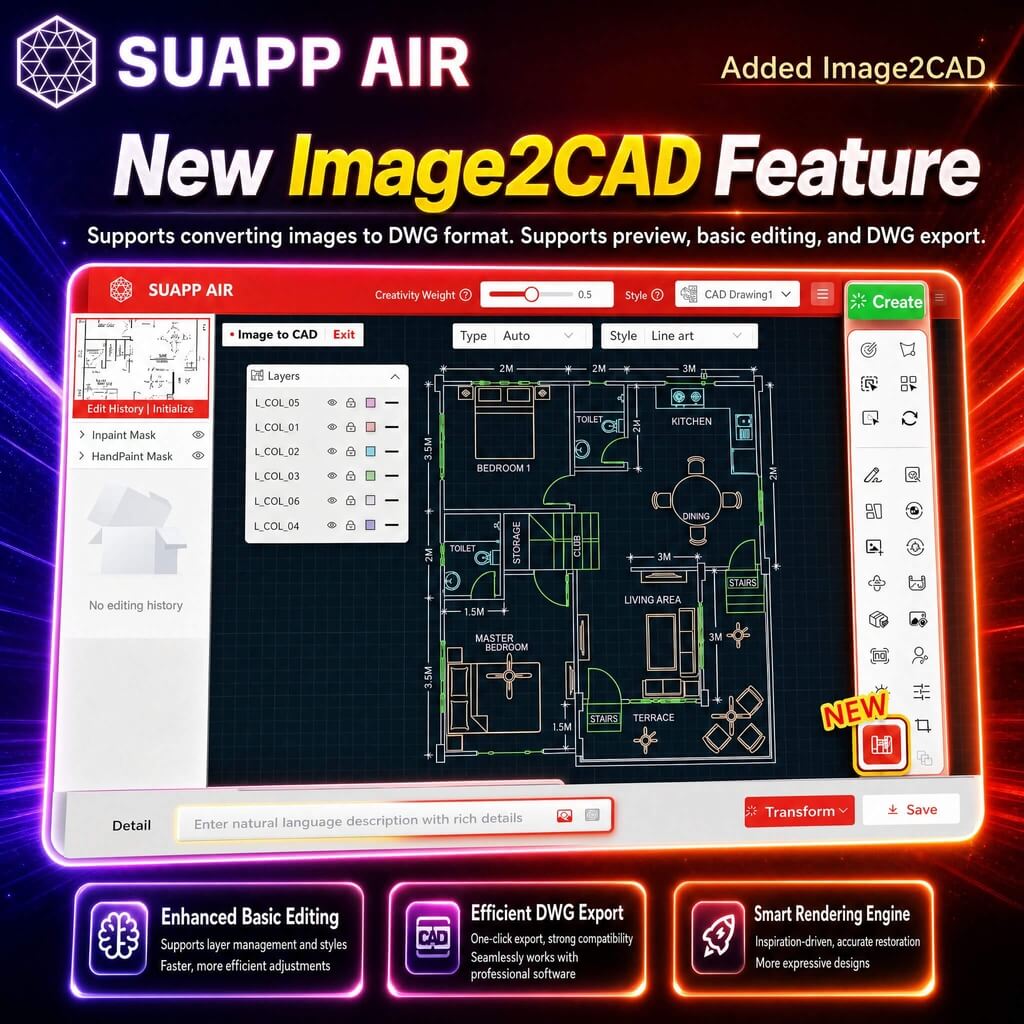
2. AIR – added Image2CAD, enabling image-to-DWG conversion with preview, basic editing, and export support.
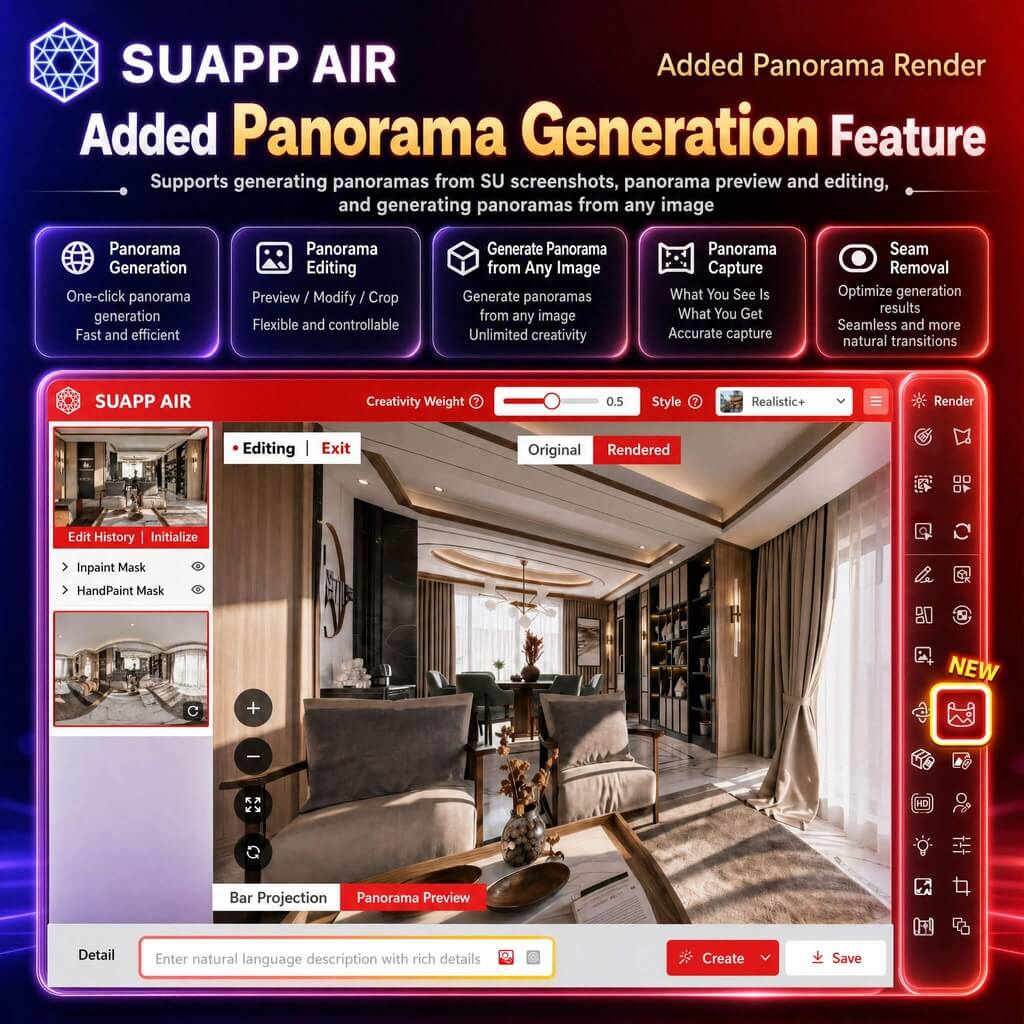
3. AIR – Panorama Render enhanced with support for uploaded panoramas, panorama generation from any image, panorama capture, and improved stitching quality with seamless output.
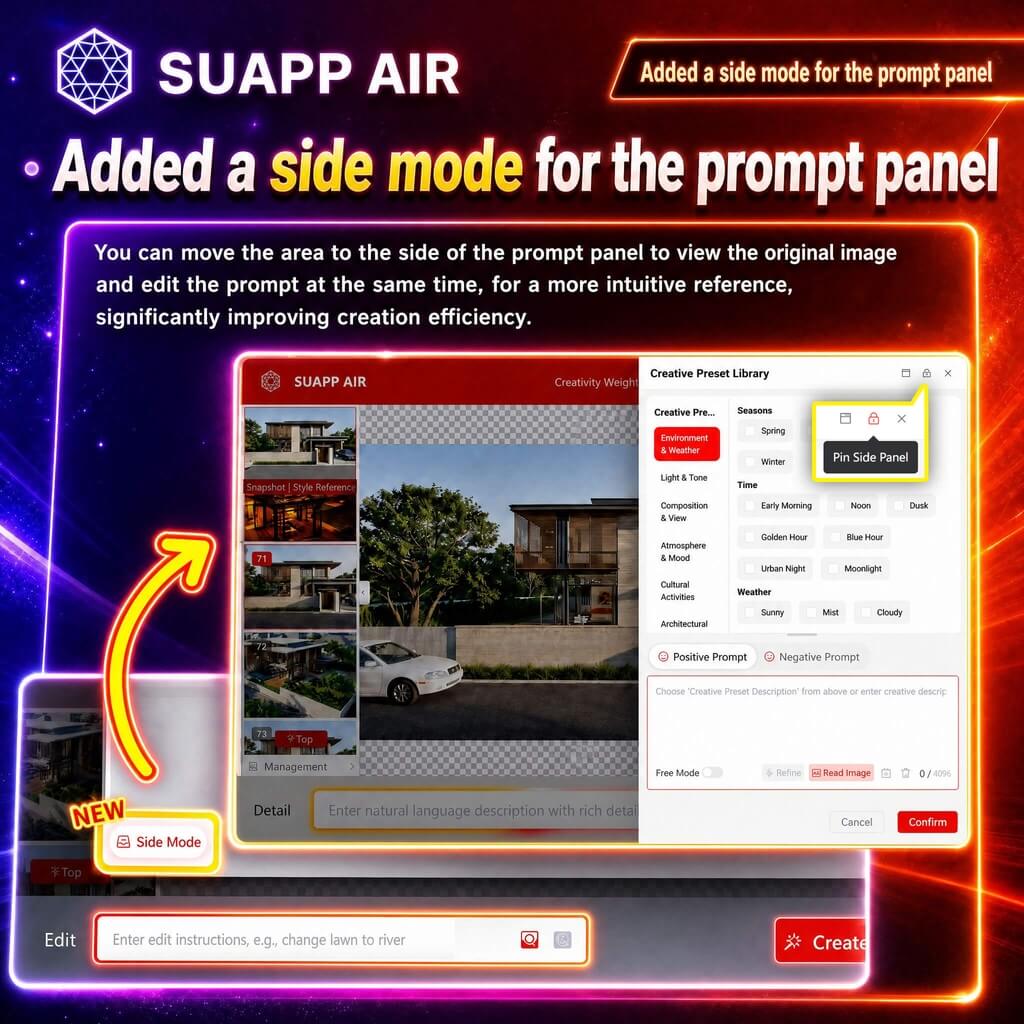
4. AIR – added a sidebar mode for the prompt panel, with support for mode locking.
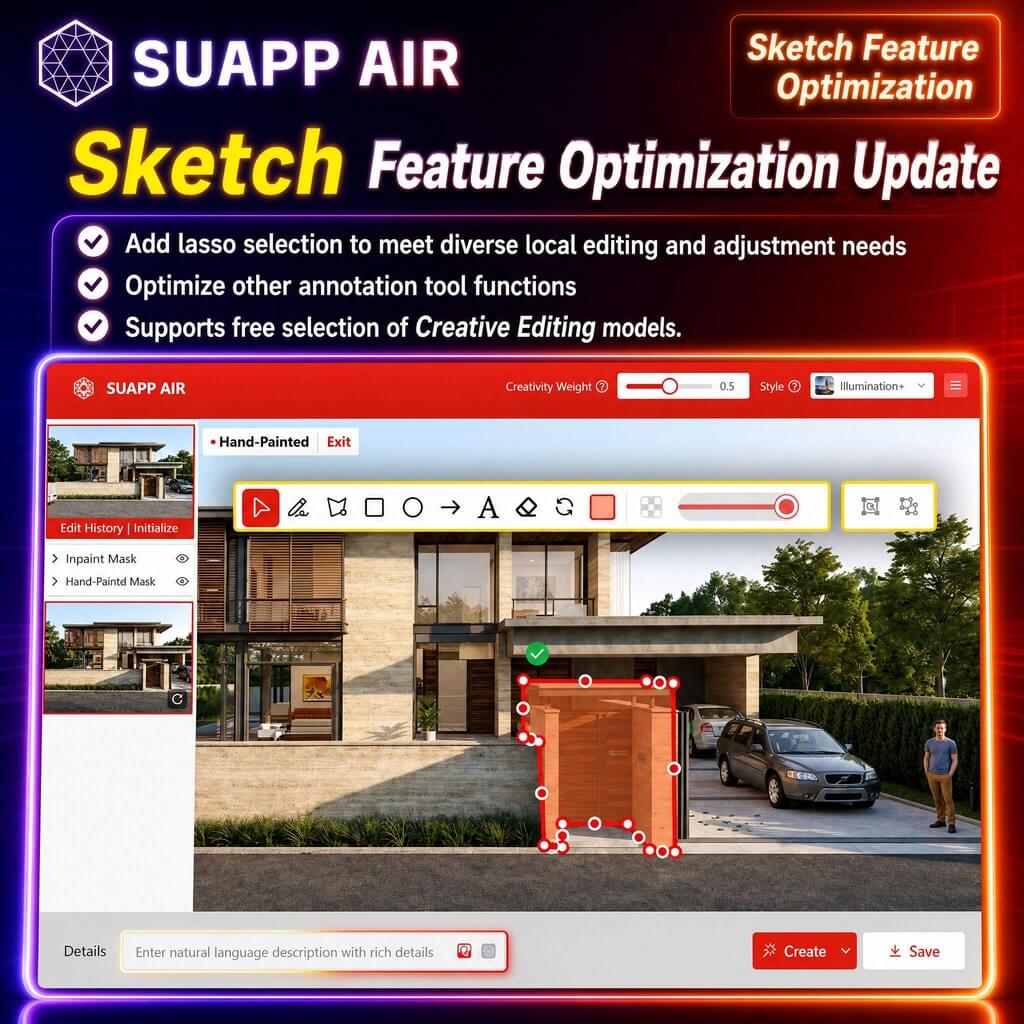
5. AIR – Sketch added lasso area picking and optimized annotation tools; supports flexible use with Creative Editing.
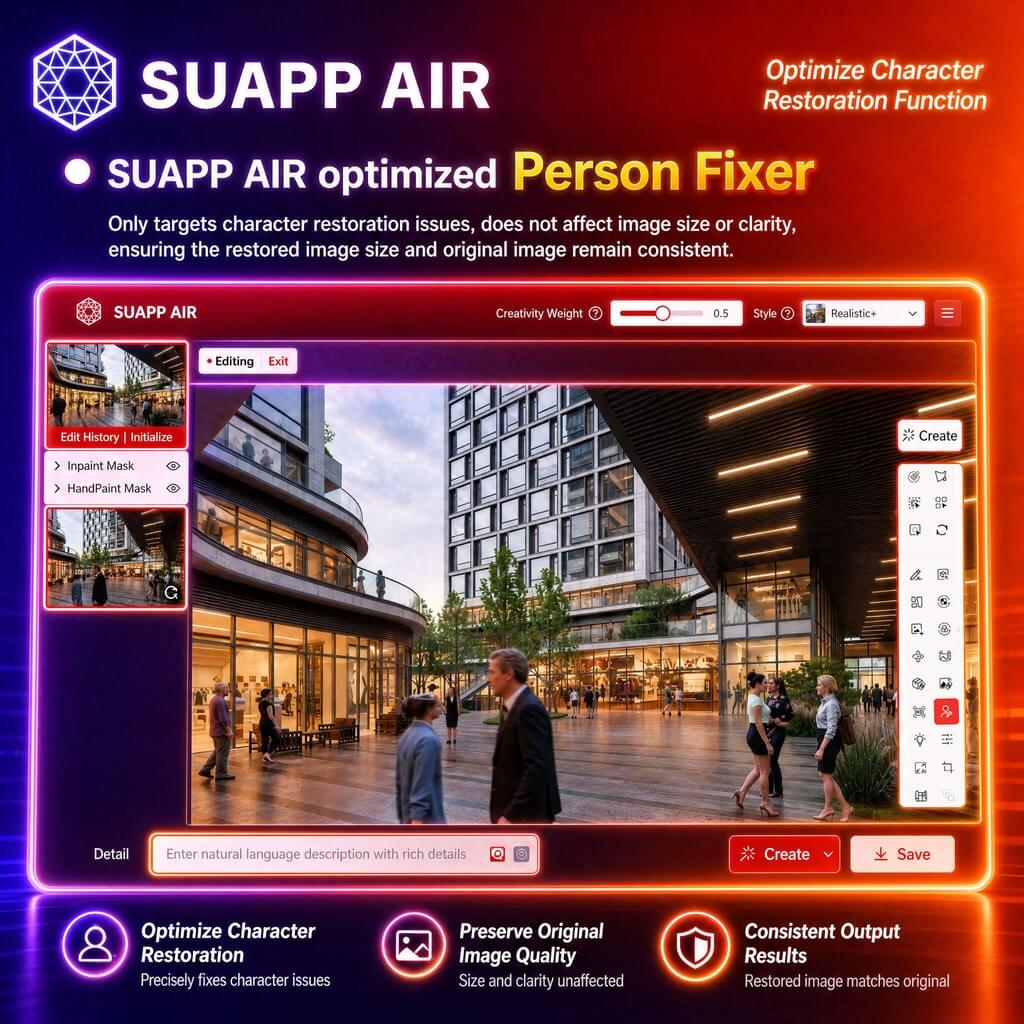
6. AIR – optimized Person Fixer, ensuring output image size matches the original.
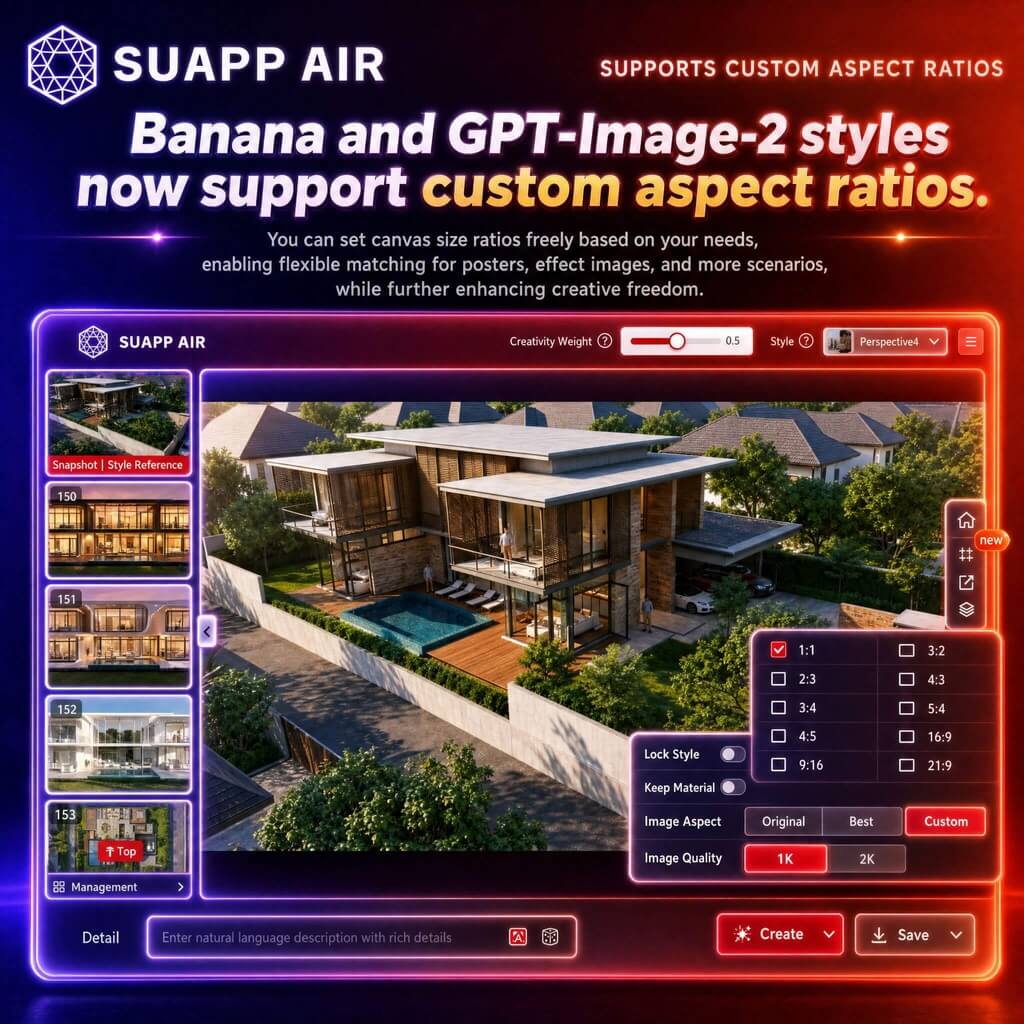
7. AIR – Banana and GPT-Image-2 styles now support custom aspect ratios.
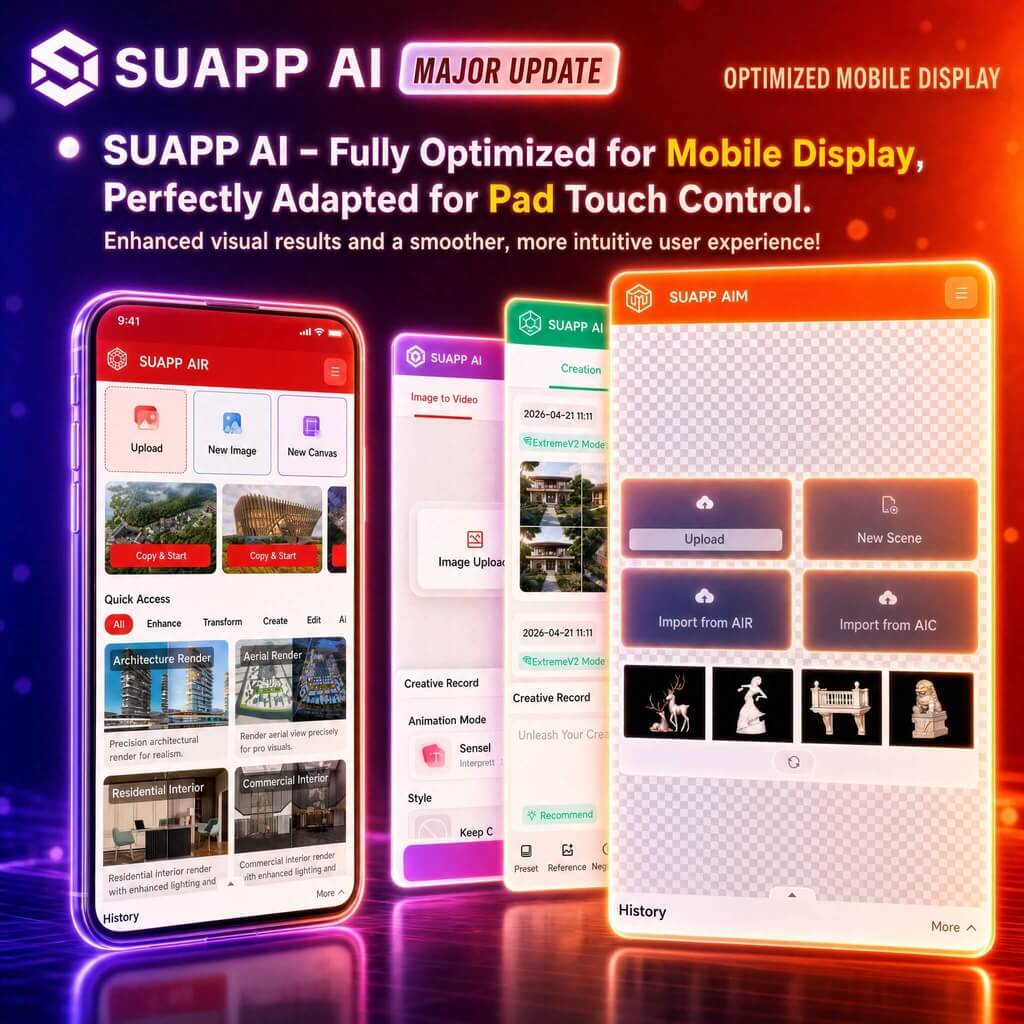
8. SUAPP AI – optimized mobile display across all modules, with improved tablet touch support.
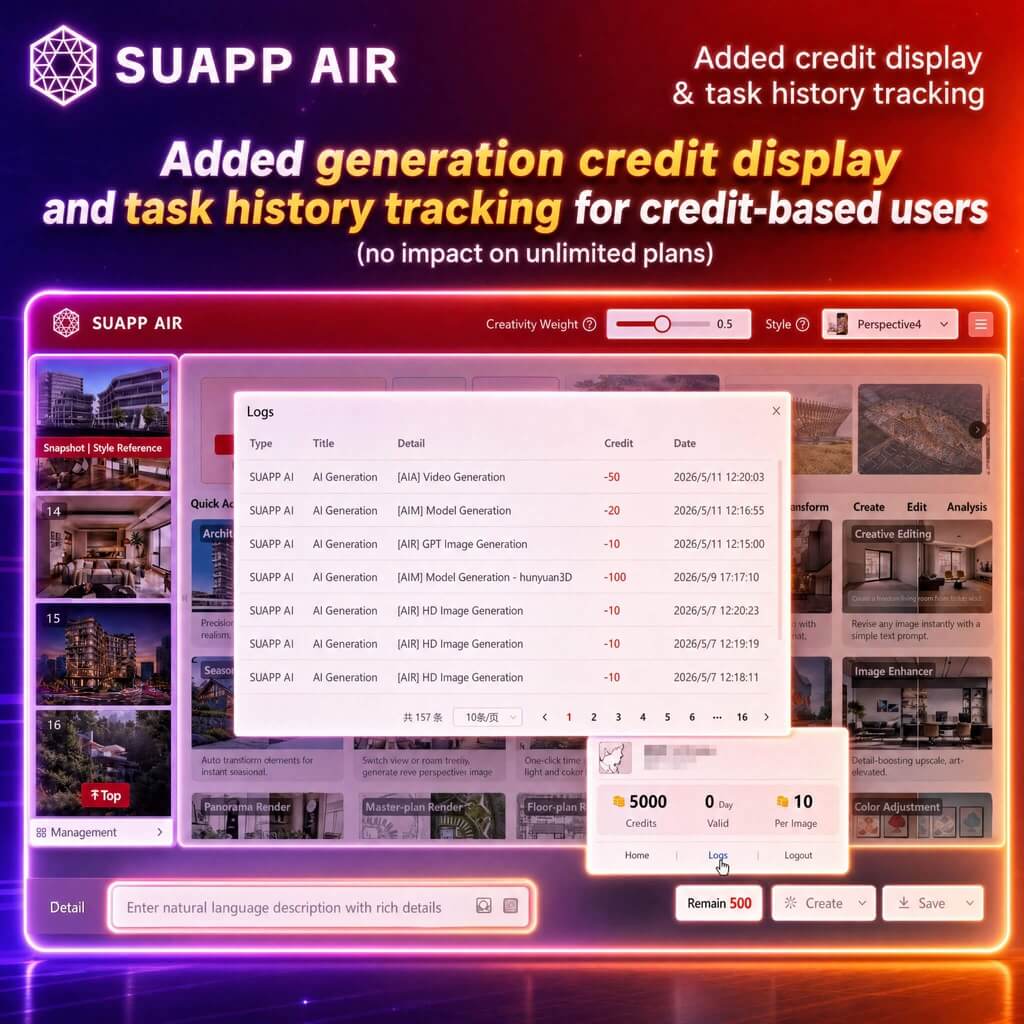
9. SUAPP AI – added generation credit display and task history tracking for credit-based users, no impact on unlimited plans.
- /37
SUAPP_AI_20260430
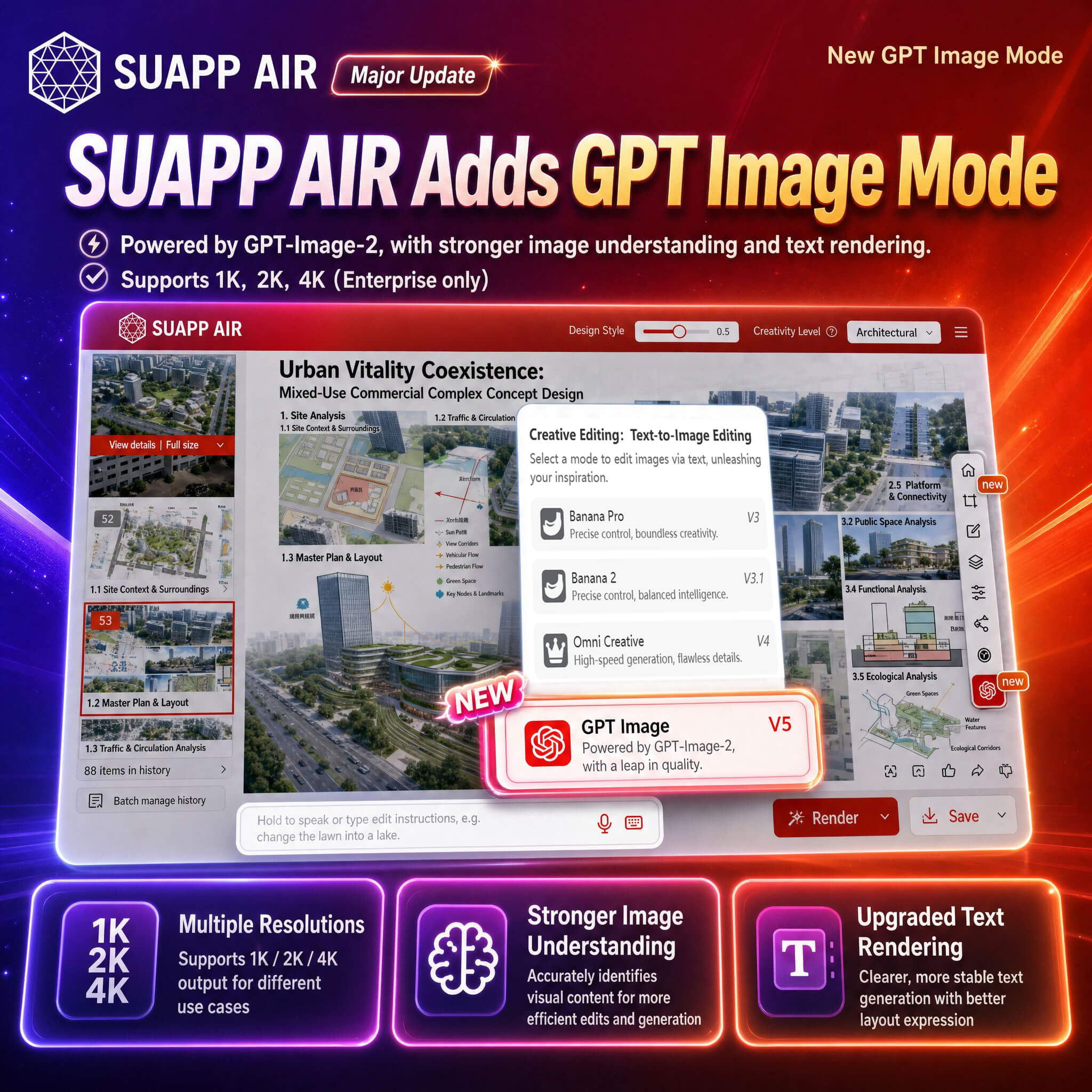
1. AIR – Creative Editing added GPT Image Mode, powered by GPT-Image-2, supporting 1K, 2K, and 4K output with improved image understanding and text rendering.
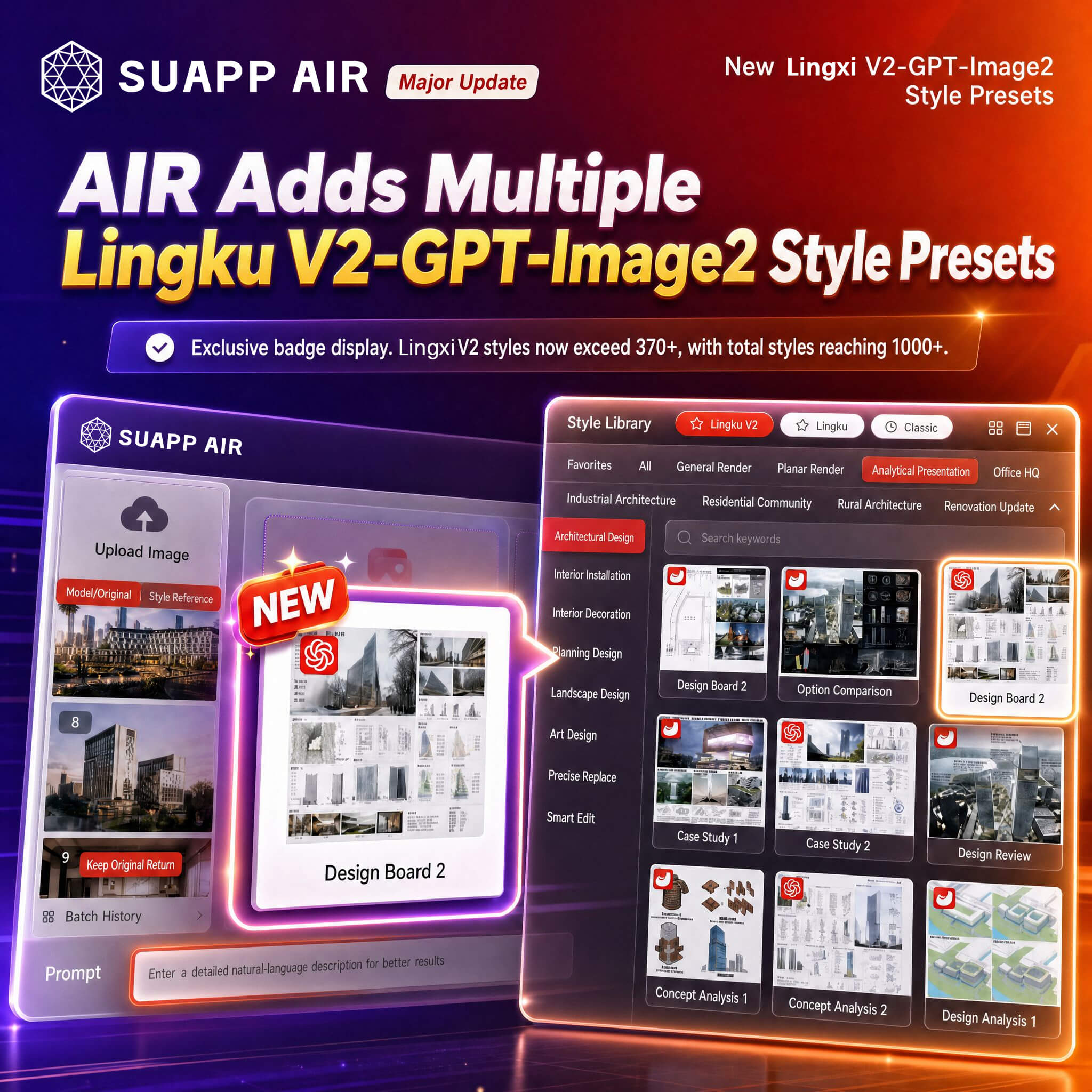
2. AIR – added Lingxi V2 – GPT-Image-2 style presets with dedicated icons; Lingxi V2 styles expanded to 370+, with total styles exceeding 1000+.
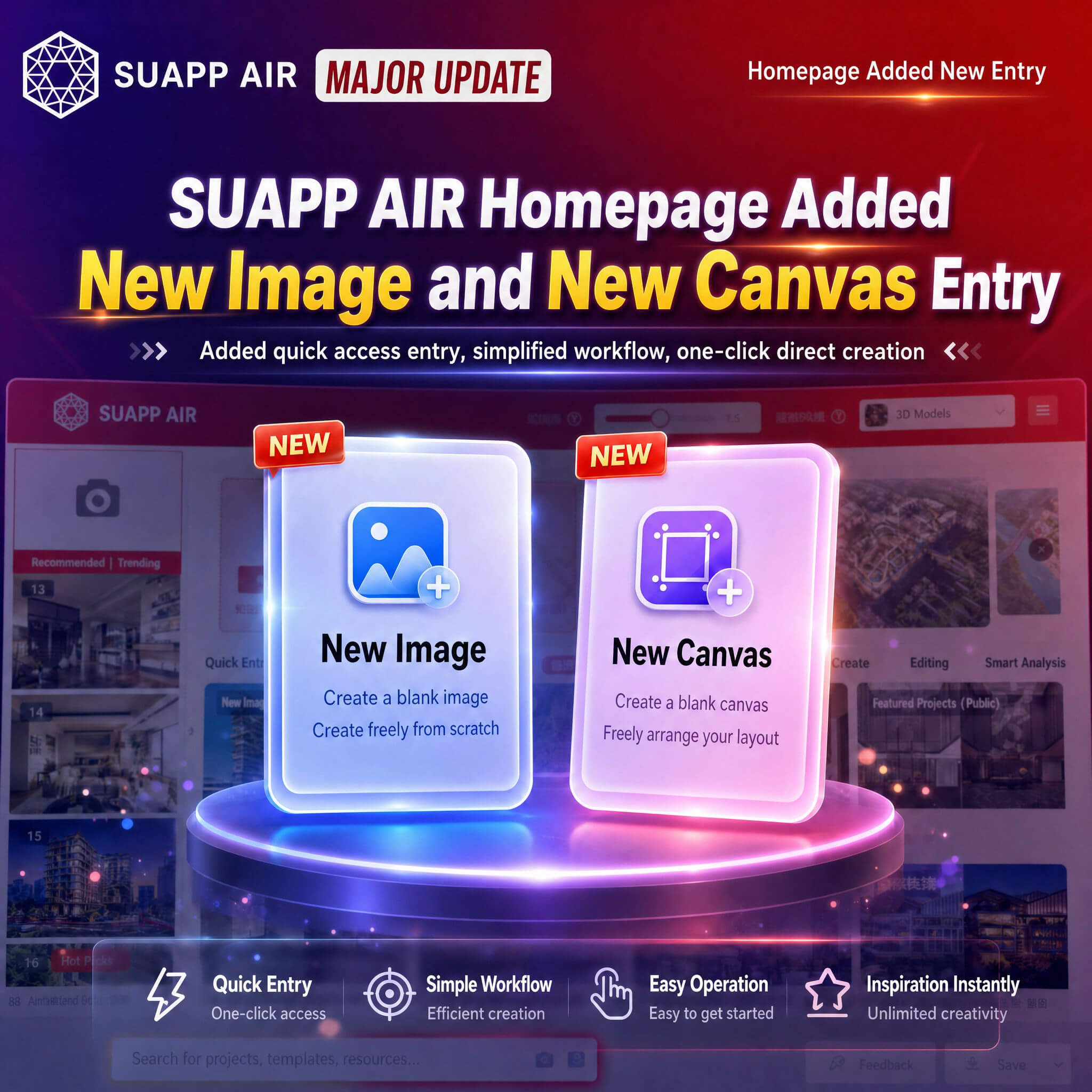
3. AIR – added New Image and New Canvas entries on the homepage.
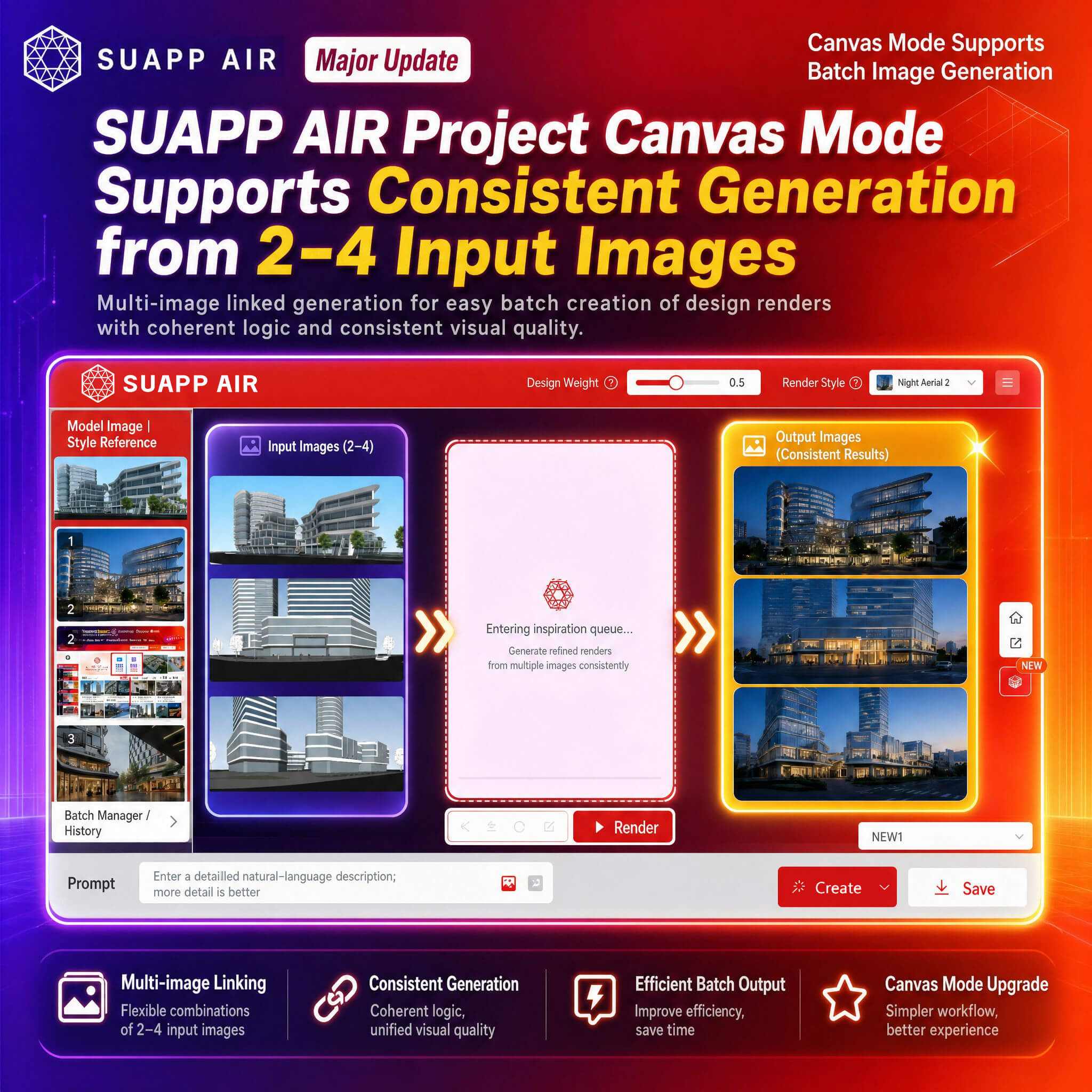
4. AIR – Project Canvas now supports consistent generation from 2–4 input images.
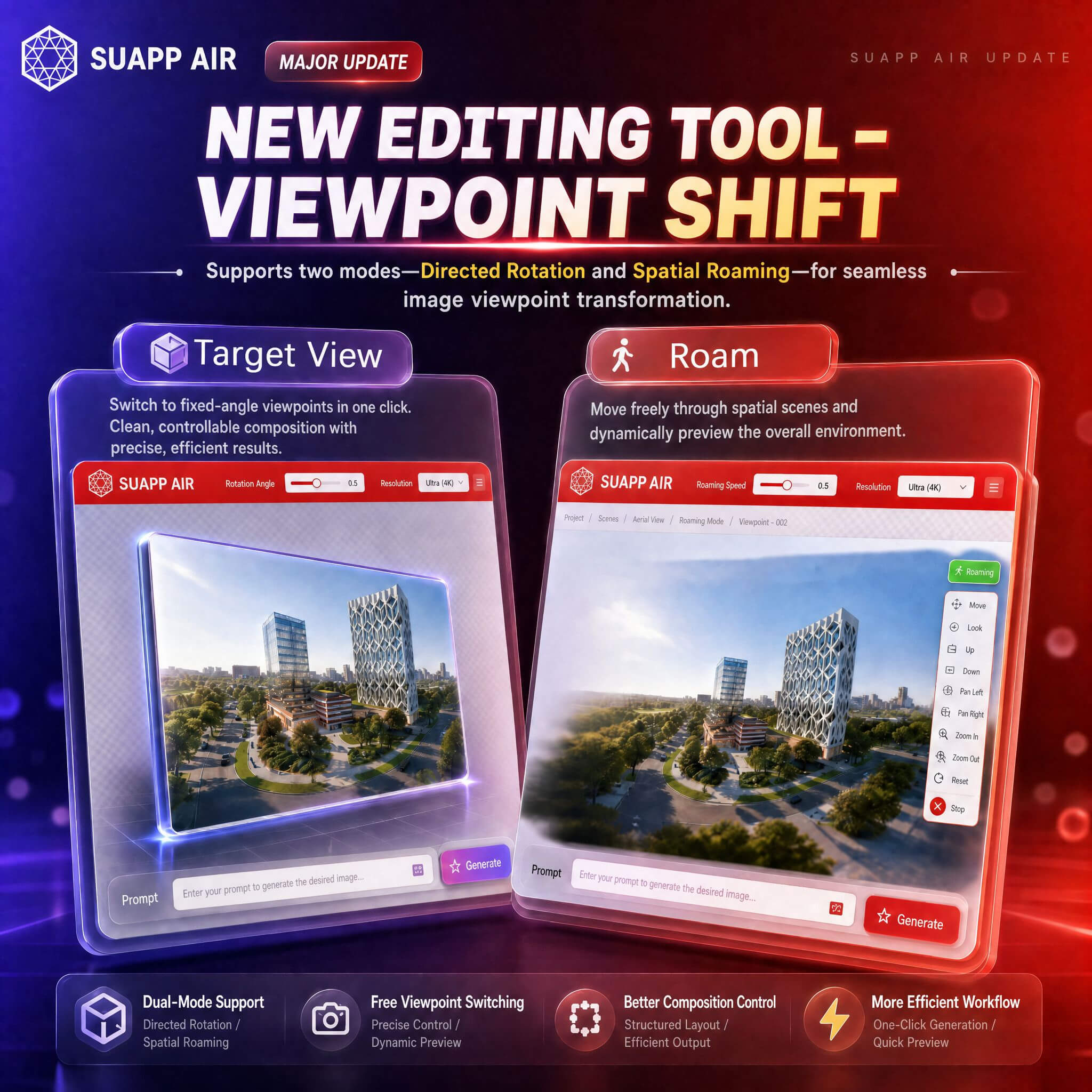
5. AIR – added Viewpoint Shift in editing tools, supporting Target View and Roam modes for perspective transformation.
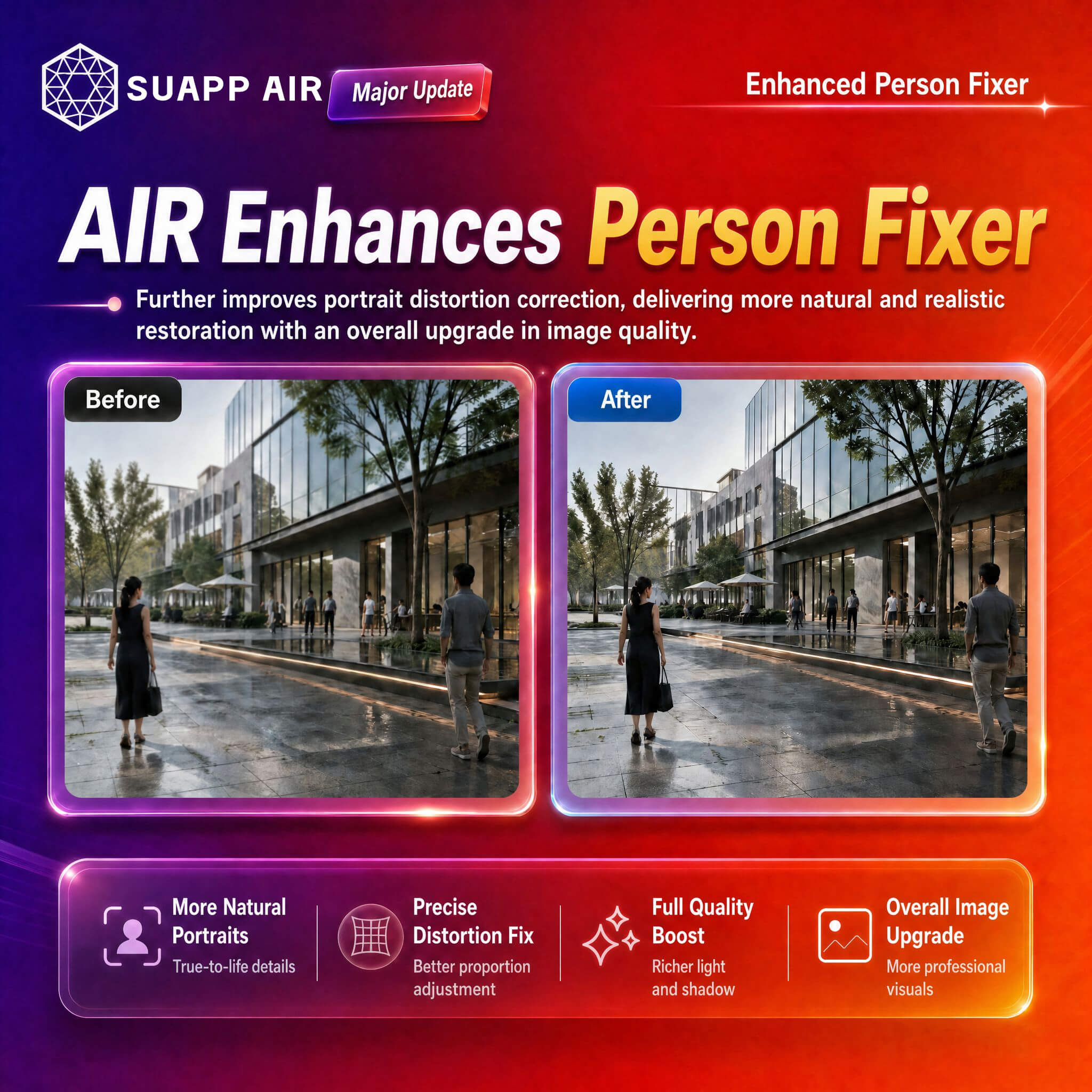
6. AIR – optimized Person Repair.
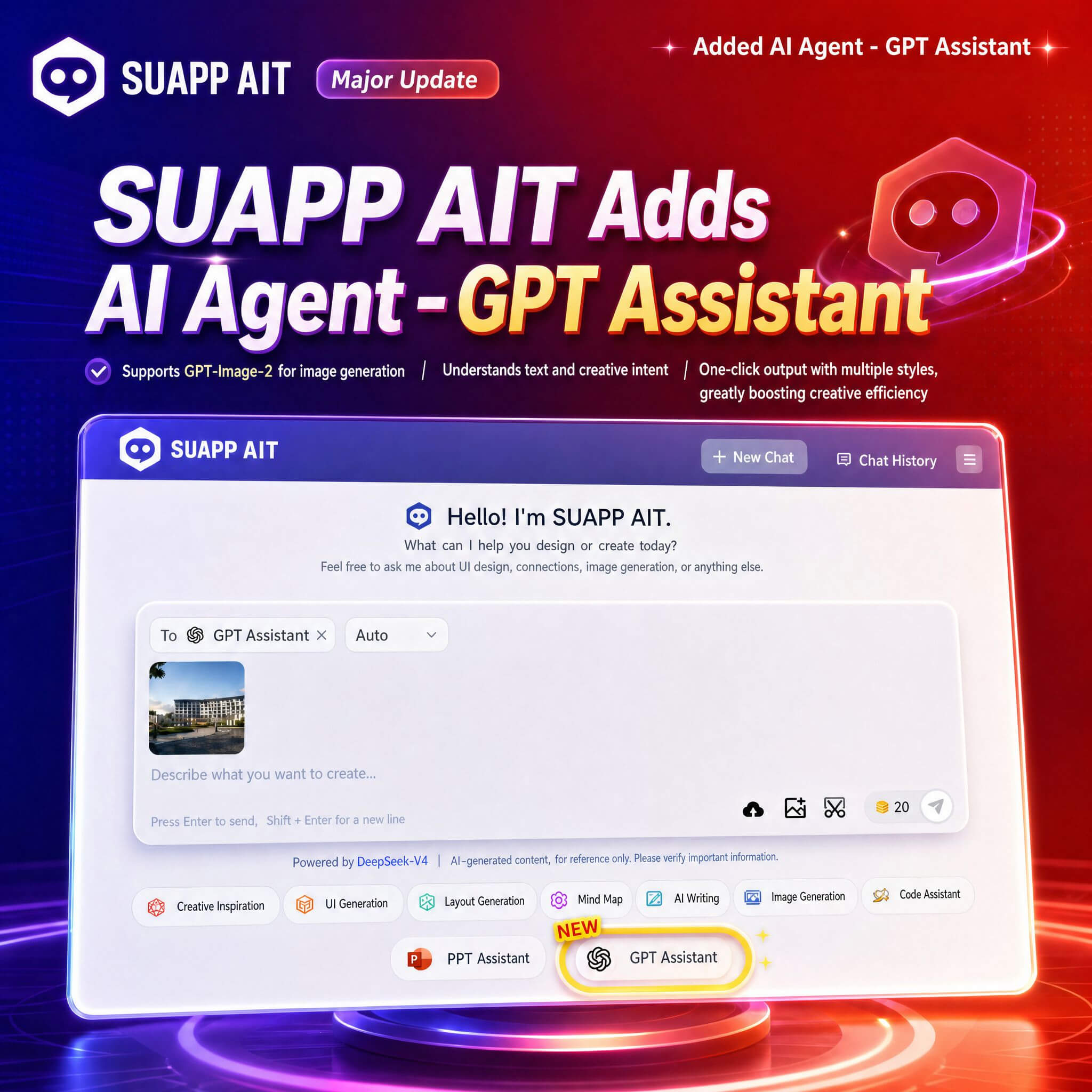
7. AIT – added GPT Assistant, supporting image generation via GPT-Image-2.
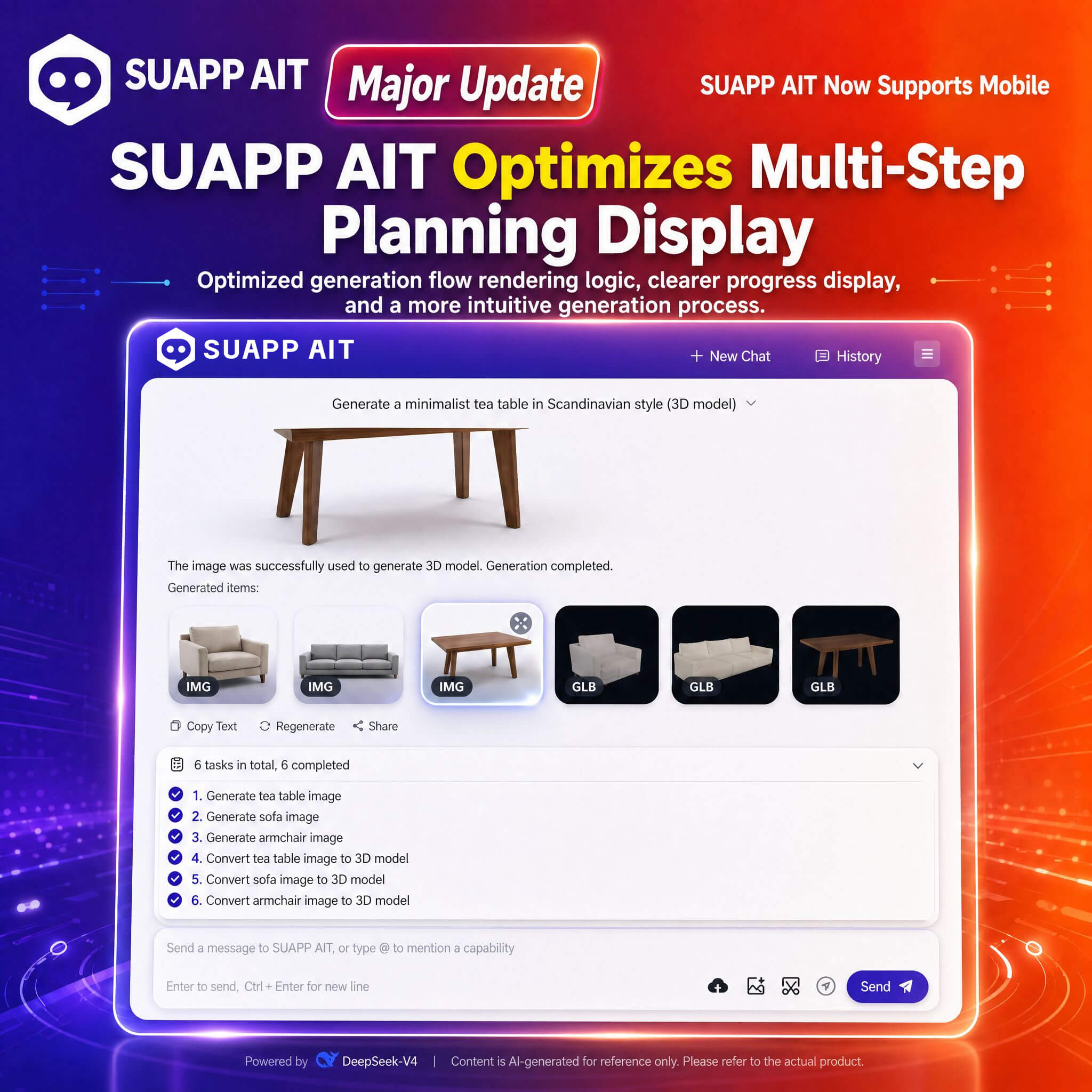
8. AIT – optimized multi-step planning output display.
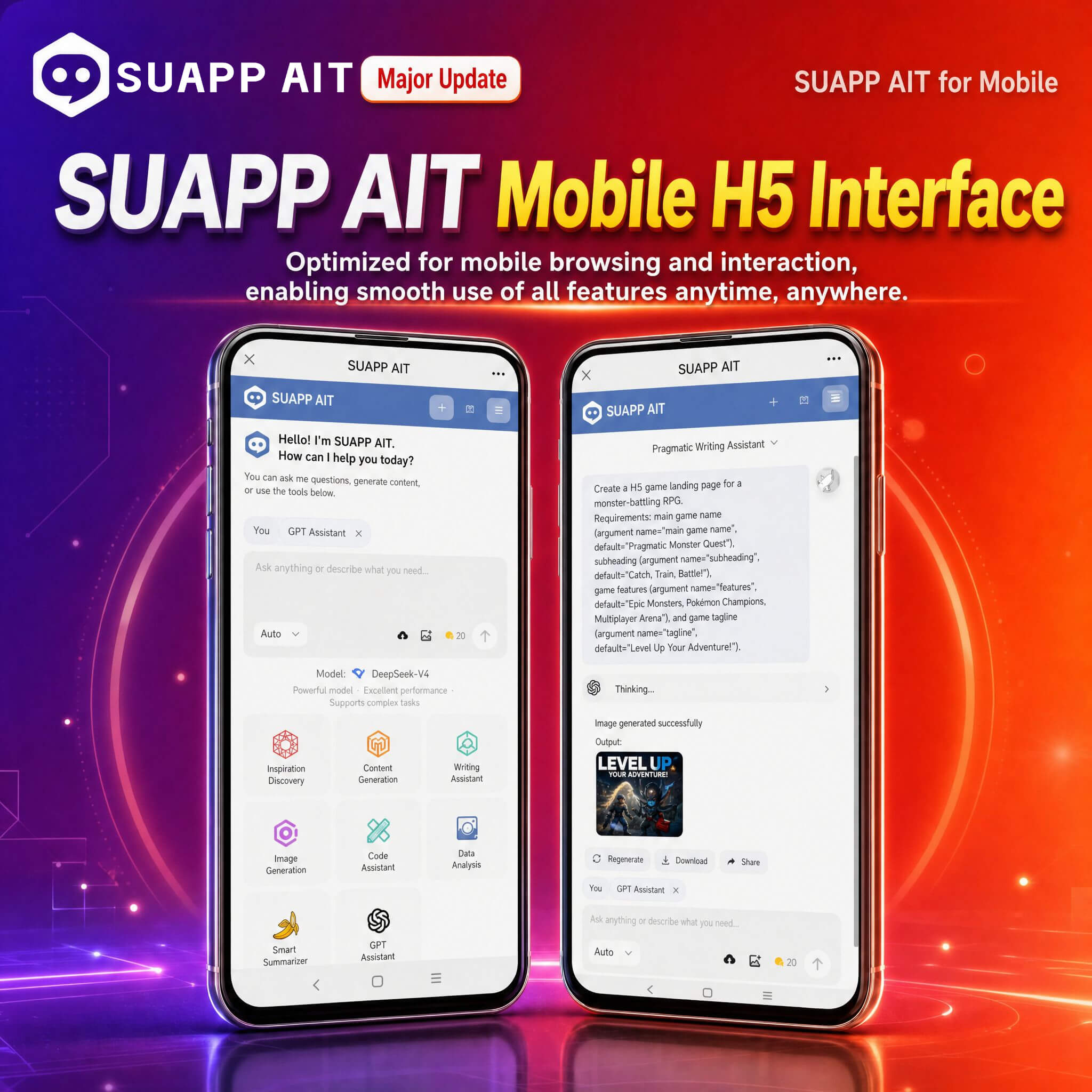
9. AIT – adapted for mobile H5 interface, improving usability on mobile devices.
- /48
SUAPP_AI_20260409
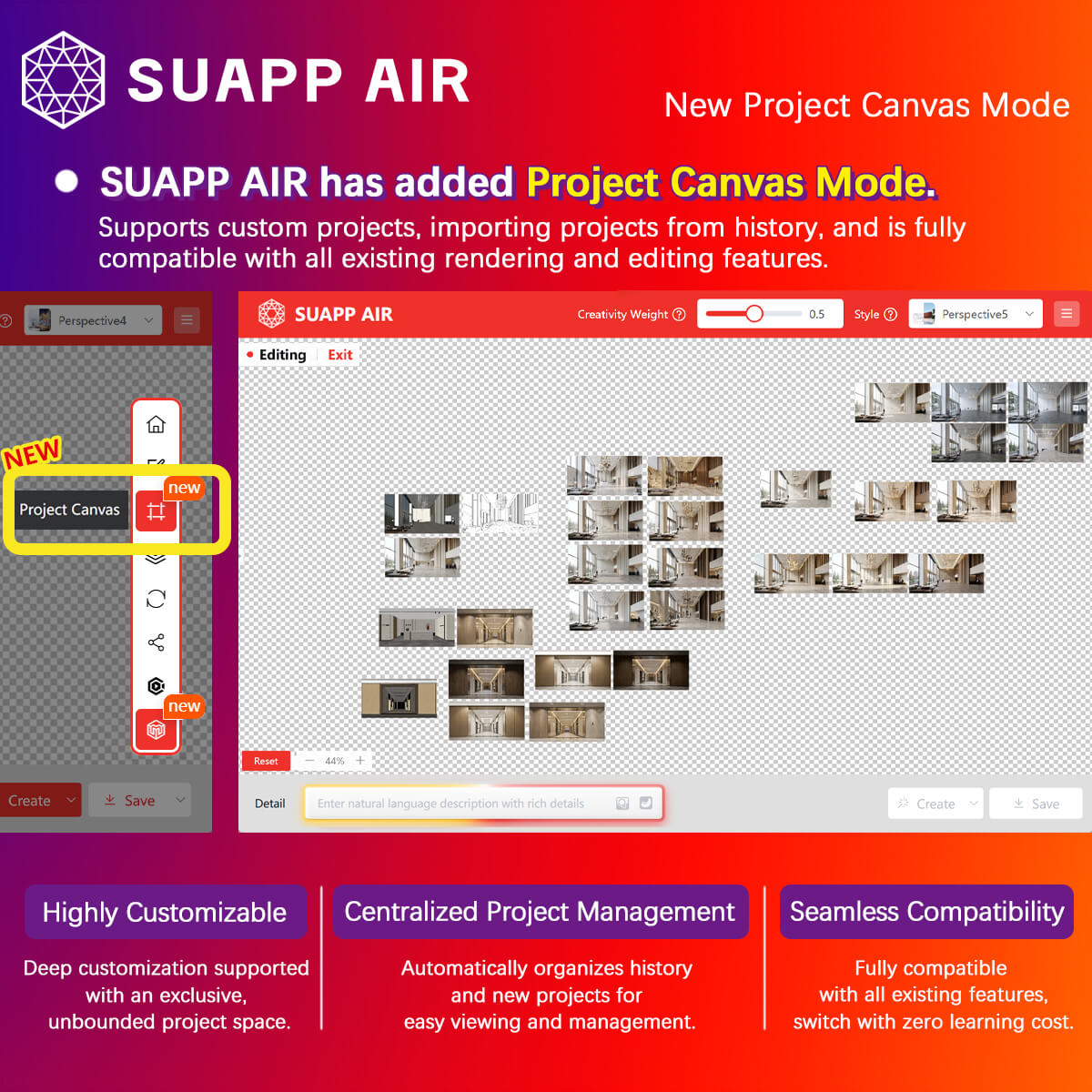
1. AIR – Project Canvas introduced, supporting custom projects and importing history records, with full compatibility across all rendering and editing features.
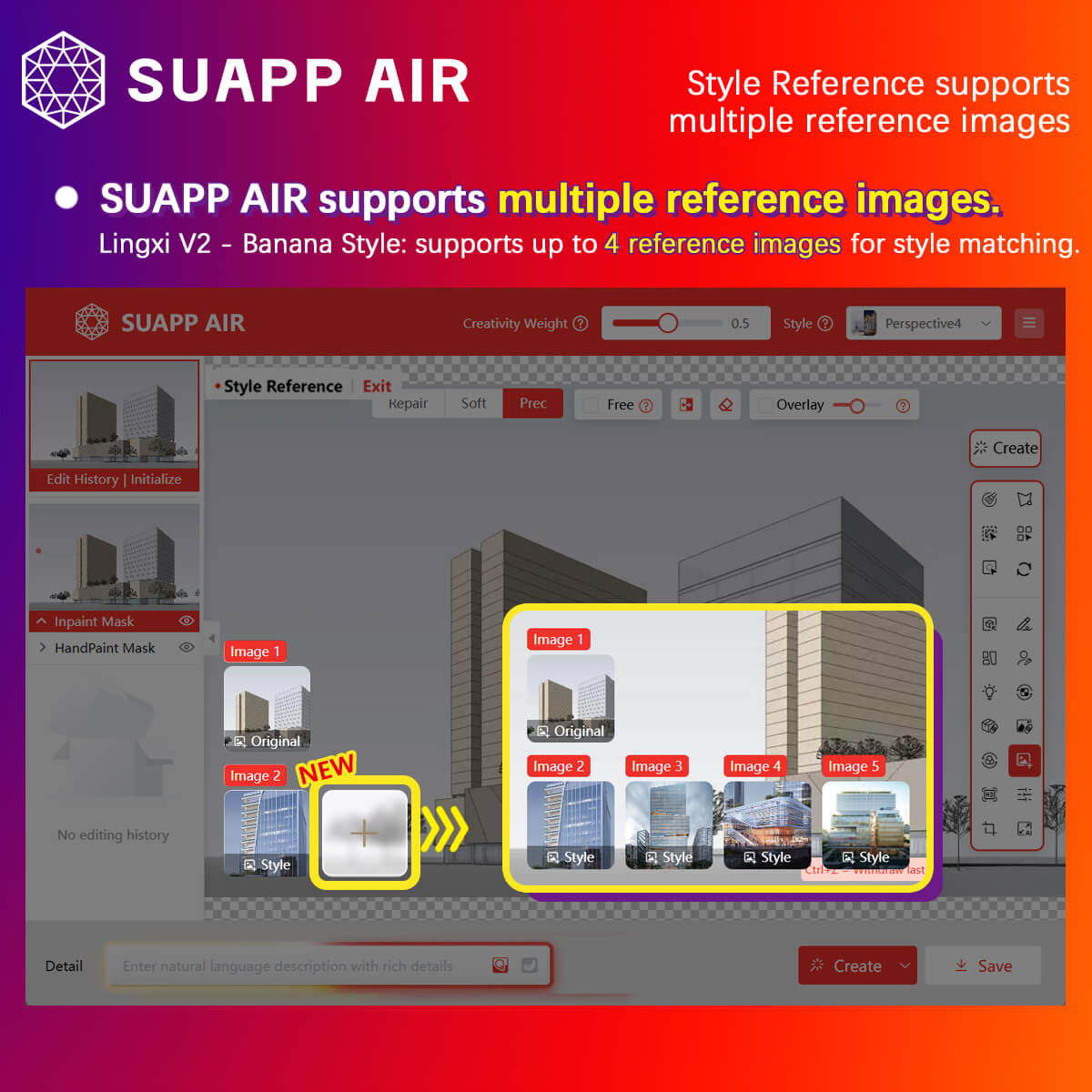
2. AIR – Lingxi V2 (Banana Style) now supports multi-image references, with up to 4 reference images.
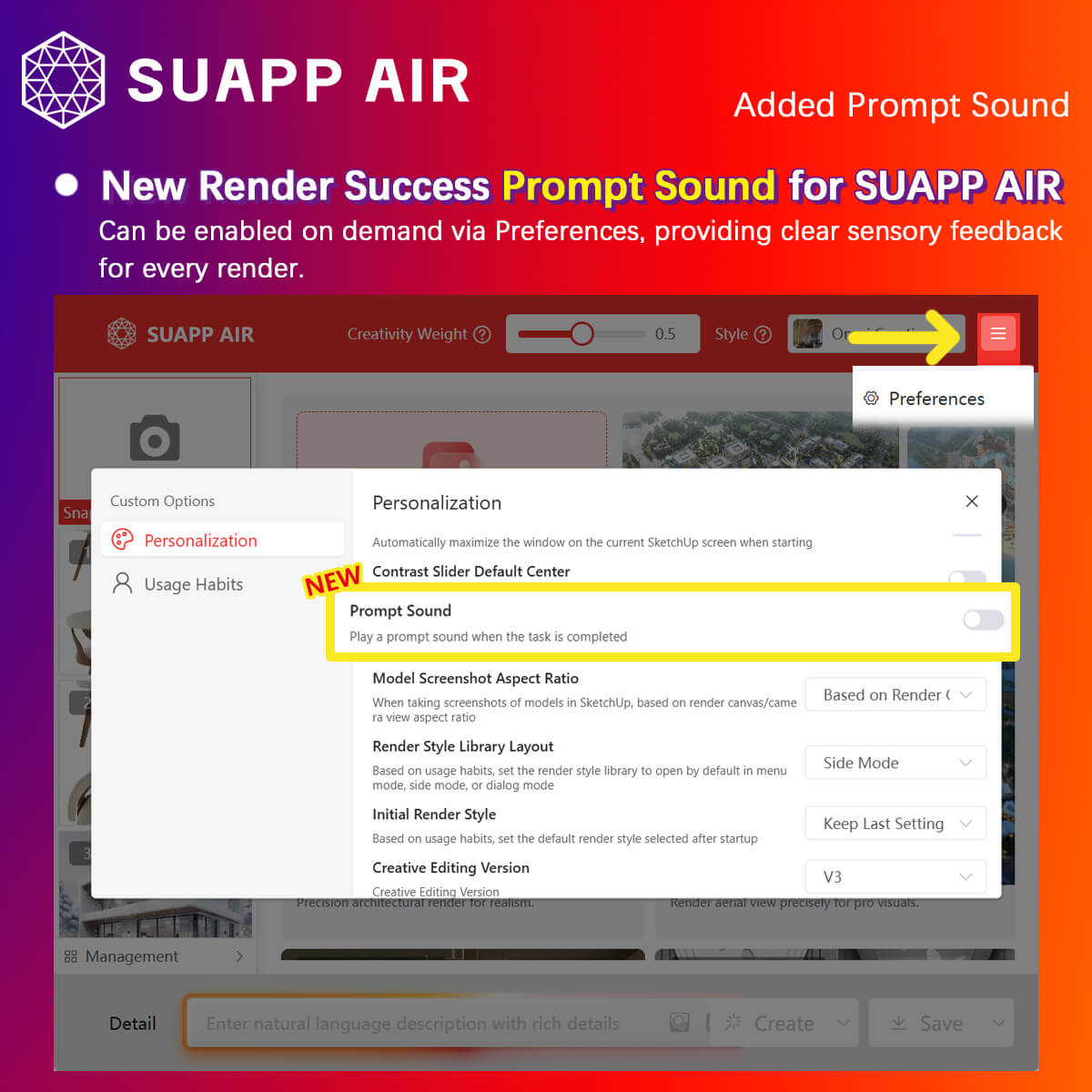
3. AIR – added a render completion sound notification, which can be enabled in Preferences.
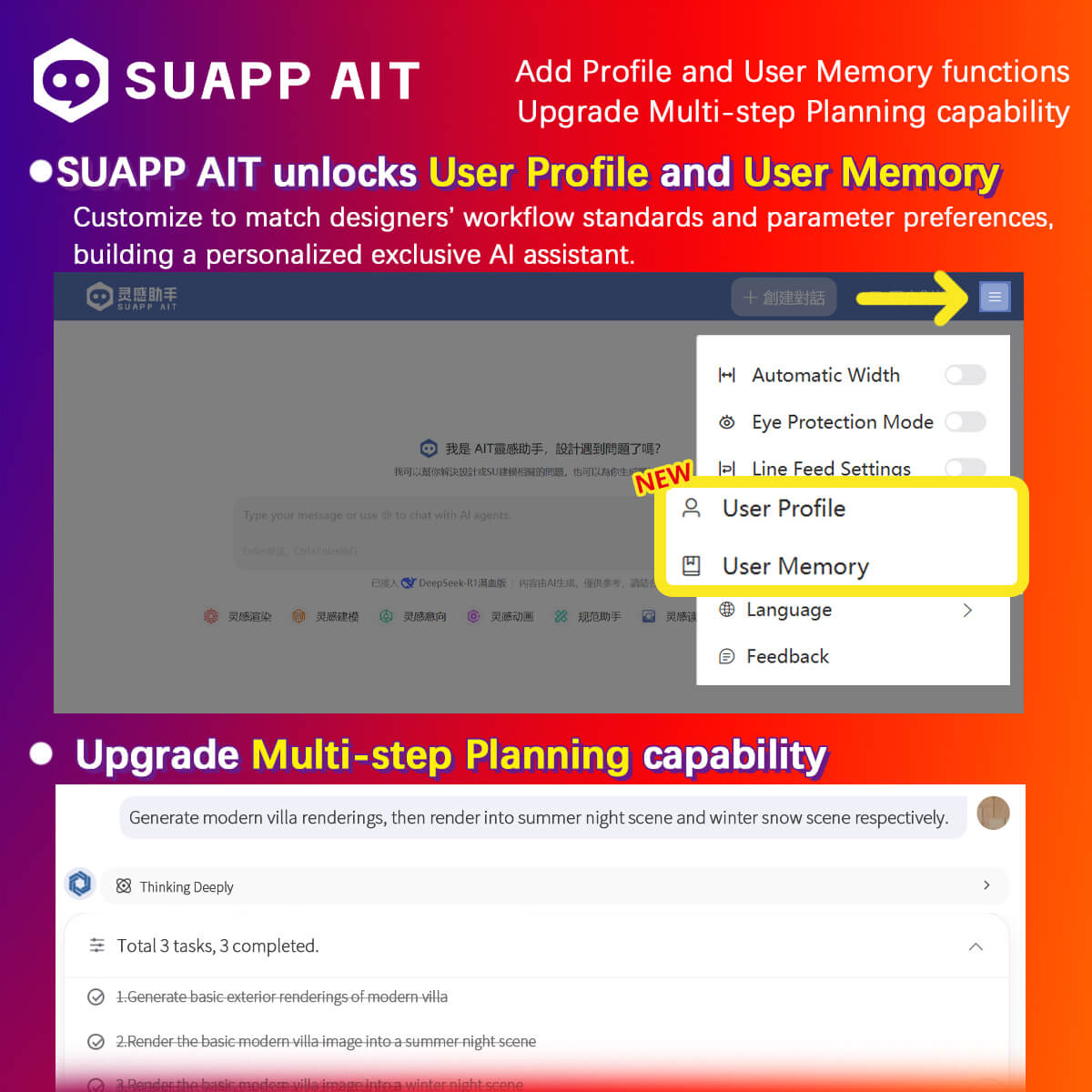
4. AIT – added Profile and User Memory, and upgraded Multi-step Planning for automated multi-step workflows, enabling a personalized AI assistant.
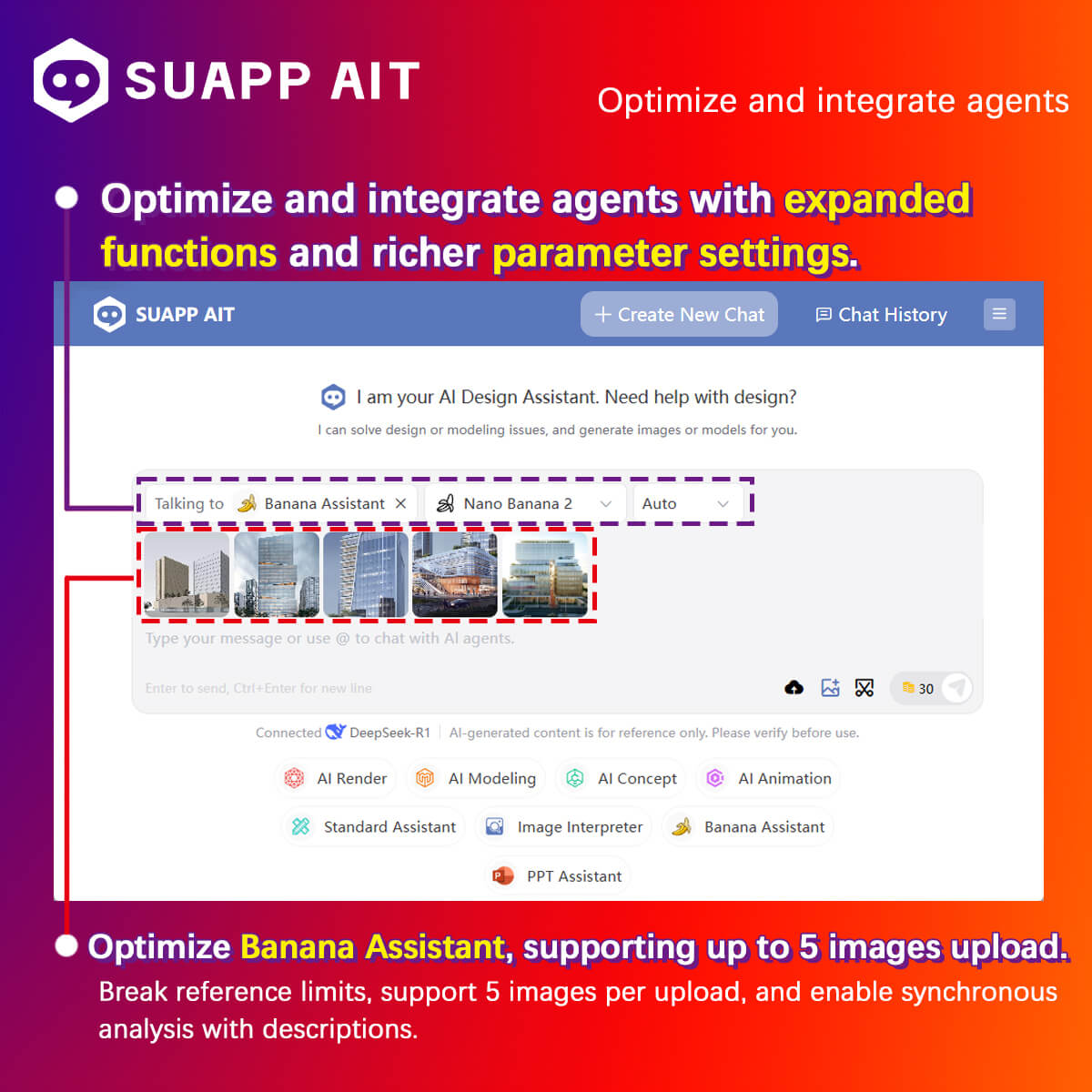
5. AIT – optimized agent integration with expanded features and parameters; improved Banana Assistant, now supporting up to 5 image uploads.
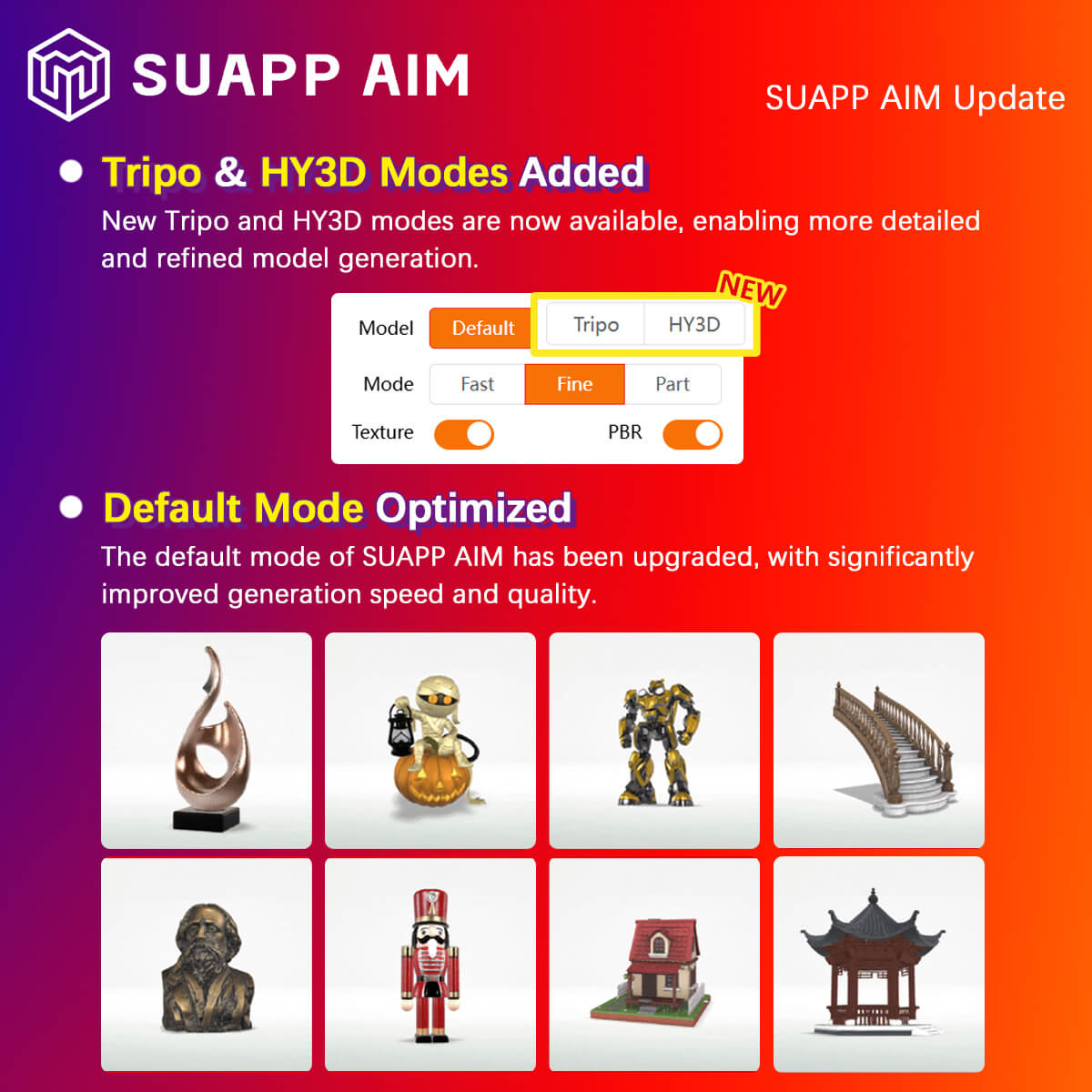
6. AIM – upgraded Fast/Fine Modes and added Tripo and HY3D modes, significantly improving speed and quality.
7. AIA – Flow Motion added new effect presets, along with sound effect presets and custom audio input support.
- /29
SUAPP_AI_20260309
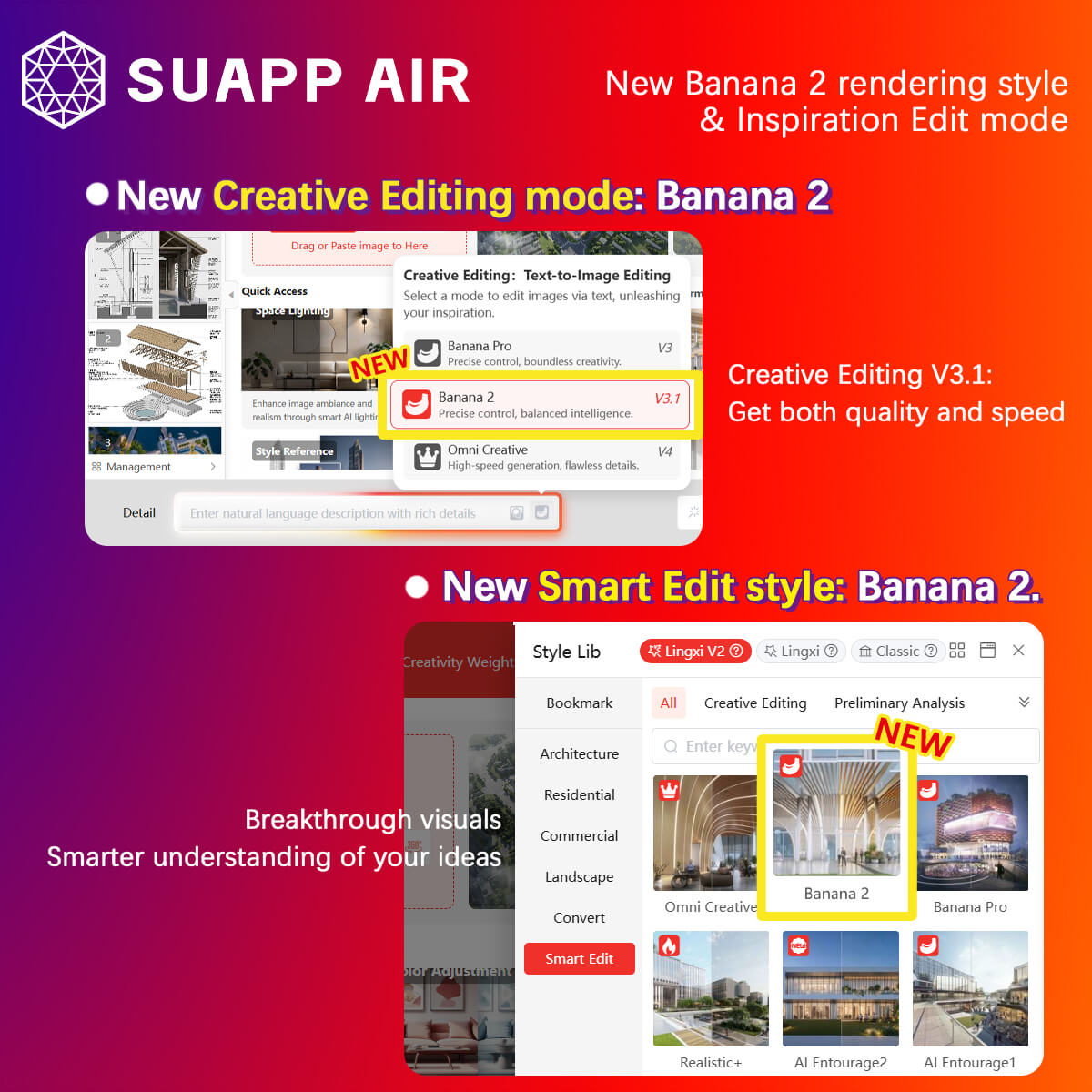
- AIR – Creative Editing added Banana 2 Mode, powered by Banana 2, balancing speed and quality.
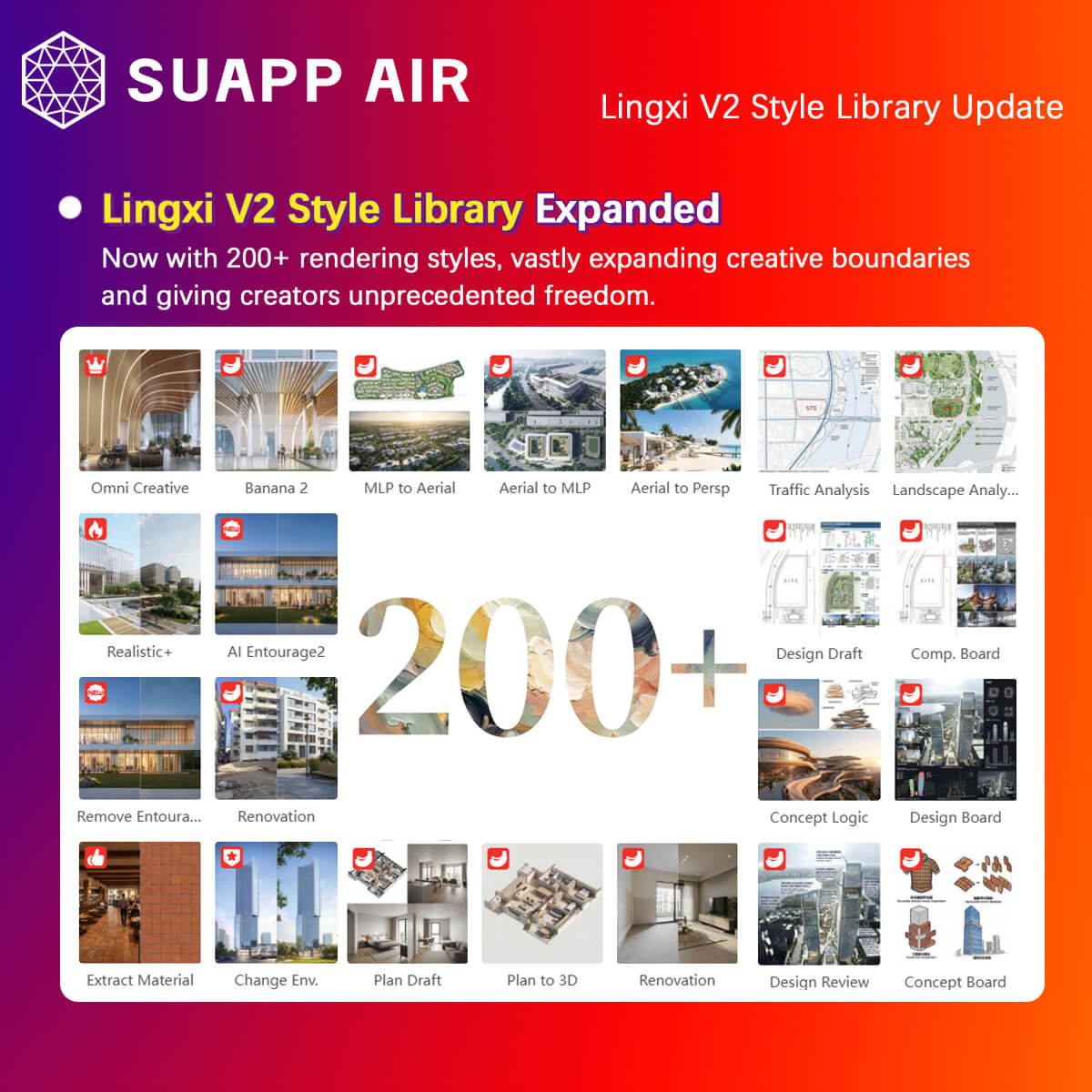
- AIR – added new Lingxi V2 styles, bringing the total to 200+ styles.
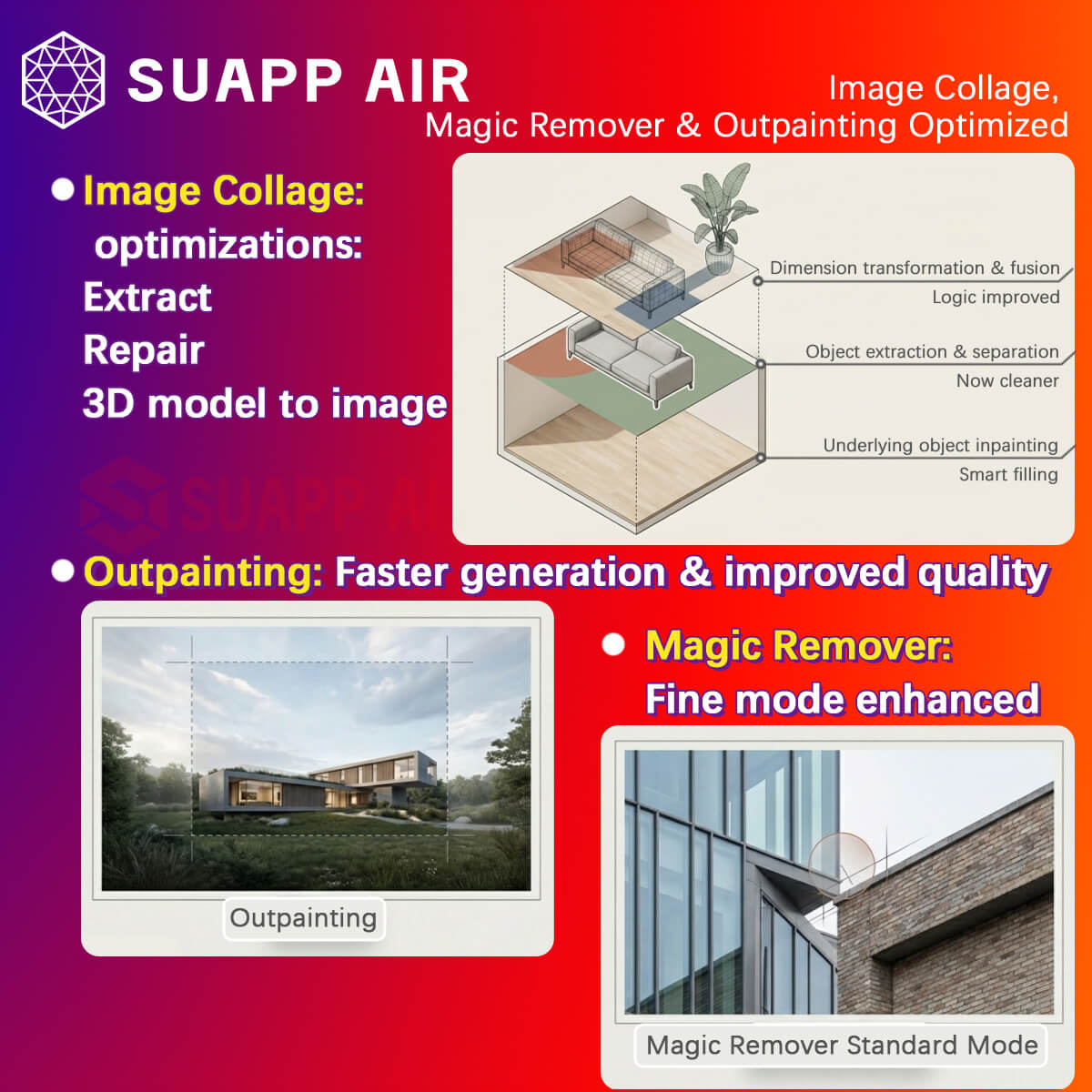
- AIR – optimized Collage – Extract, Repair, 3D Model to Image, Magic Remover (Standard Mode), and Outpainting, improving generation speed and quality.
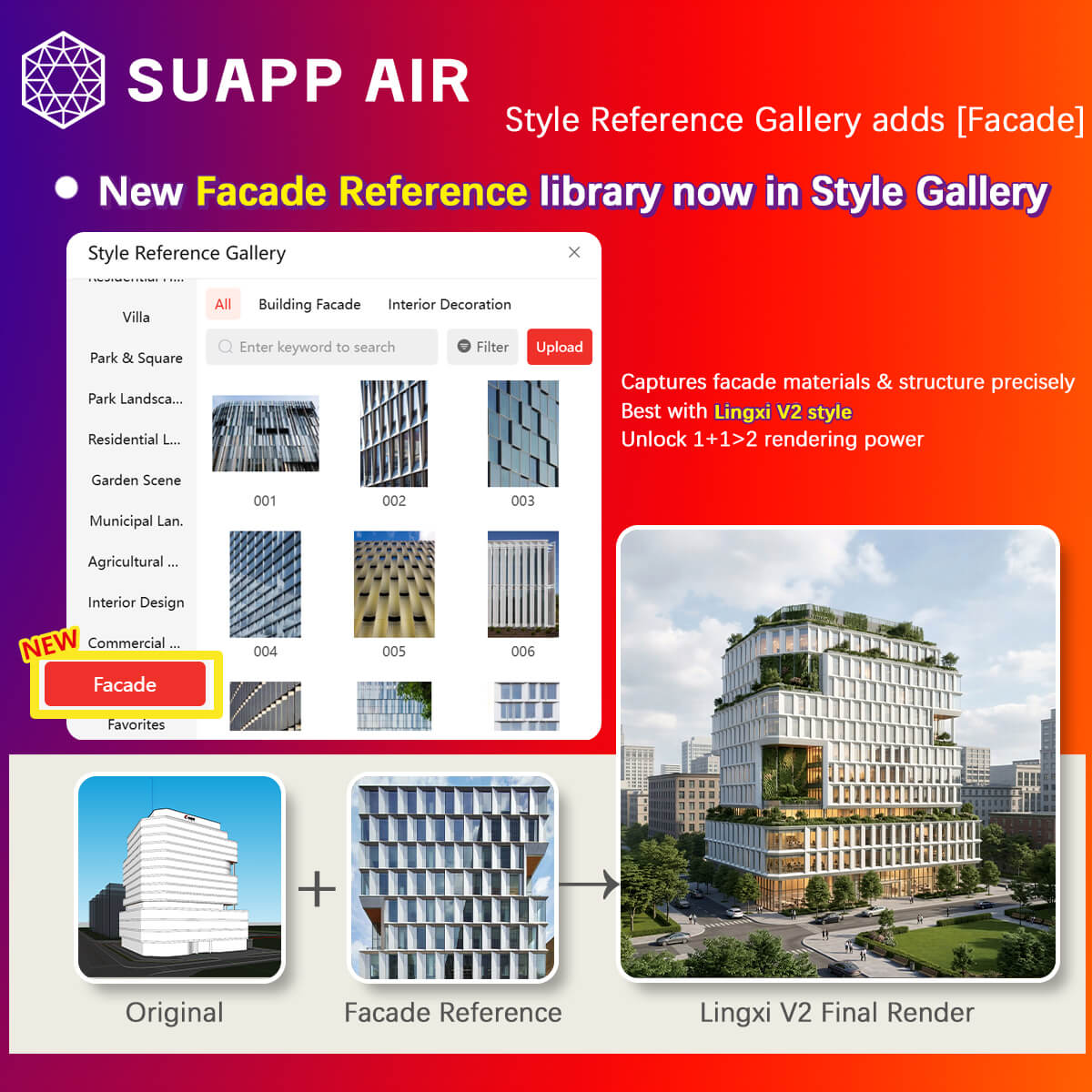
- AIR – Style Reference Library added Facade References, delivering better results when used with Lingxi V2 styles.
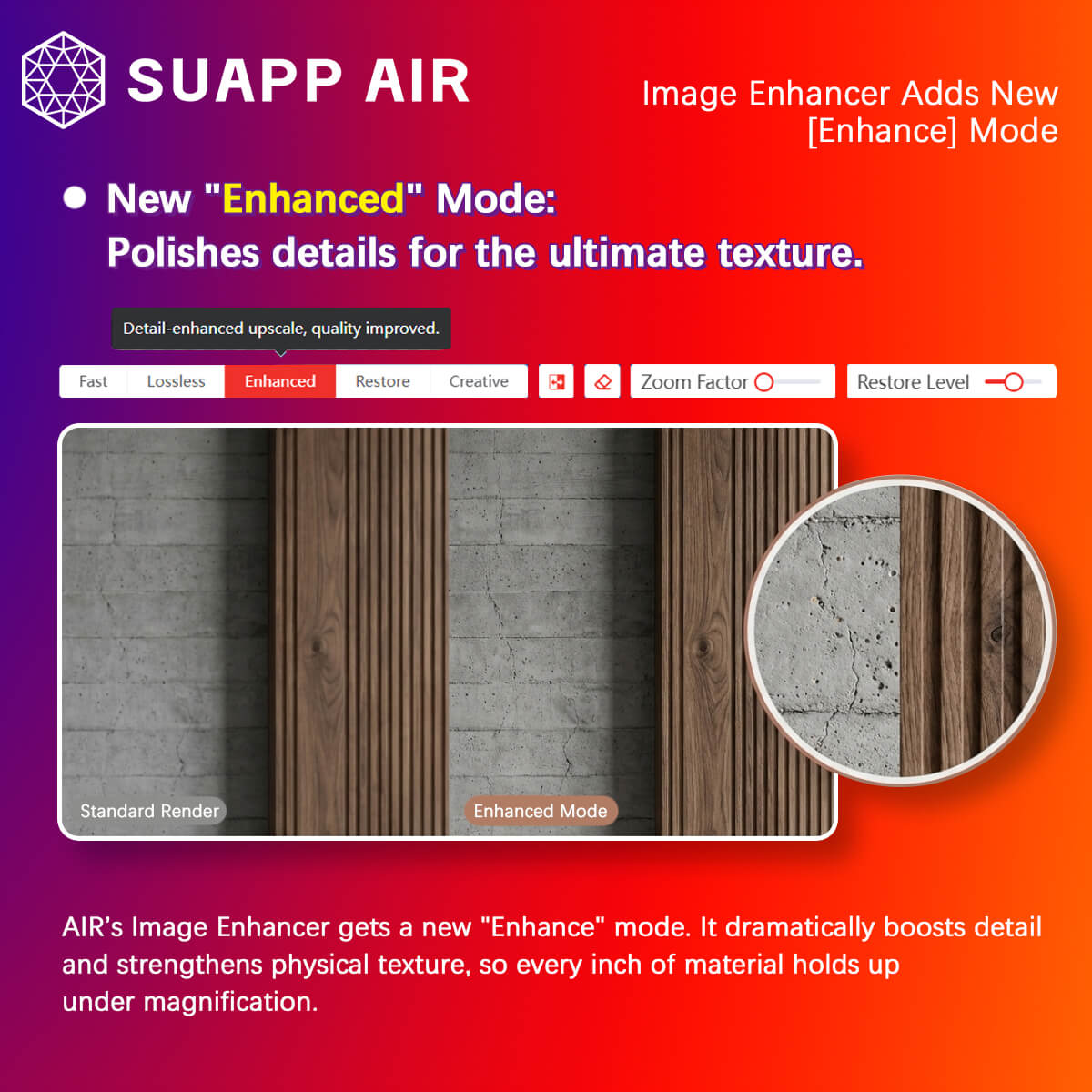
- AIR – Image Enhancer added Enhanced Mode to improve image details and texture.
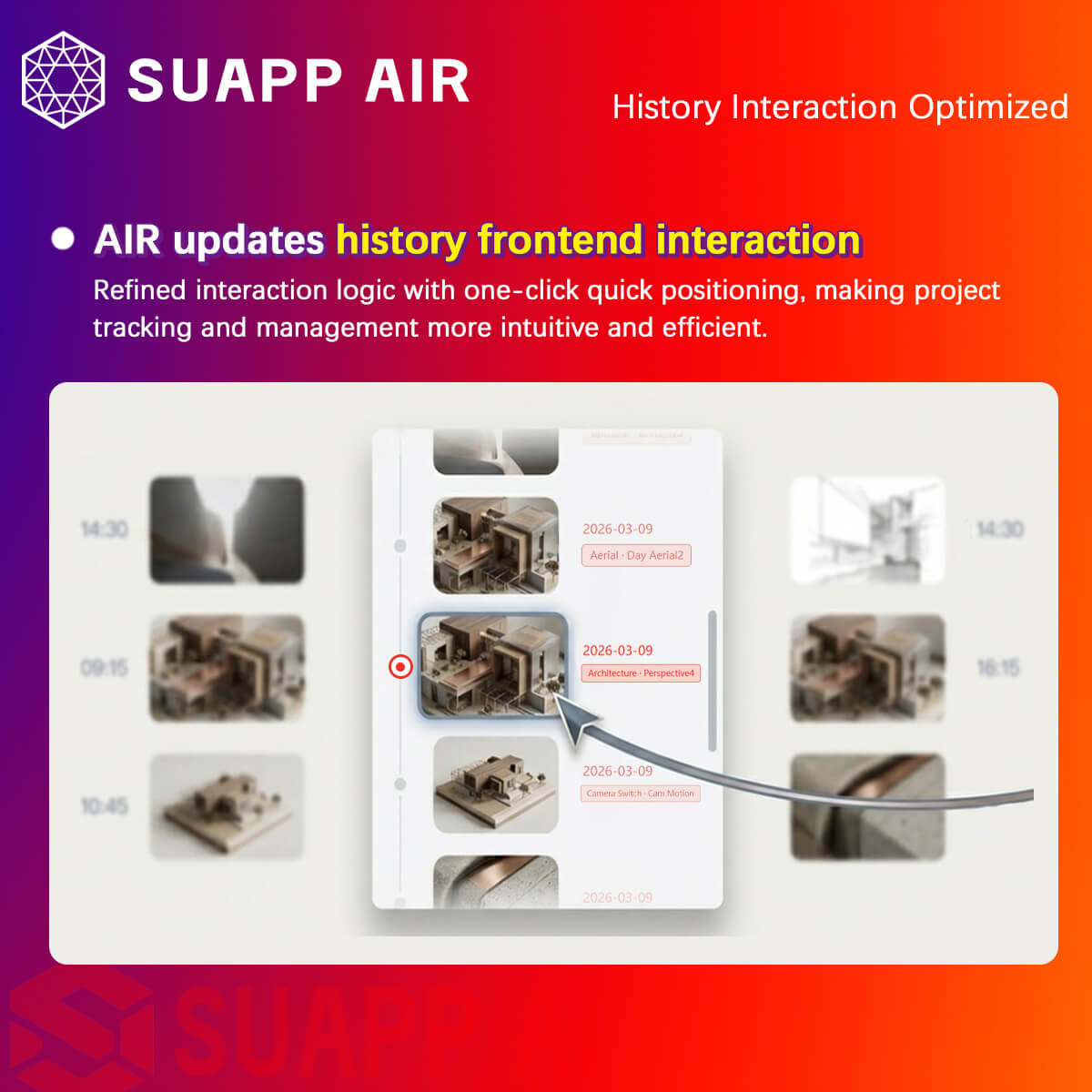
- AIR – optimized the interaction for selecting History Records.
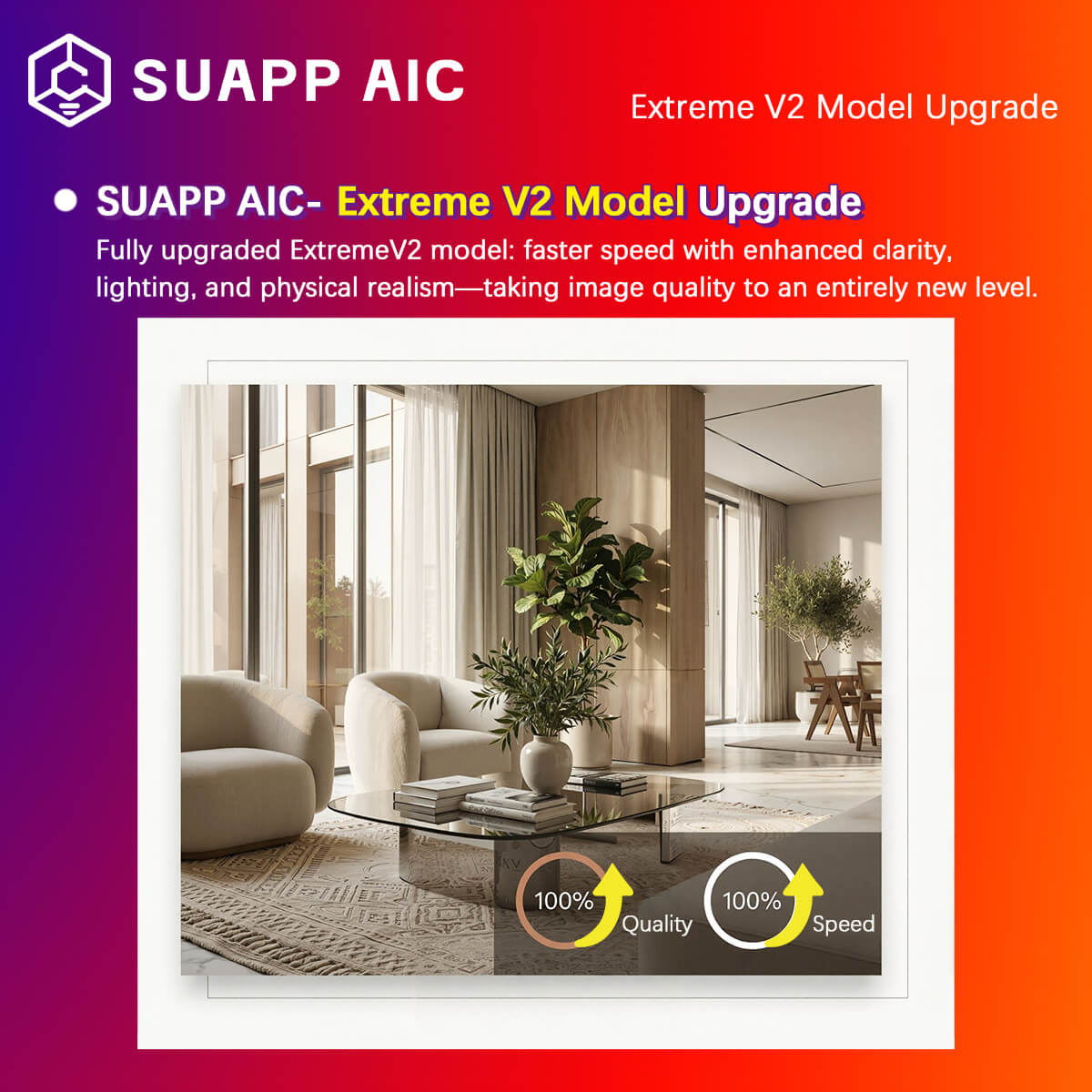
- AIC – Extreme V2 model upgraded for improved quality and speed.
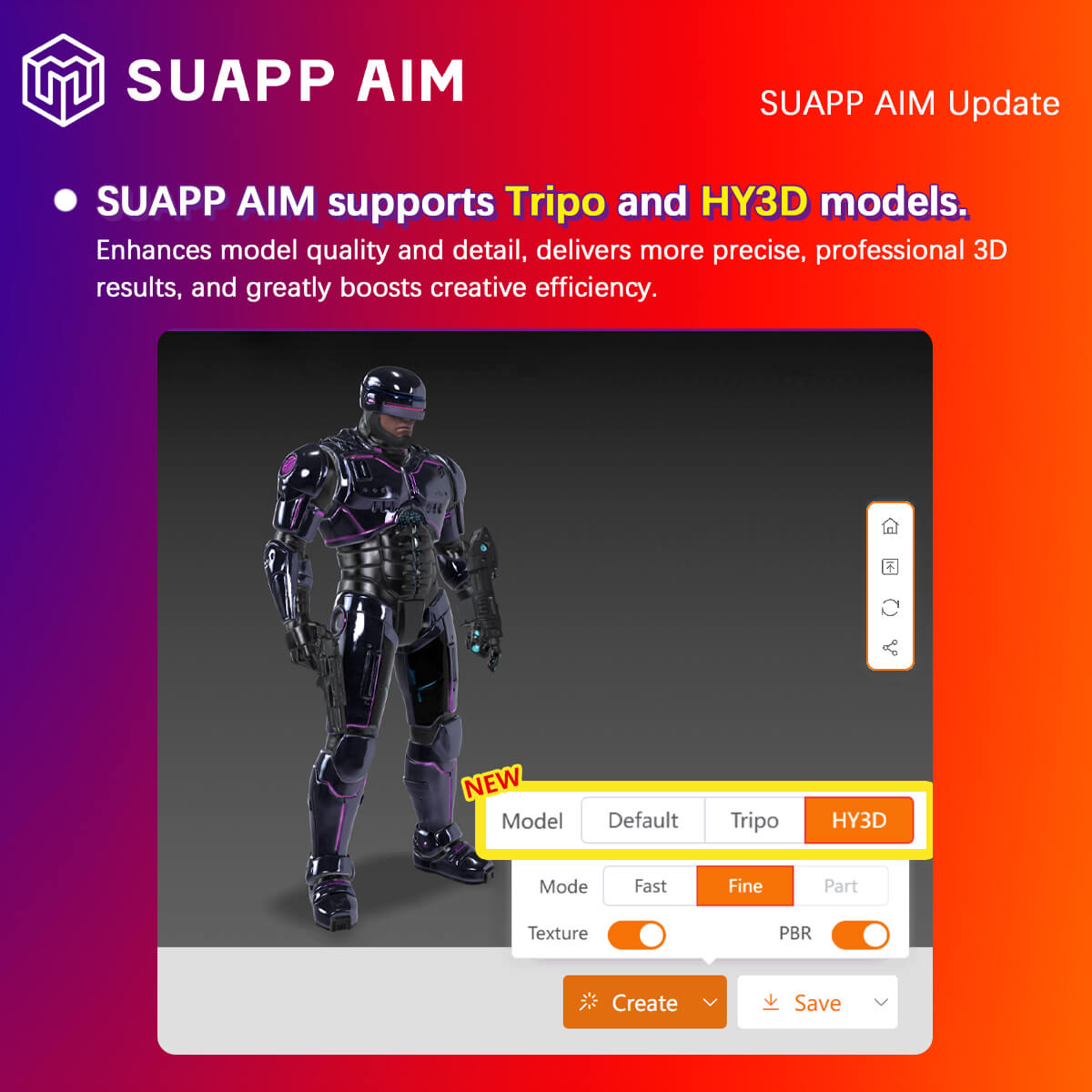
- AIM – added Tripo and Hunyuan generation models for more refined and professional 3D results.
- /59
SUAPP_AI_20260204
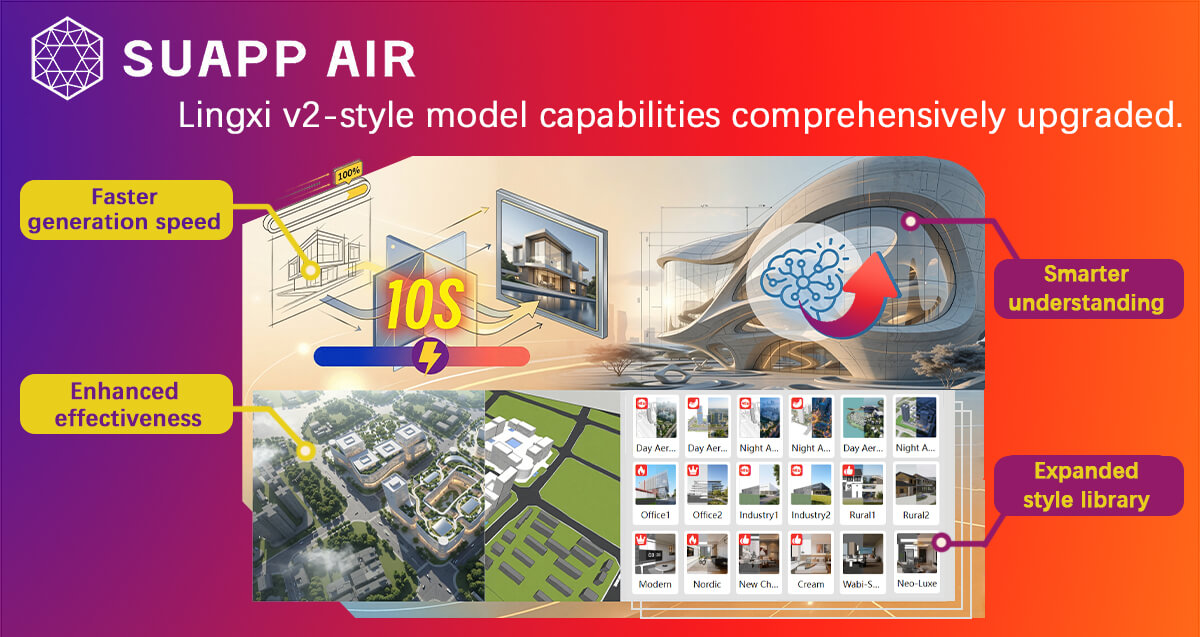
- AIR – Lingxi V2 Major Upgrade: Enhanced model capability with faster speed, stronger understanding, improved visual quality, and expanded style library.
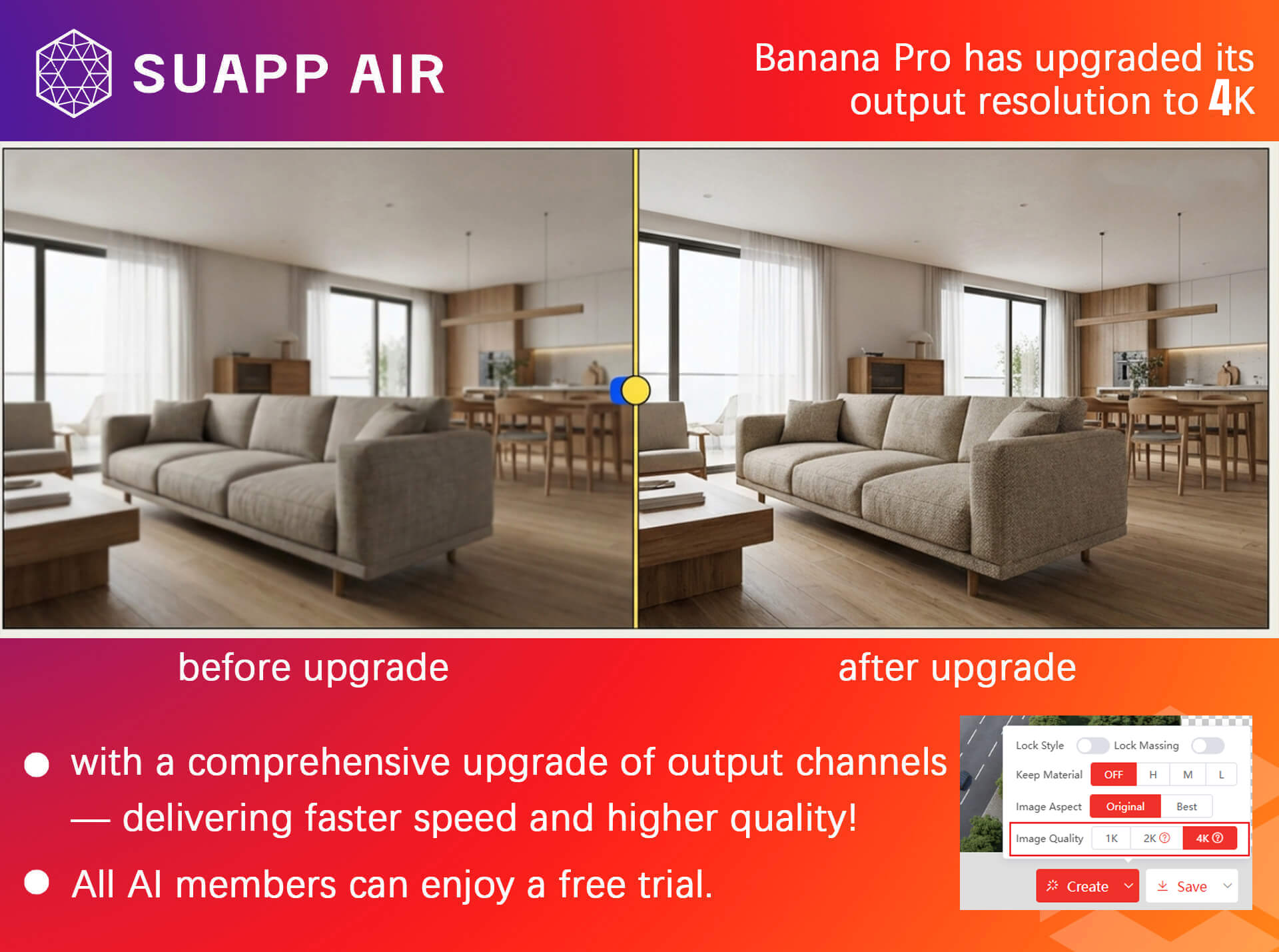
- AIR – Banana Pro: Now supports 1K, 2K and 4K resolution, available for all AI members. Rendering pipeline fully upgraded for faster output.
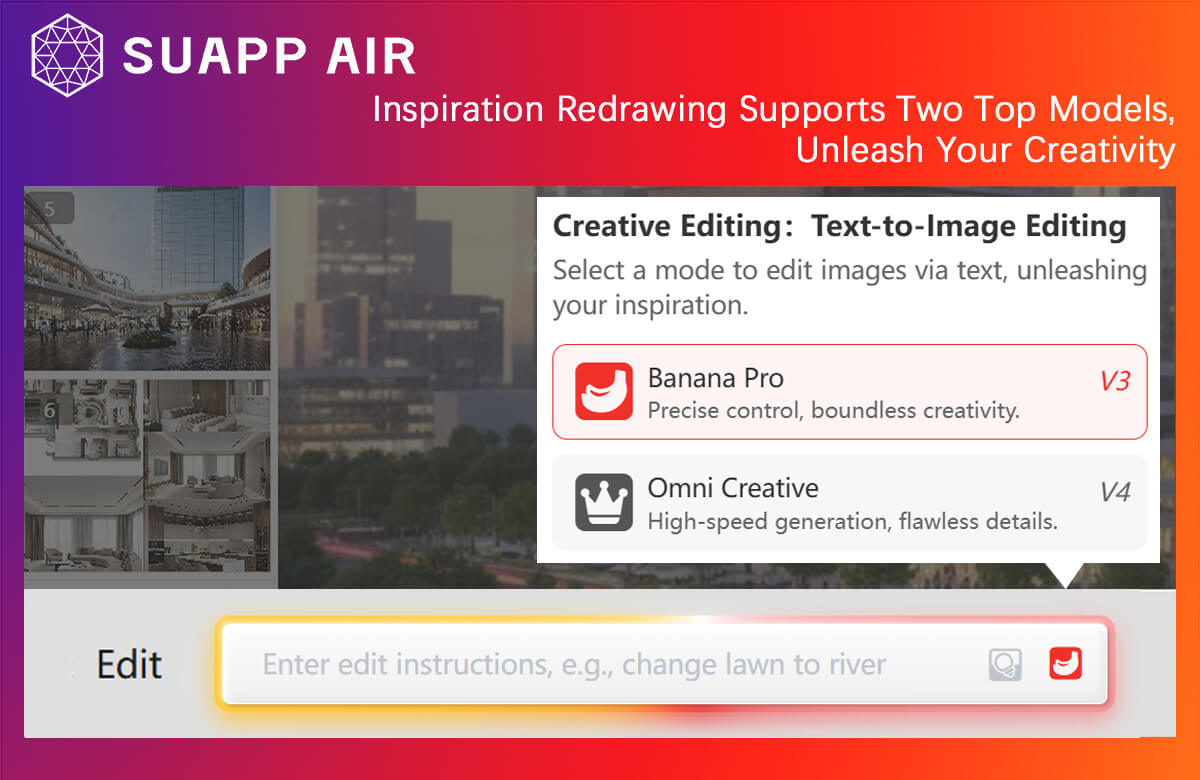
- AIR – Creative Editing: Now powered by two top-tier models, unlocking greater creative potential.
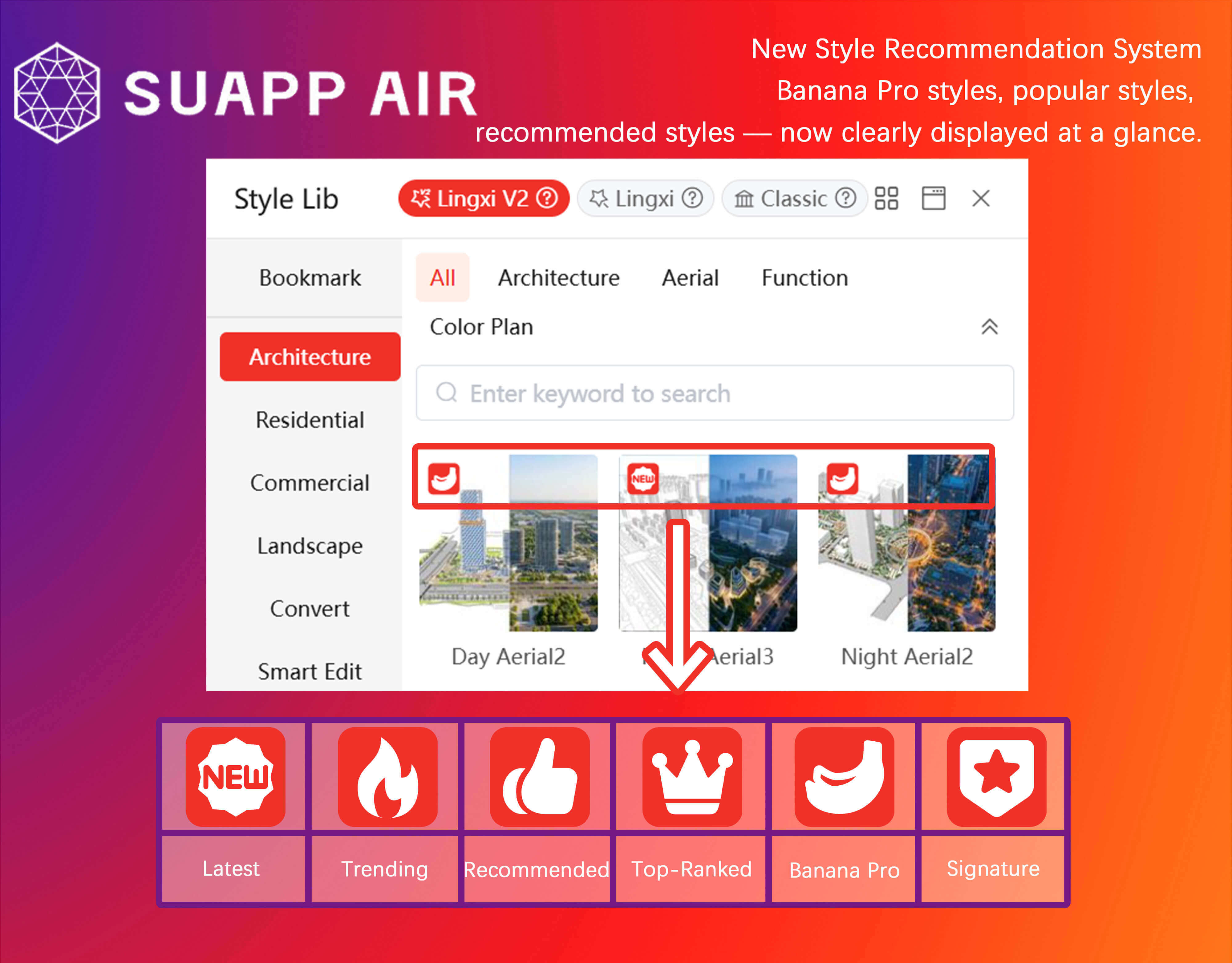
- AIR – Introduced Style Recommendation System, featuring Banana Pro styles, popular styles, and recommended styles for quick selection.
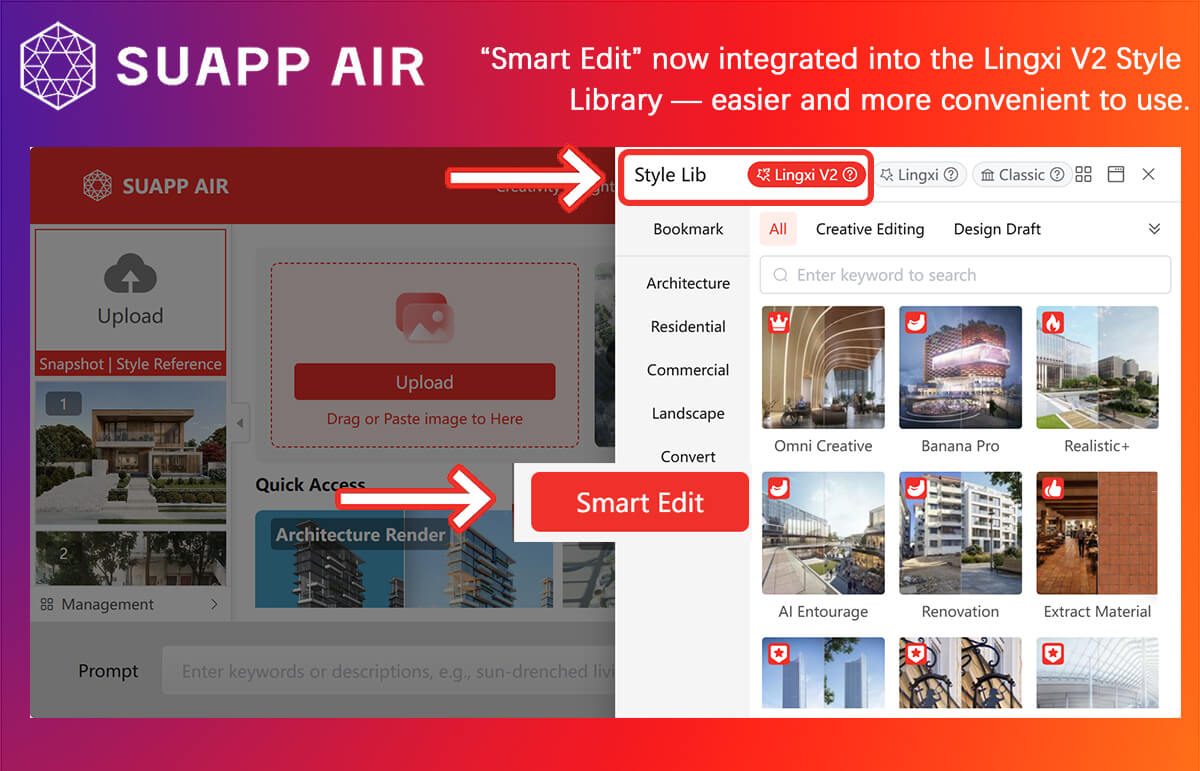
- AIR – “Intelligent Editing” is now integrated into Lingxi V2 (Smart Editing), delivering a more streamlined workflow.
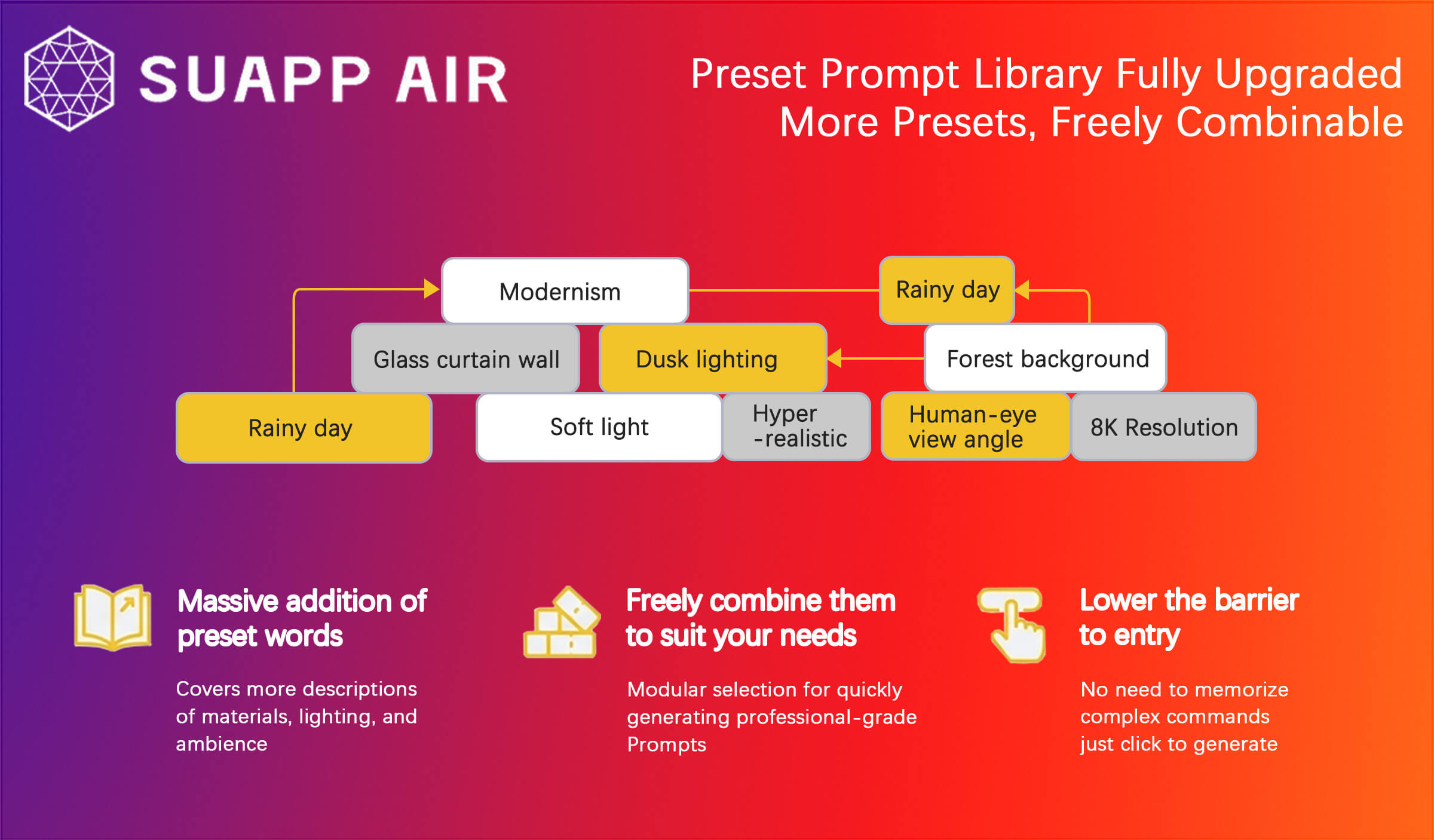
- AIR – Preset prompt library fully upgraded with more presets and flexible combinations.
- /35
SUAPP_AI_20260113
- AIR – Introduced Creative Editing V3 with improved instruction understanding, supporting text editing, reference editing, and partial editing. Set as default in Custom Options.
- AIR – Transfer Ambiance added V3 Mode with enhanced effects.
- AIR – Added Analysis Suggestions to provide intelligent edit recommendations.
- AIR – Optimized Prompt Refinement to improve output quality based on images and simple prompts.
- AIA – Added Flow Motion and World Motion with upgraded video effects.
- AIM – Added New Scene, Import Model, and Save Scene features.

