-
 SUAPP AIR
-
 Release Notes
Search Results
- /206
 Is there a limit on the number of images SUAPP AIR can generate?
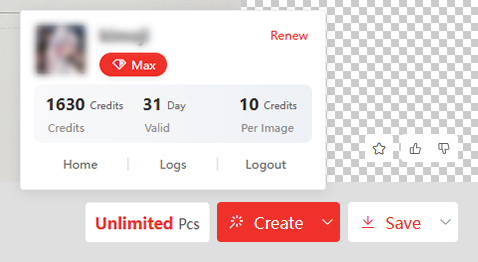
MAX Plan members can generate images without a credit limit while their subscription is active, subject to the applicable fair-use and service terms.
Other plans use a credit system. Each successful generation deducts the corresponding number of credits from your account.
Plan Credits are issued for each monthly billing cycle. They are valid only during that cycle and automatically reset at the beginning of the next monthly cycle. Unused Plan Credits do not roll over.
If you run out of Plan Credits, you may purchase Top-up Credits or wait until your next monthly credit allocation. - /142
What are bar-credits, and how can I use them?
Bar-credits are the currency of SUAPP AI, used for accessing various services such as rendering and editing tasks. Each plan includes a set number of credits monthly. Credits are deducted only for successful tasks.
- /187
Do credits expire, and what happens if I run out of credits?
SUAPP AI has two types of credits:
Plan Credits
Plan Credits are included with your subscription and allocated for each monthly billing cycle. They are valid only during that cycle. At the beginning of the next monthly cycle, your Plan Credit balance resets to the amount included in your plan. Unused Plan Credits do not carry over.
Top-up Credits
Top-up Credits are purchased separately and do not expire.
If you run out of Plan Credits, you can purchase Top-up Credits immediately or wait until your Plan Credits reset at the beginning of the next monthly cycle. You may also upgrade your subscription for a higher monthly credit allowance.
Plan Credits are used before Top-up Credits. Top-up Credits remain in your account if your subscription expires, but an active subscription is required to use them.
- /97
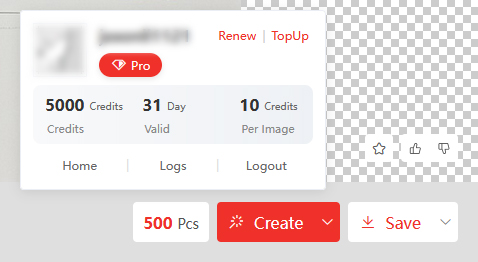
How do I check my remaining credits?
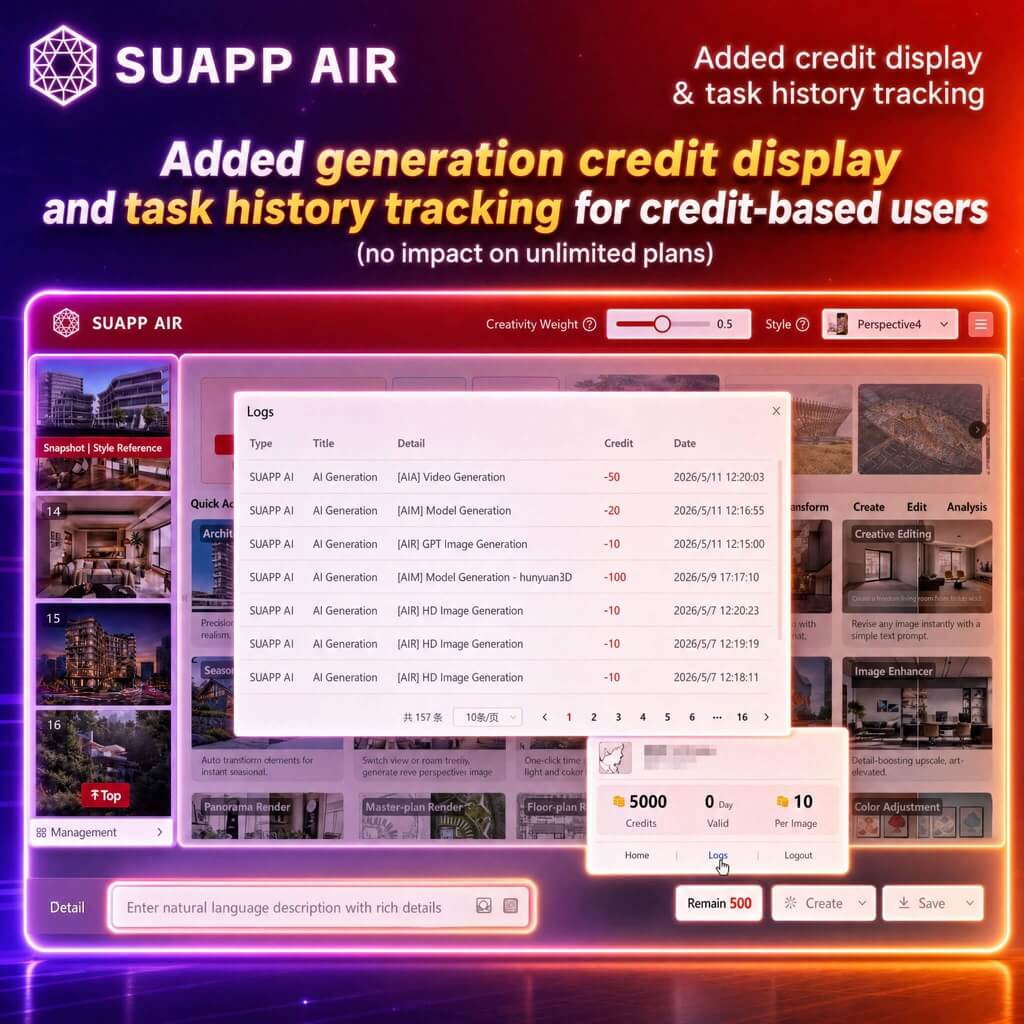
Log in to the SUAPP AI product. You can find your current balance and usage log displayed next to the "Create" button. With a Max plan, you'll enjoy unlimited AI-generated images.
- /149
What payment methods do you accept?
We accept major credit and debit cards such as Visa, Mastercard, and American Express. PayPal is also supported.
- /57
SUAPP_AI_20260525
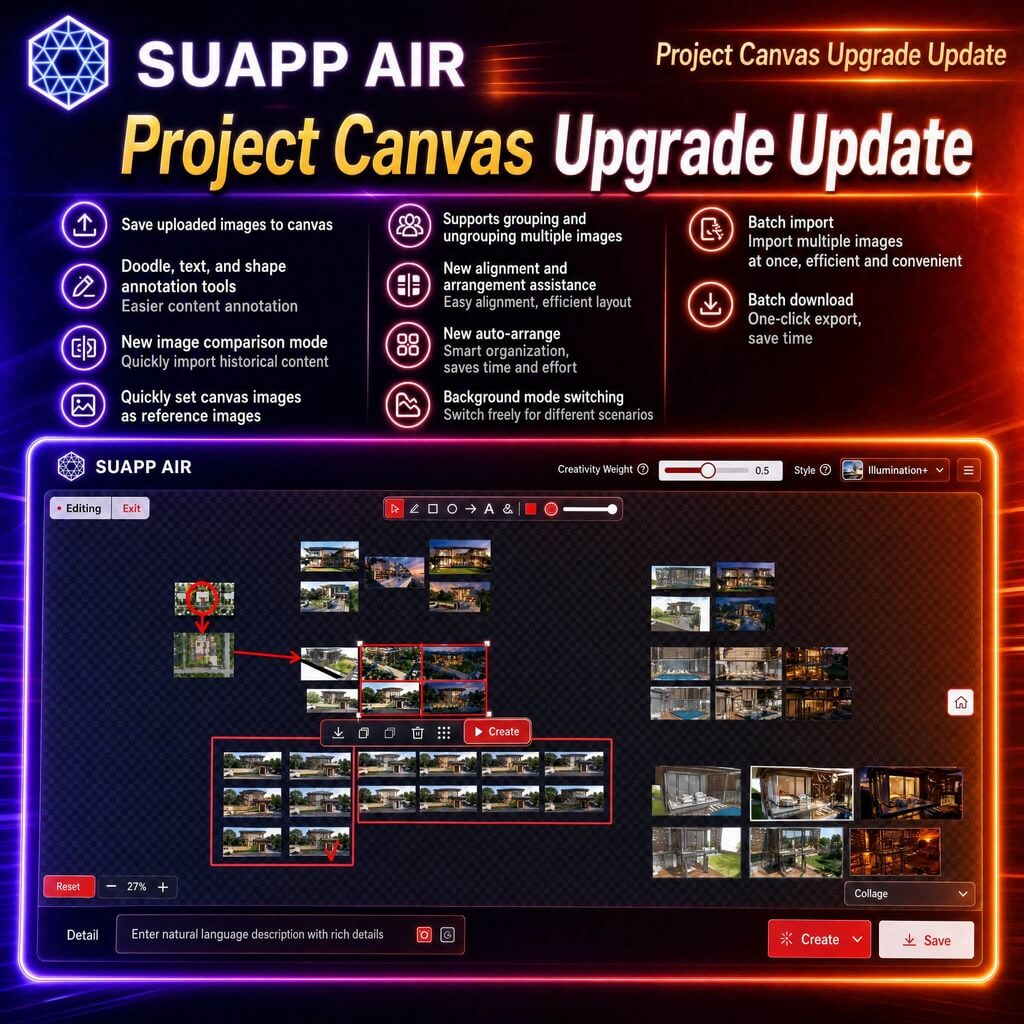
1. AIR – Project Canvas upgraded with support for saving uploaded images to canvas; added doodle, text, and shape annotation tools; introduced image comparison mode, quick import from history, and quick reference setting; supports grouping or ungrouping, alignment guides, auto layout, background modes, batch import, and batch download for improved workflow efficiency.
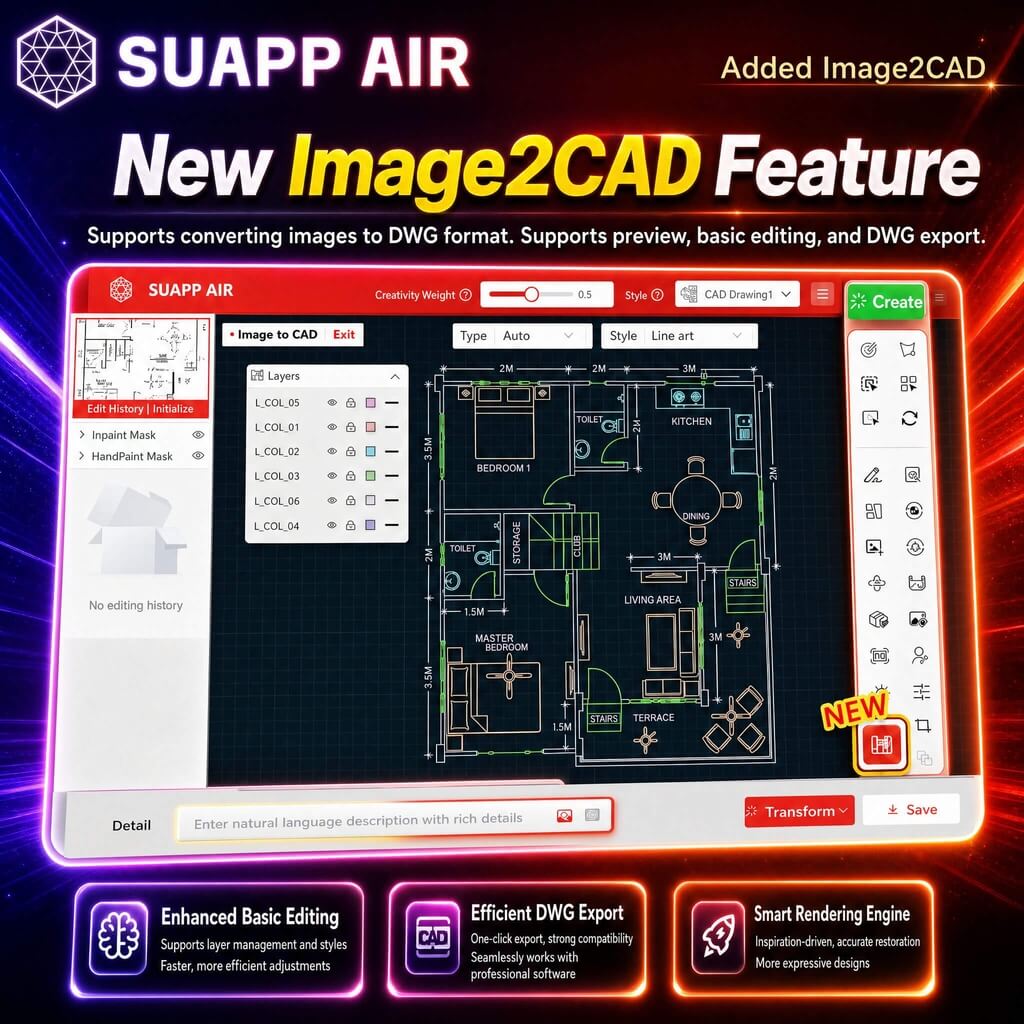
2. AIR – added Image2CAD, enabling image-to-DWG conversion with preview, basic editing, and export support.
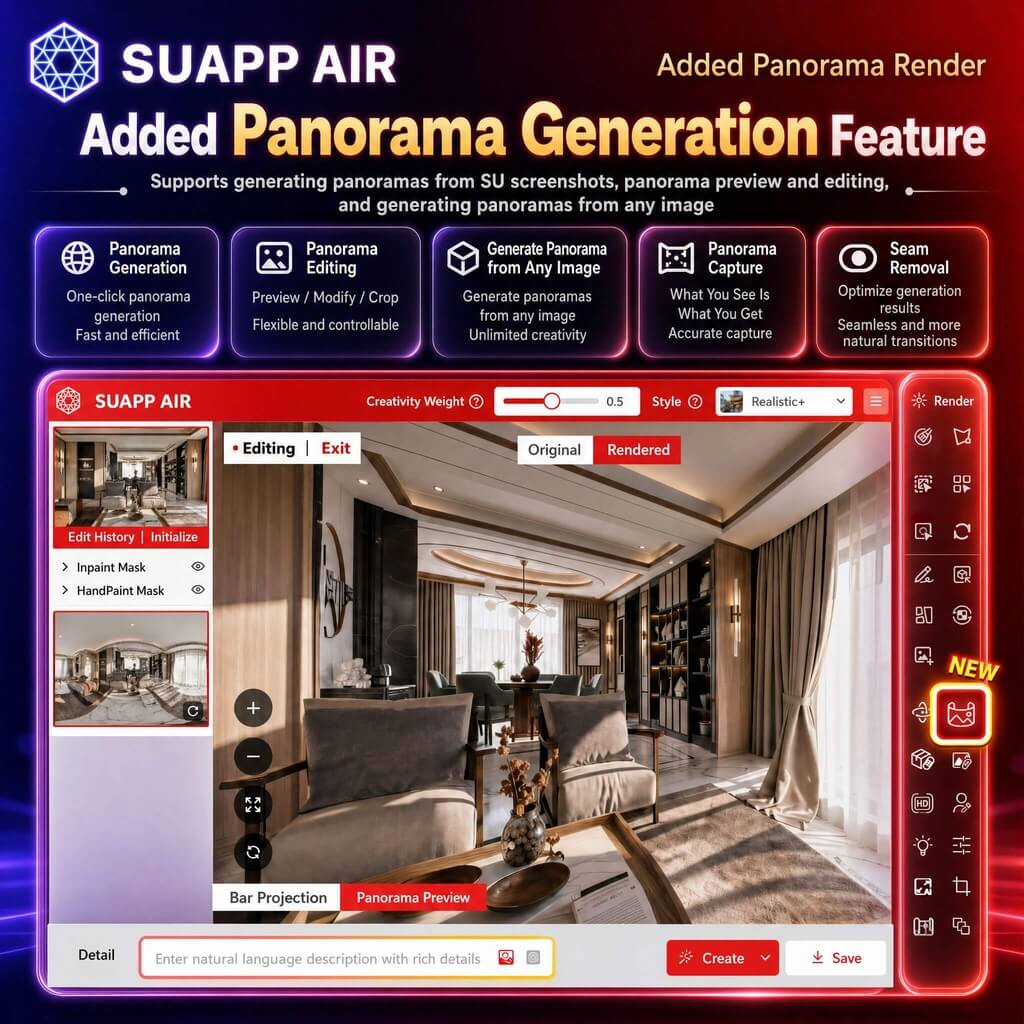
3. AIR – Panorama Render enhanced with support for uploaded panoramas, panorama generation from any image, panorama capture, and improved stitching quality with seamless output.
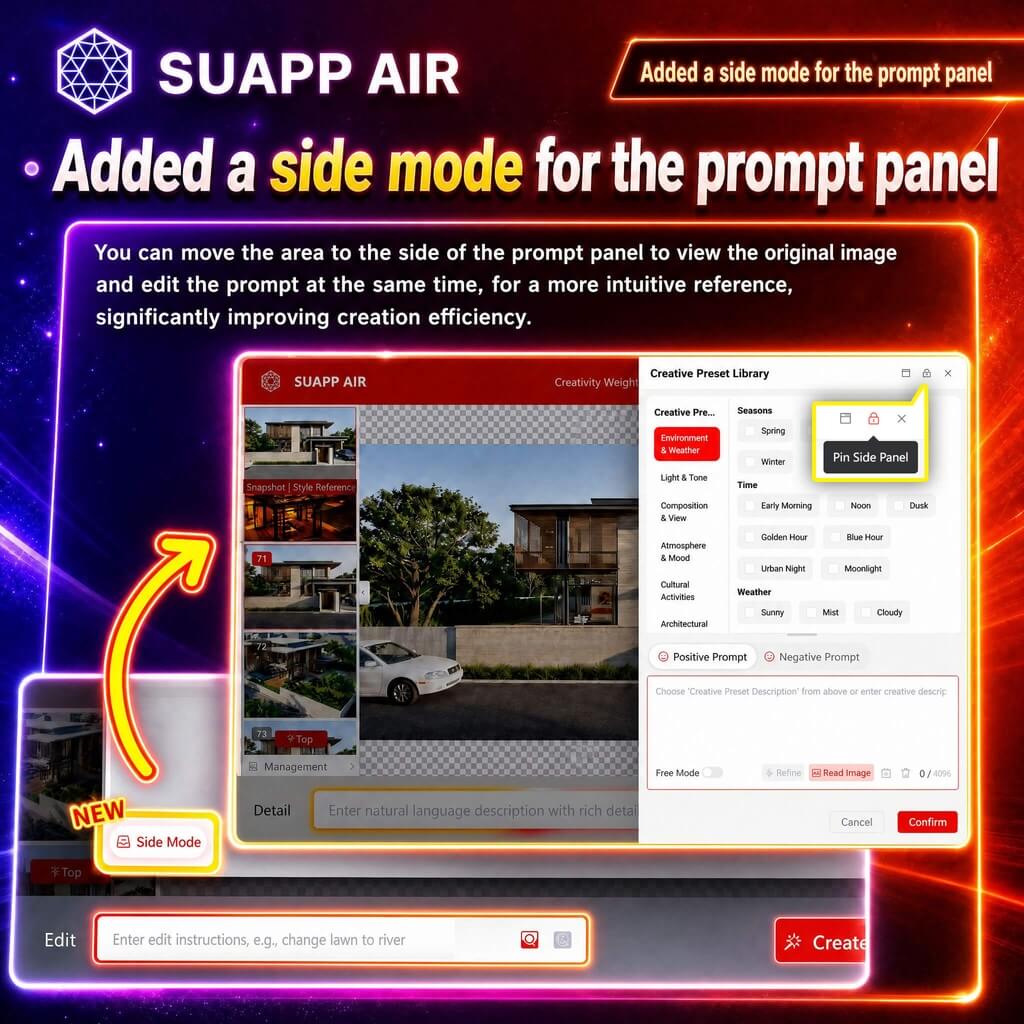
4. AIR – added a sidebar mode for the prompt panel, with support for mode locking.
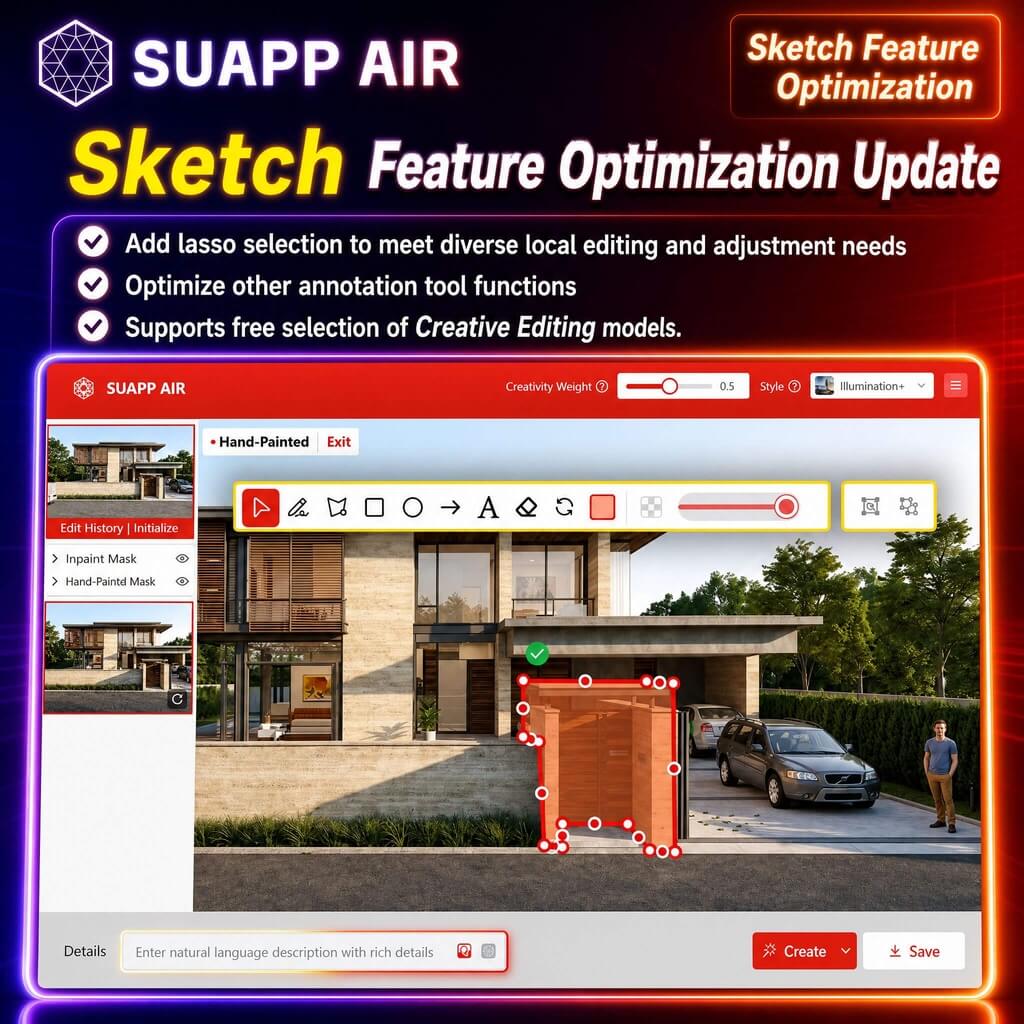
5. AIR – Sketch added lasso area picking and optimized annotation tools; supports flexible use with Creative Editing.
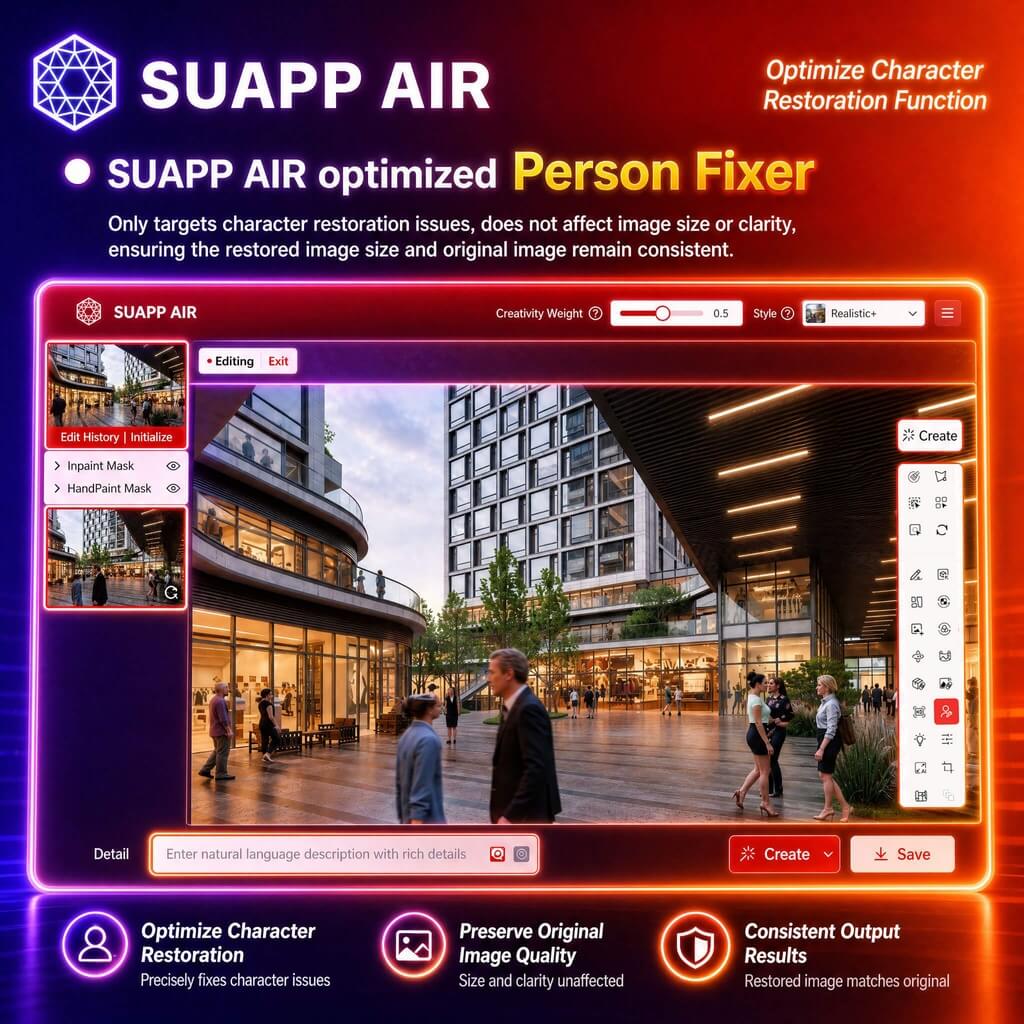
6. AIR – optimized Person Fixer, ensuring output image size matches the original.
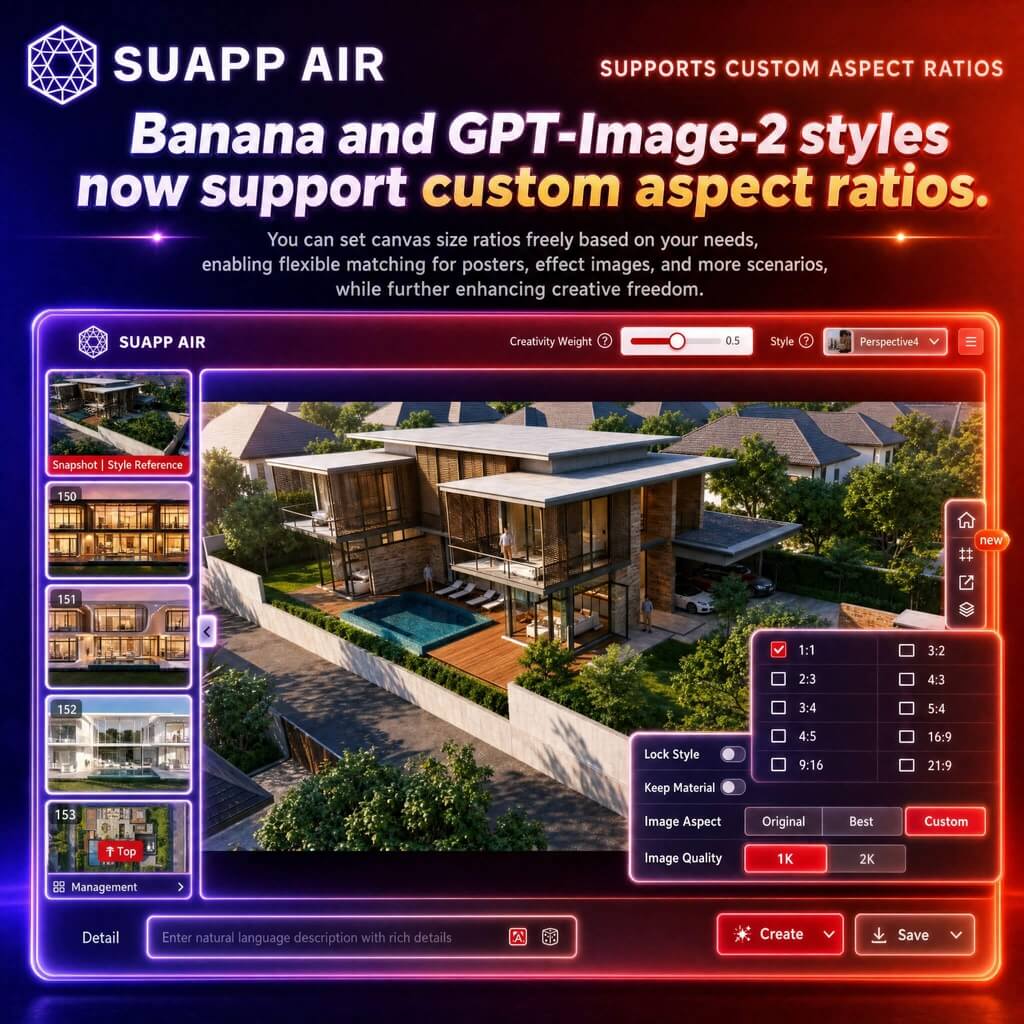
7. AIR – Banana and GPT-Image-2 styles now support custom aspect ratios.
8. SUAPP AI – optimized mobile display across all modules, with improved tablet touch support.

9. SUAPP AI – added generation credit display and task history tracking for credit-based users, no impact on unlimited plans.