


-
 SUAPP AIR
-
 Release Notes
- /47
 SUAPP_AI_20260409
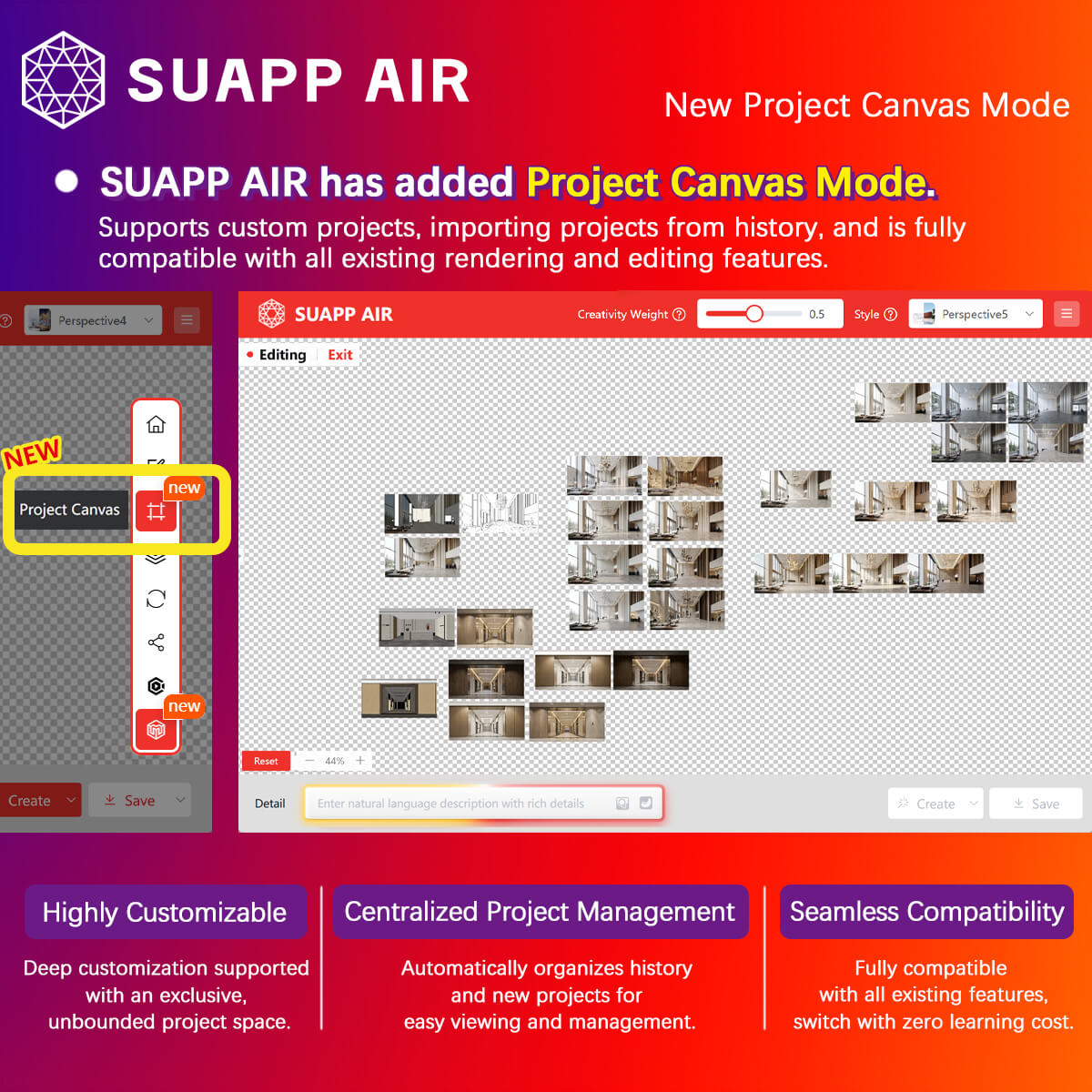
1. AIR – Project Canvas introduced, supporting custom projects and importing history records, with full compatibility across all rendering and editing features.
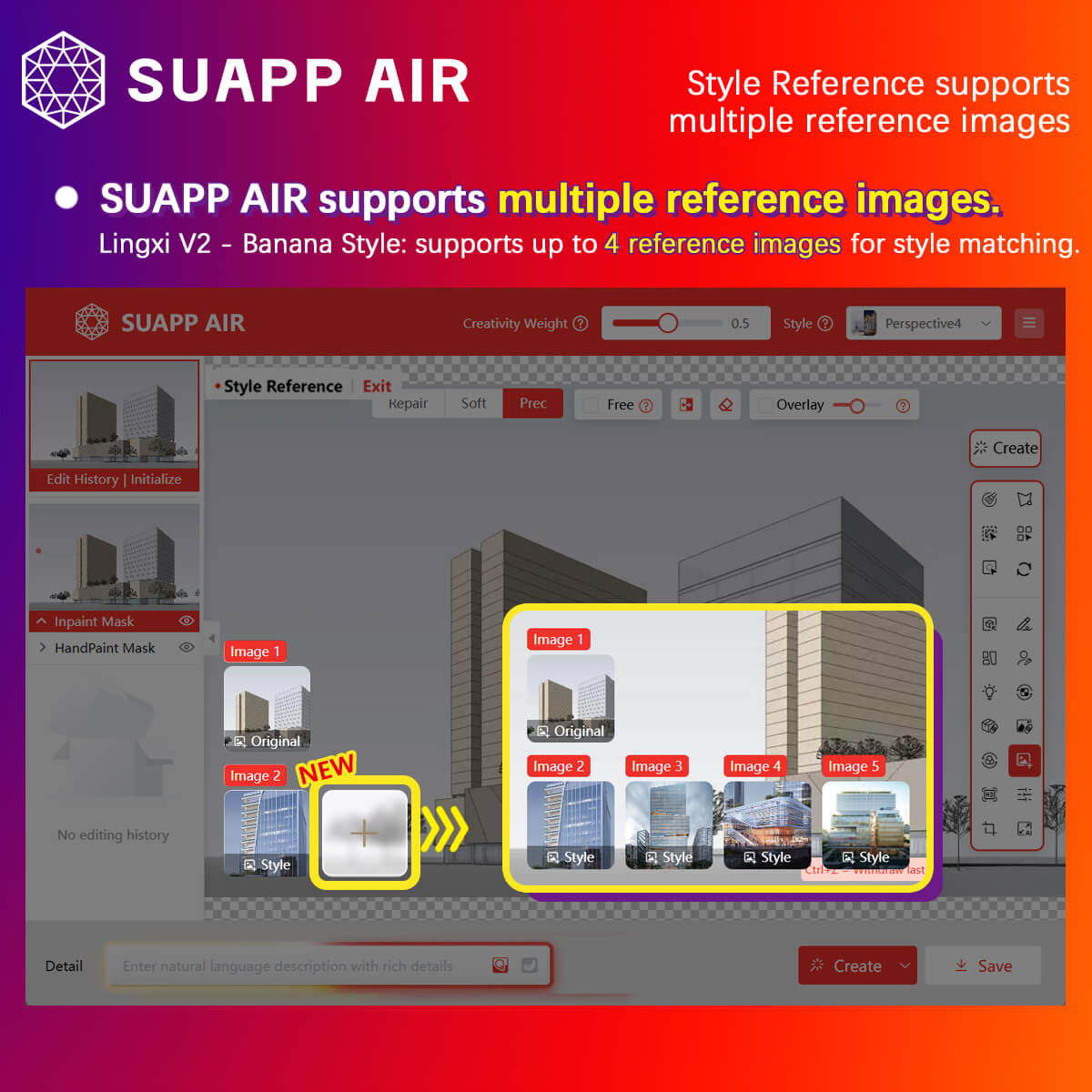
2. AIR – Lingxi V2 (Banana Style) now supports multi-image references, with up to 4 reference images.
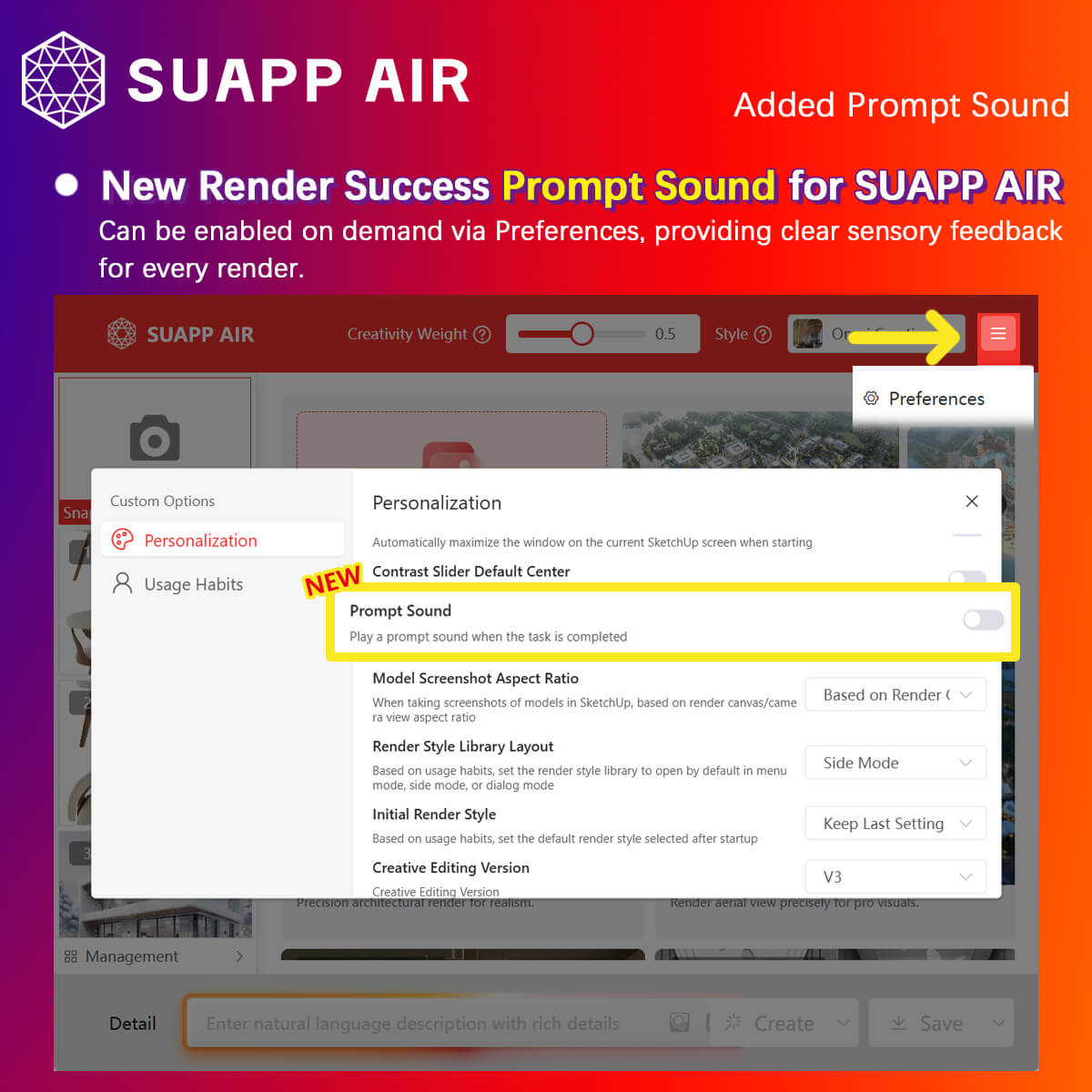
3. AIR – added a render completion sound notification, which can be enabled in Preferences.
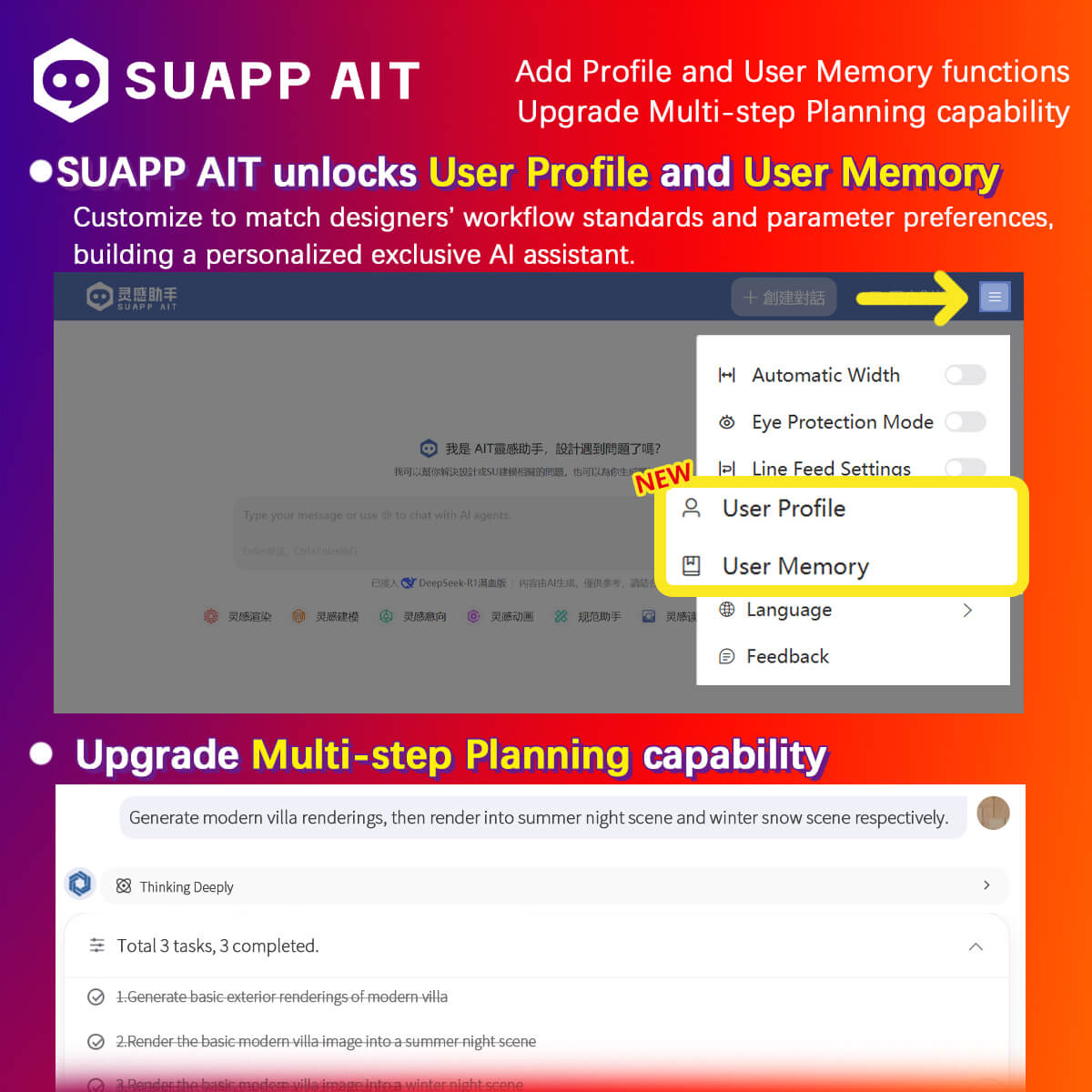
4. AIT – added Profile and User Memory, and upgraded Multi-step Planning for automated multi-step workflows, enabling a personalized AI assistant.
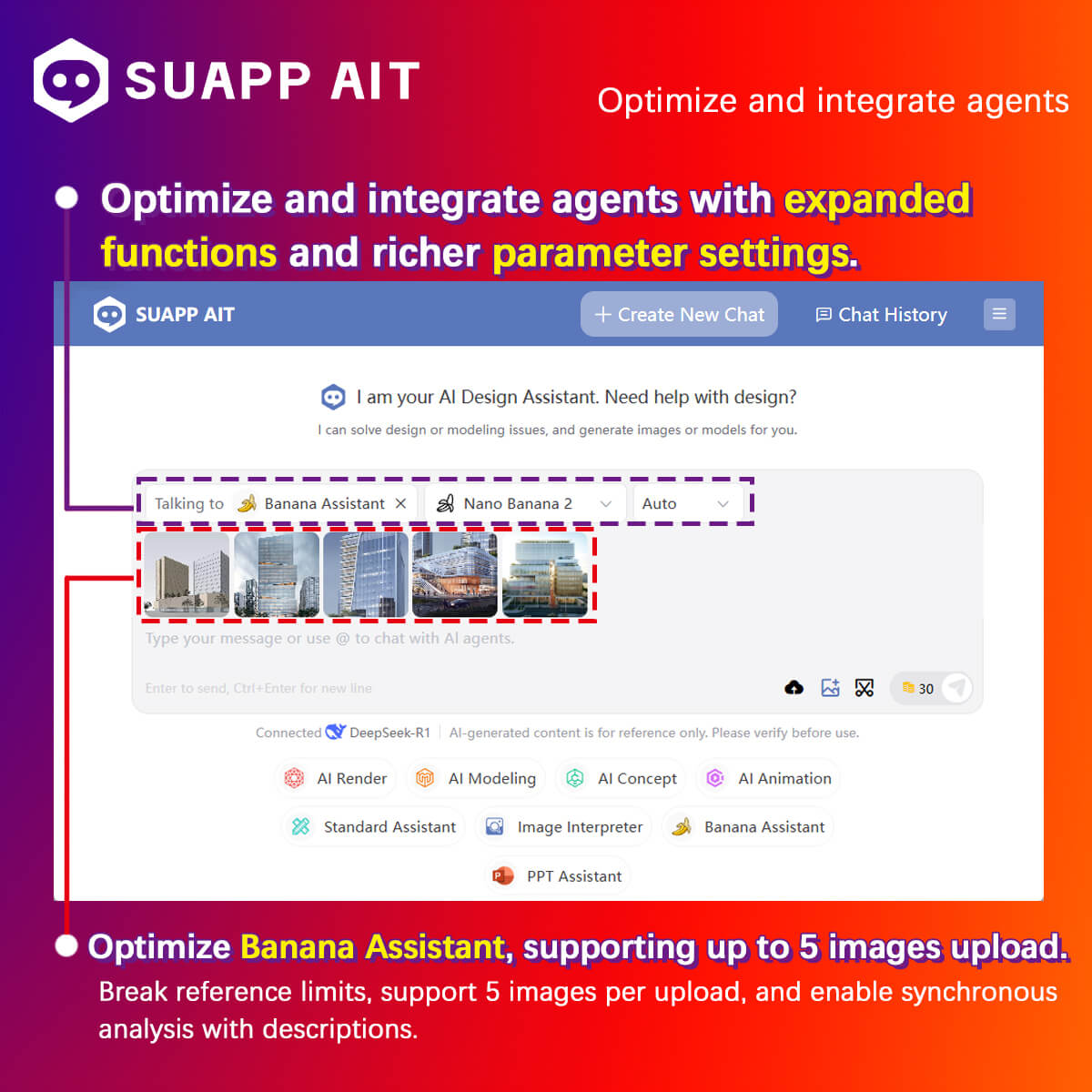
5. AIT – optimized agent integration with expanded features and parameters; improved Banana Assistant, now supporting up to 5 image uploads.
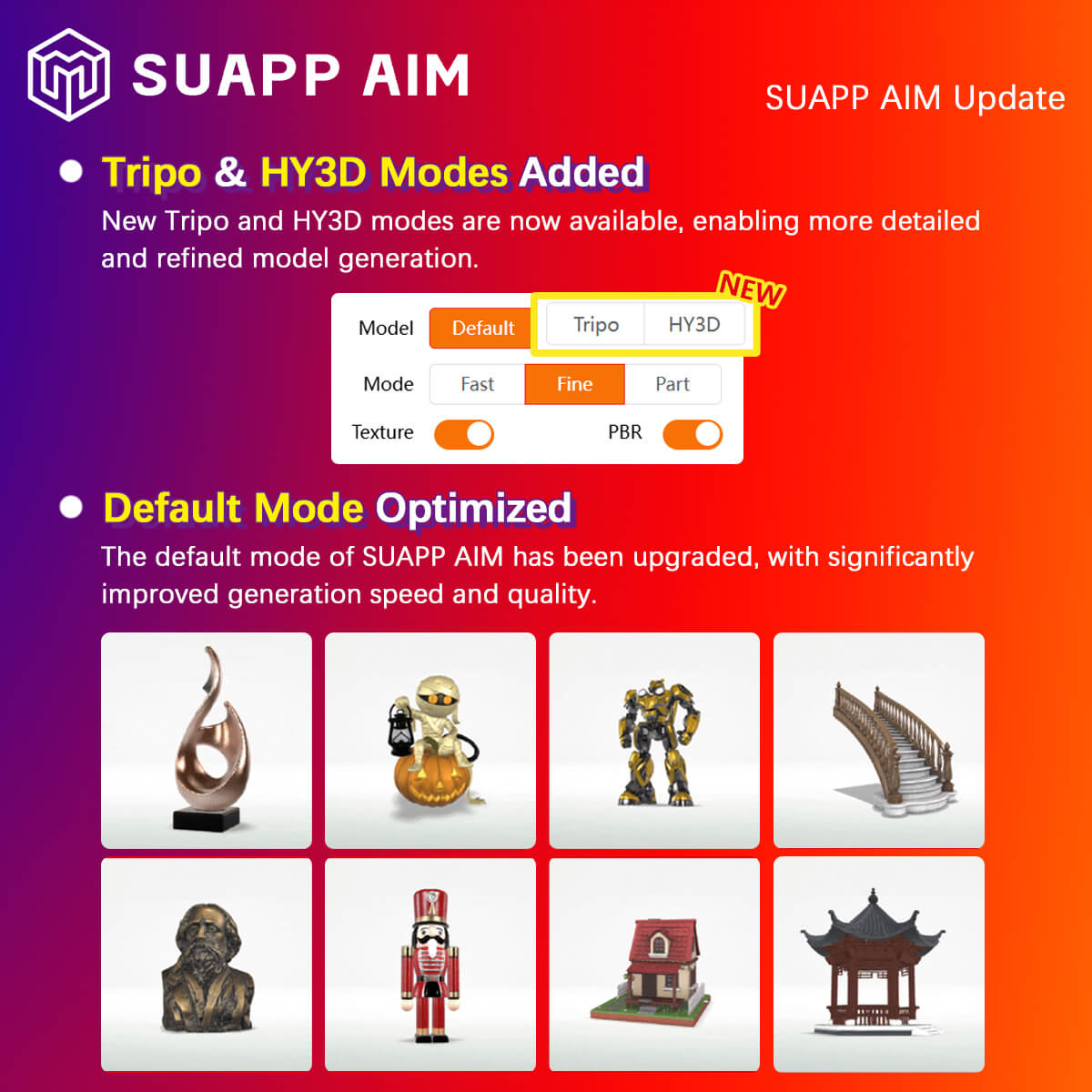
6. AIM – upgraded Fast/Fine Modes and added Tripo and HY3D modes, significantly improving speed and quality.
7. AIA – Flow Motion added new effect presets, along with sound effect presets and custom audio input support.
- /7
SUAPP_AI_20250516
1. The website (https://suapp.ai) now supports online access and creation for AIR, AIC, AIM, and AIA.
2. AIA: SenseMotion and ViewMotion modes updated with several new camera movement.
3. AIA: Optimized front-end interactions, including the camera movement selection UI.
4. AIR: Added user interaction features — users can now like or dislike works.
5. AIR: New Favorites feature added to the history management interface, along with a dedicated favorites page.
6. Various rendering processes optimized and bugs fixed.
- /8
SUAPP_AI_20250430
1. AIC: Added Creative Editing feature, allowing text-based modification of image content.
2. AIC: Added support for Custom Preset Words and Prompt Refinement.
3. AIA: Deprecated Animation 1.0 Mode. Users encouraged to use the updated SenseMotion and ViewMotion modes.
4. AIA: Animation effects further optimized.
5. AIR: Keyword system enhanced — now supports Preset Words, Custom Preset Words, Prompt Refinement, and adds Free Mode.
6. AIR: Now supports saving transparent images in PNG format after using the Background Remover.
7. AIT: Building code knowledge base updated to cover major architectural standards.
8. AIT: Interface optimized for improved usability.
9. Various rendering processes optimized and bugs fixed.
- /2
SUAPP_AIR_20240125
1. Added hundreds of new rendering styles.
2. Introduced AI-powered quick object selection.
3. Added large preview images for rendering styles.
4. Optimized rendering style categorization
5. Improved various UI elements and interaction flows.
6. Fixed various bugs.
- /29
SUAPP_AI_20260309
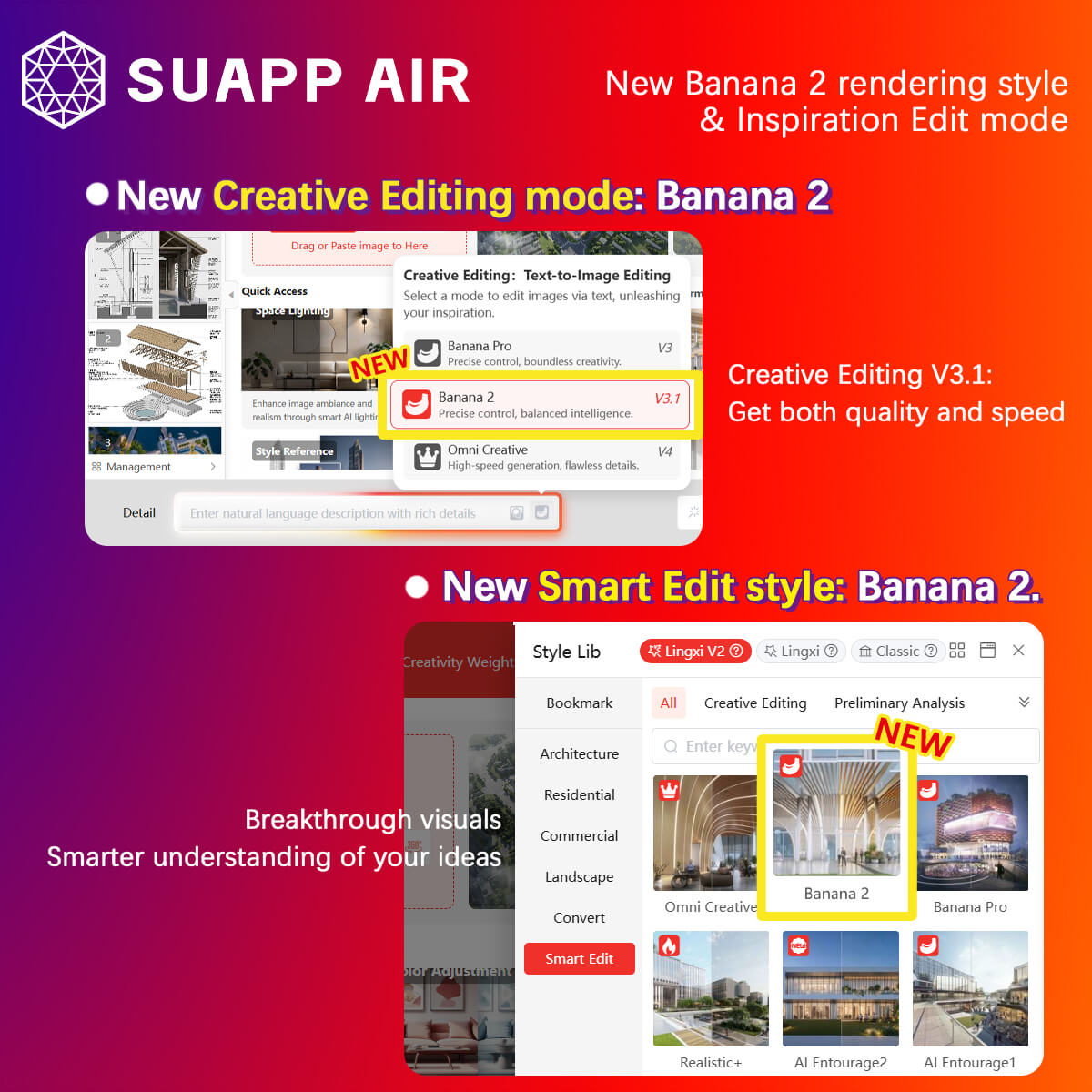
- AIR – Creative Editing added Banana 2 Mode, powered by Banana 2, balancing speed and quality.
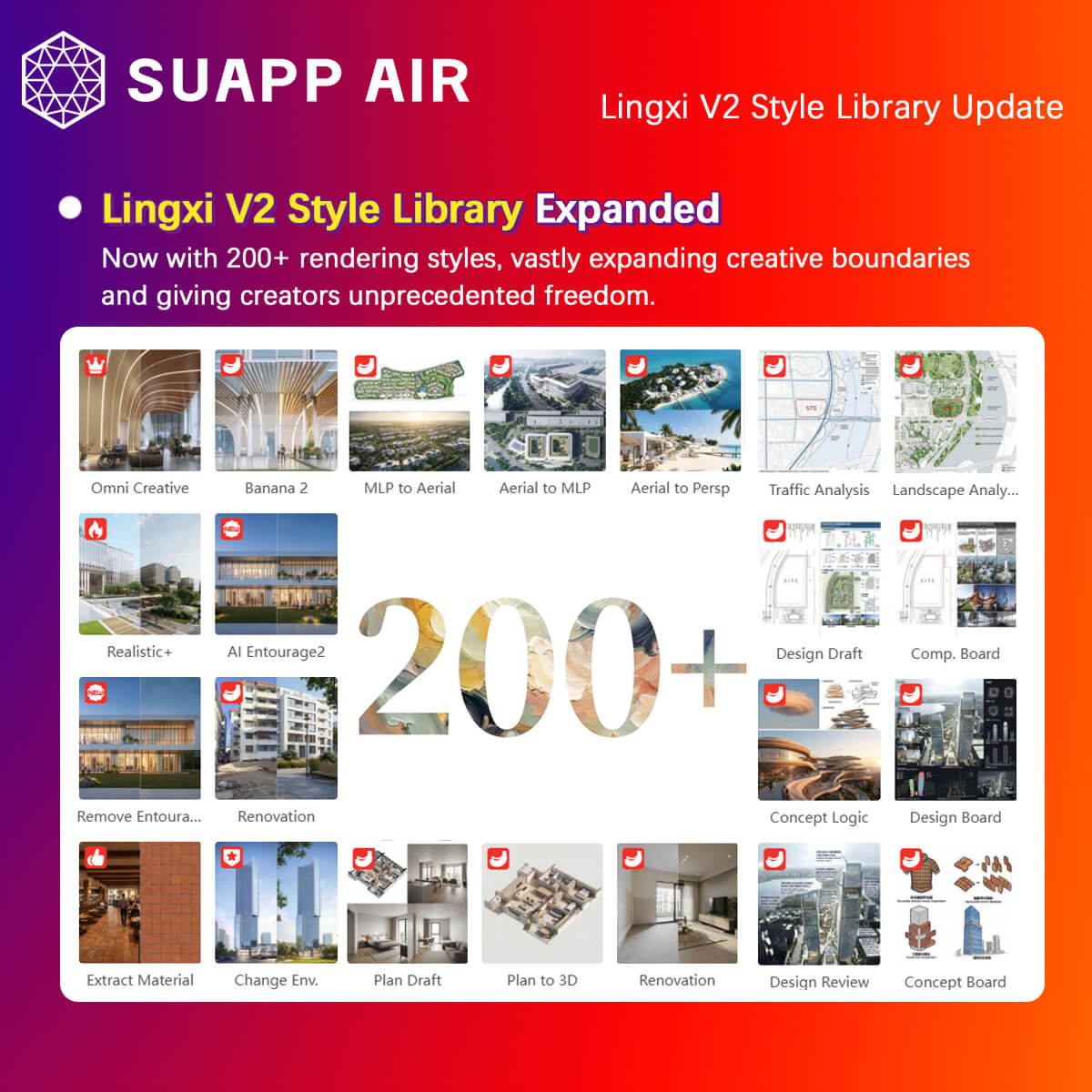
- AIR – added new Lingxi V2 styles, bringing the total to 200+ styles.
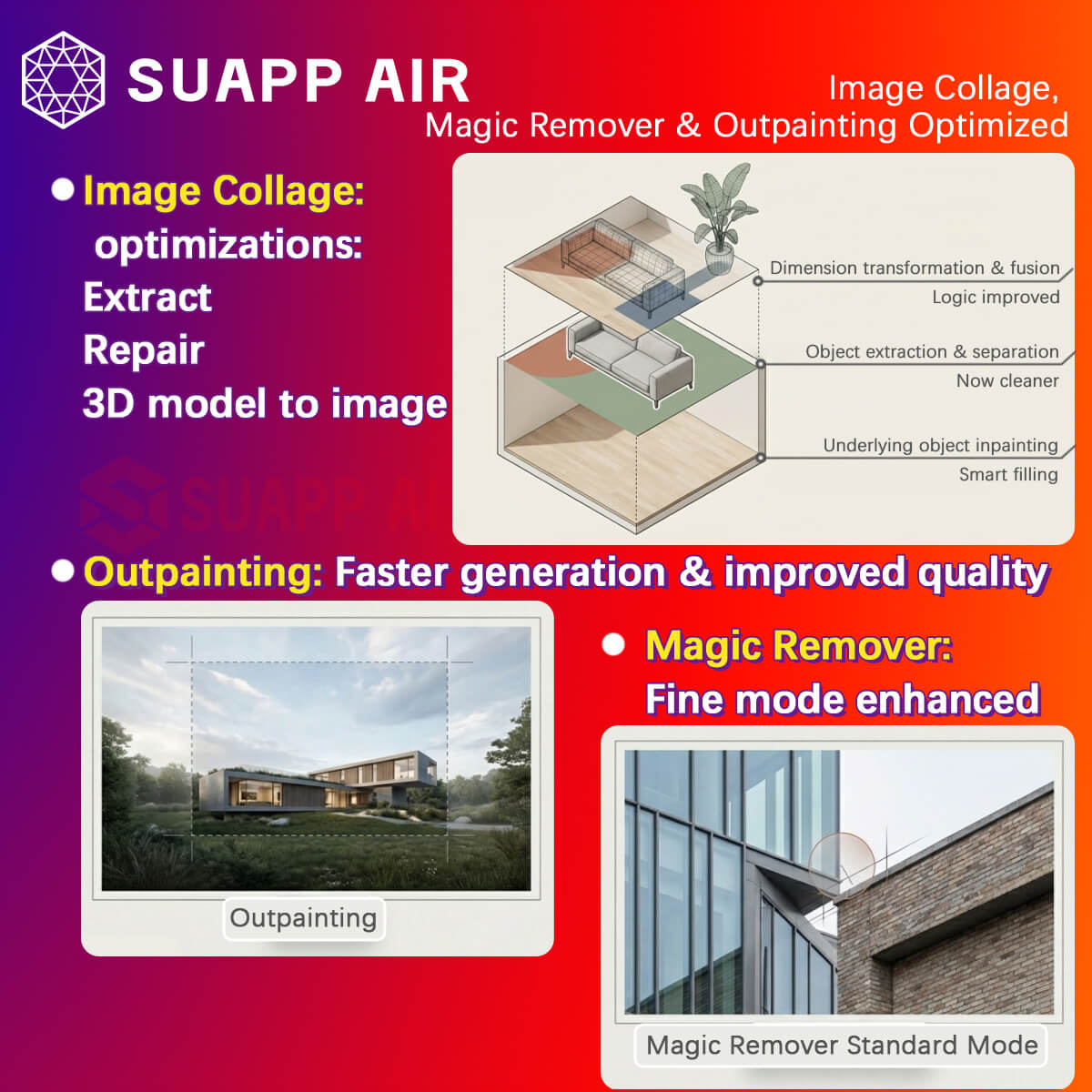
- AIR – optimized Collage – Extract, Repair, 3D Model to Image, Magic Remover (Standard Mode), and Outpainting, improving generation speed and quality.
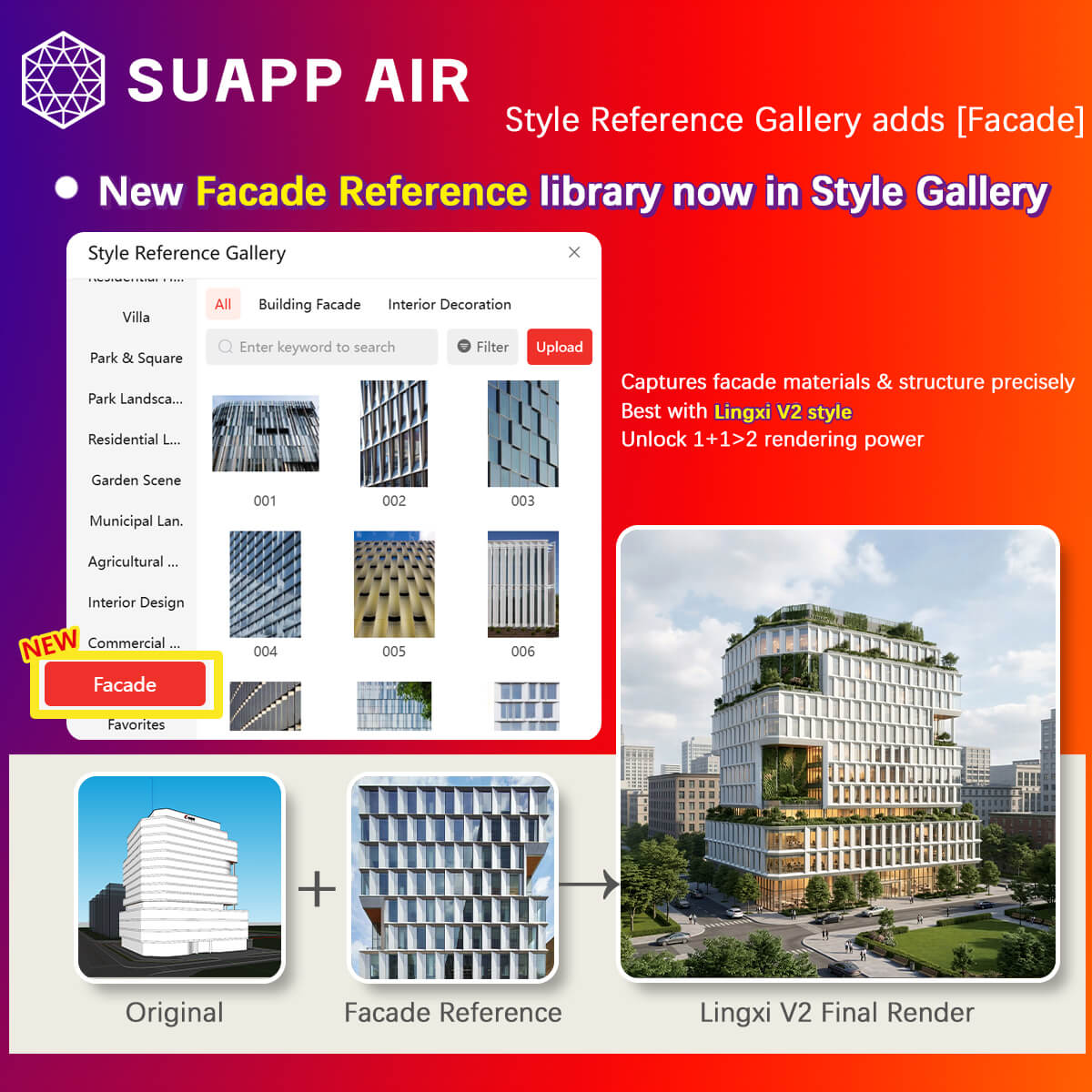
- AIR – Style Reference Library added Facade References, delivering better results when used with Lingxi V2 styles.
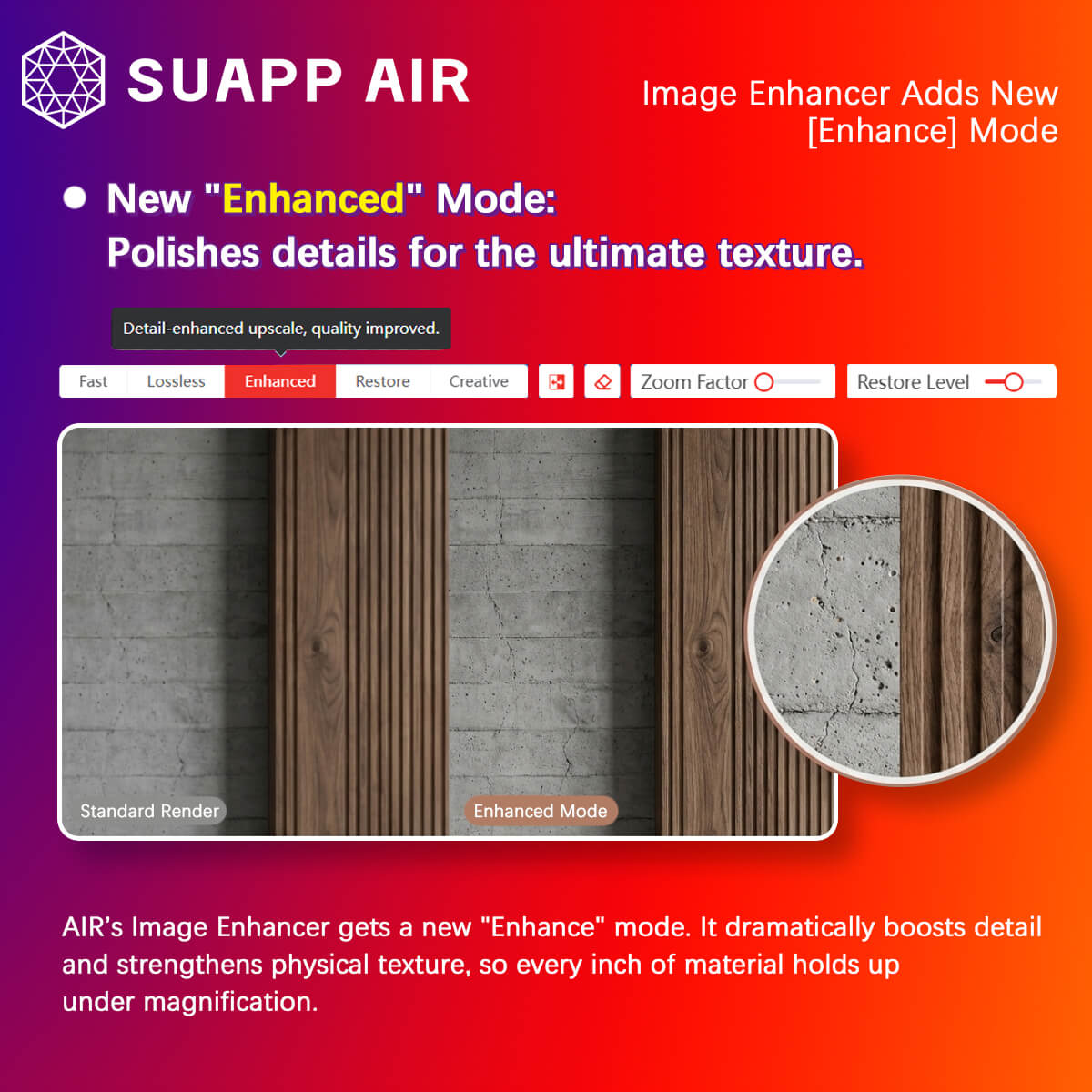
- AIR – Image Enhancer added Enhanced Mode to improve image details and texture.
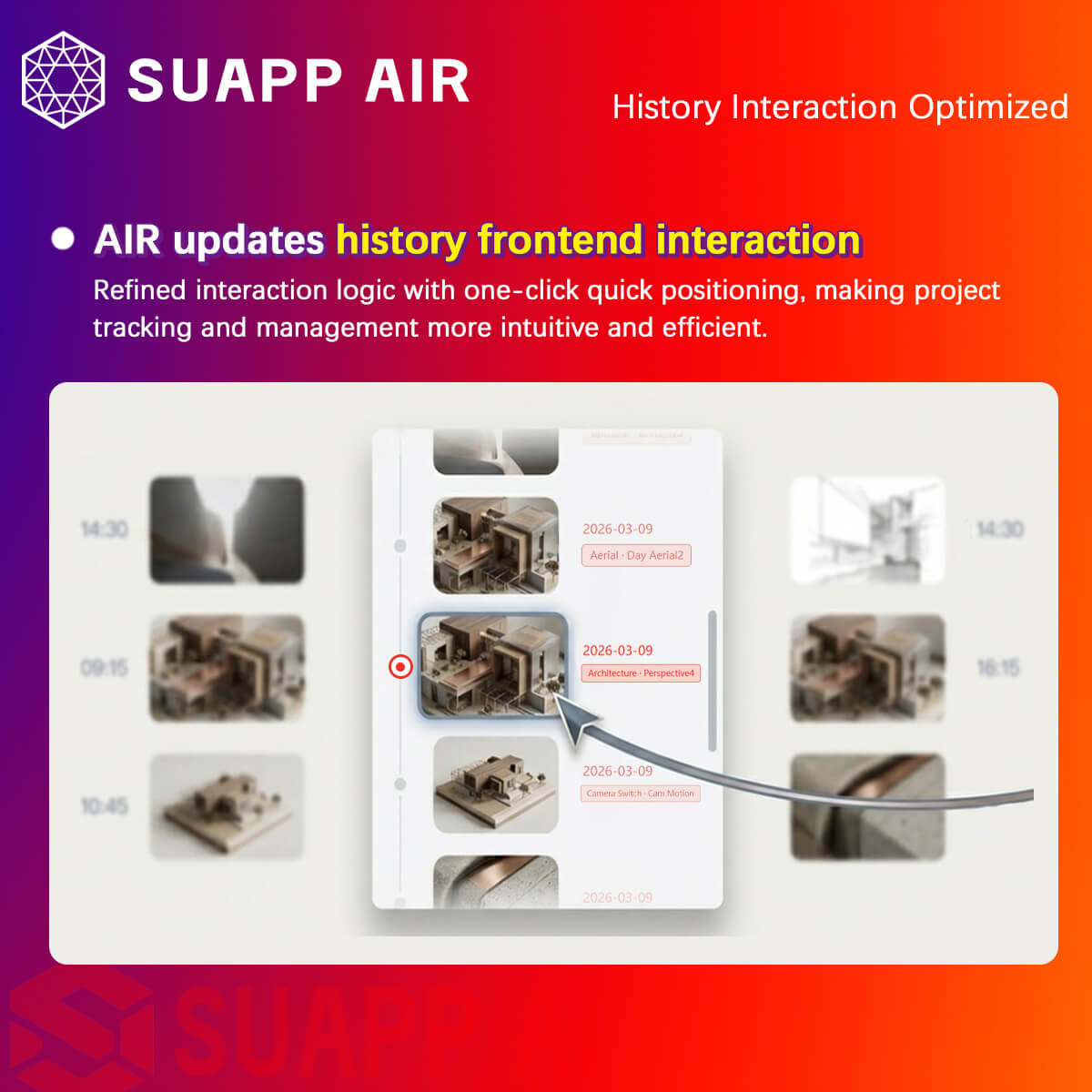
- AIR – optimized the interaction for selecting History Records.
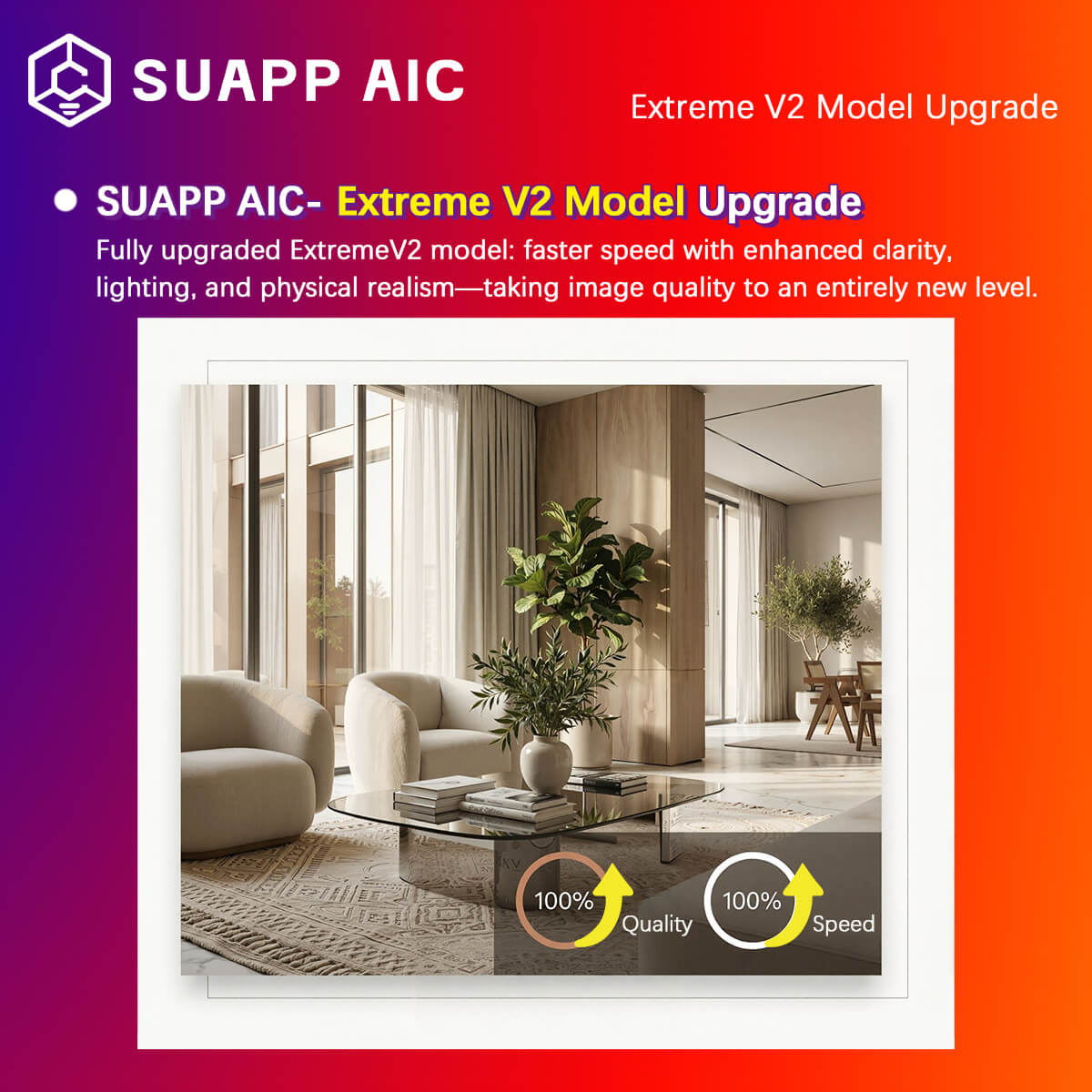
- AIC – Extreme V2 model upgraded for improved quality and speed.
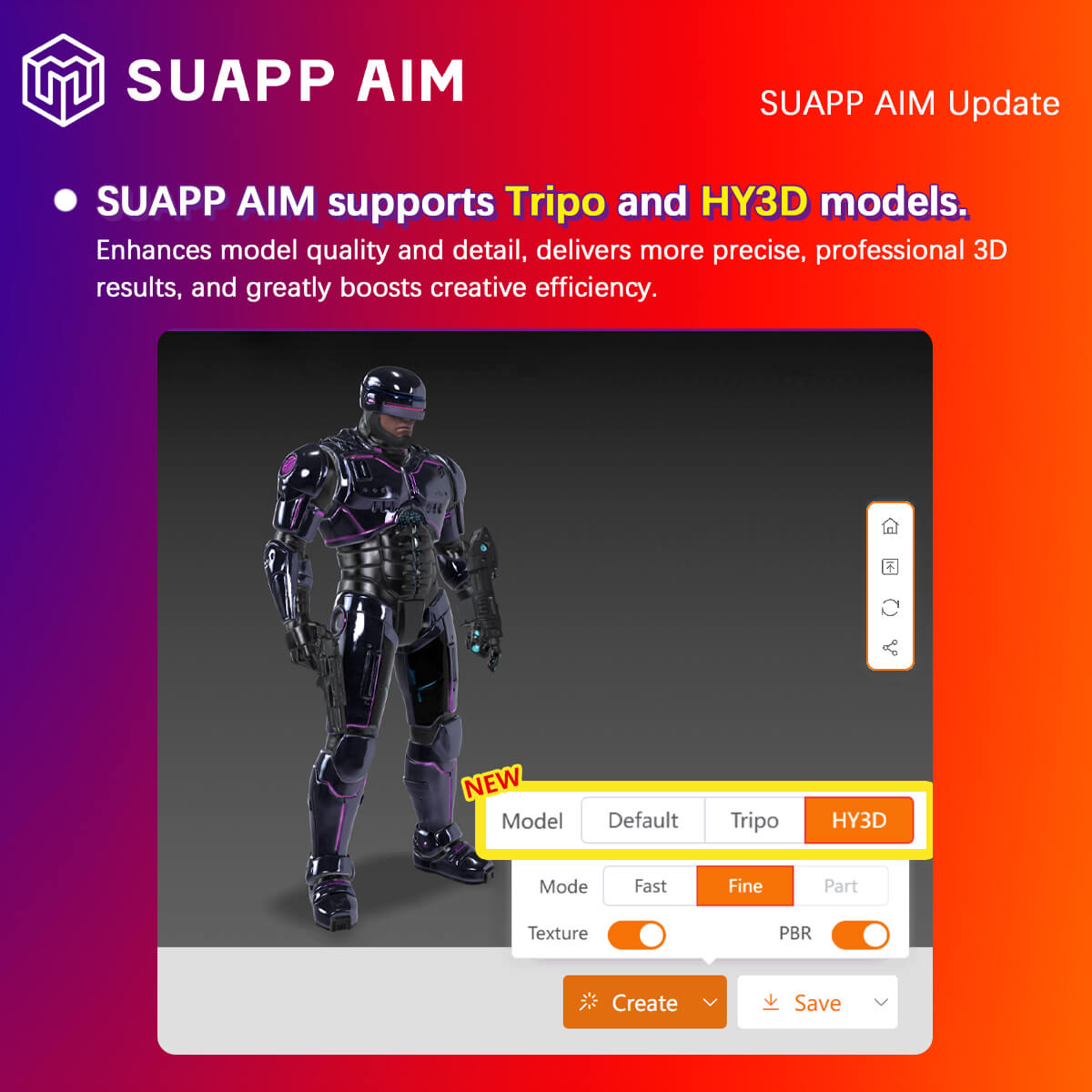
- AIM – added Tripo and Hunyuan generation models for more refined and professional 3D results.
- /6
SUAPP_AI_20250328
1. AIT: Officially launched— enabling natural language interaction with AI agents for design and creative tasks.
2. AIT: Enhanced functionality — now supports text-to-model generation when using @AIM.
3. AIT: Added support for Auto Width and Eye Protection Mode.
4. AIT: Introduced Extreme Retouching and Magic Assistant Beta.
5. AIT: Users can now delete historical chat sessions.
6. Various rendering processes optimized and bugs fixed.
- /5
SUAPP_AI_20250313
1. AIC: Extreme Mode now supports Style Reference.
2. AIM: Added Online Mesh Simplification feature.
3. AIM: Preview interface optimized with new toggle options for Wireframe and Texture Display.
4. Various rendering processes optimized and bugs fixed.
- /59
SUAPP_AI_20260204
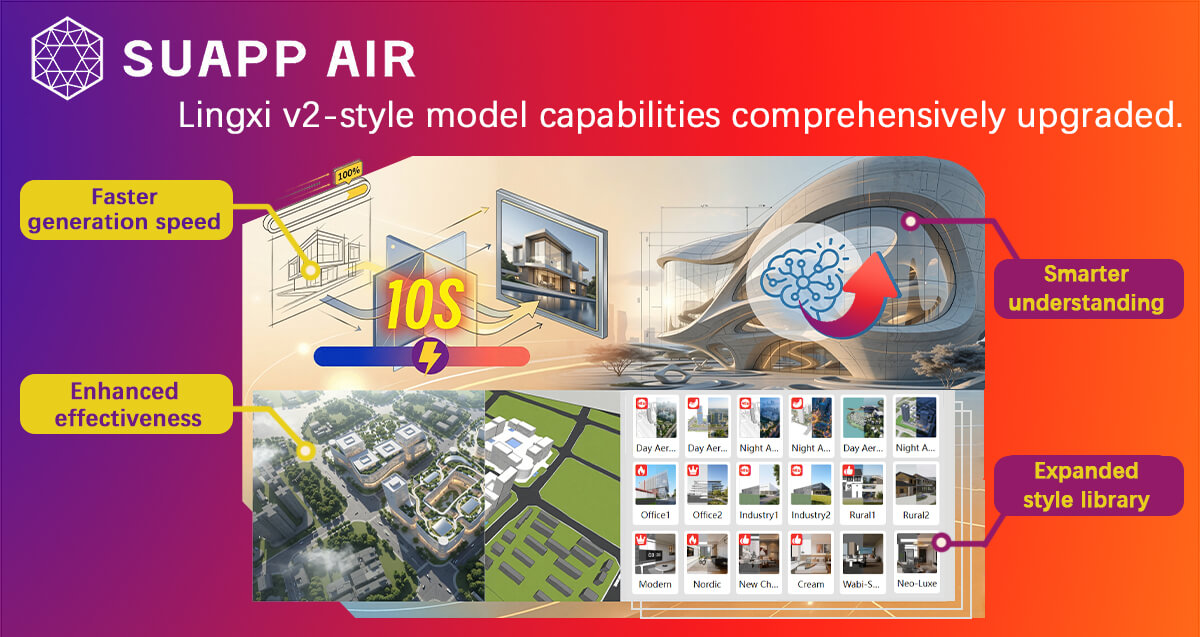
- AIR – Lingxi V2 Major Upgrade: Enhanced model capability with faster speed, stronger understanding, improved visual quality, and expanded style library.
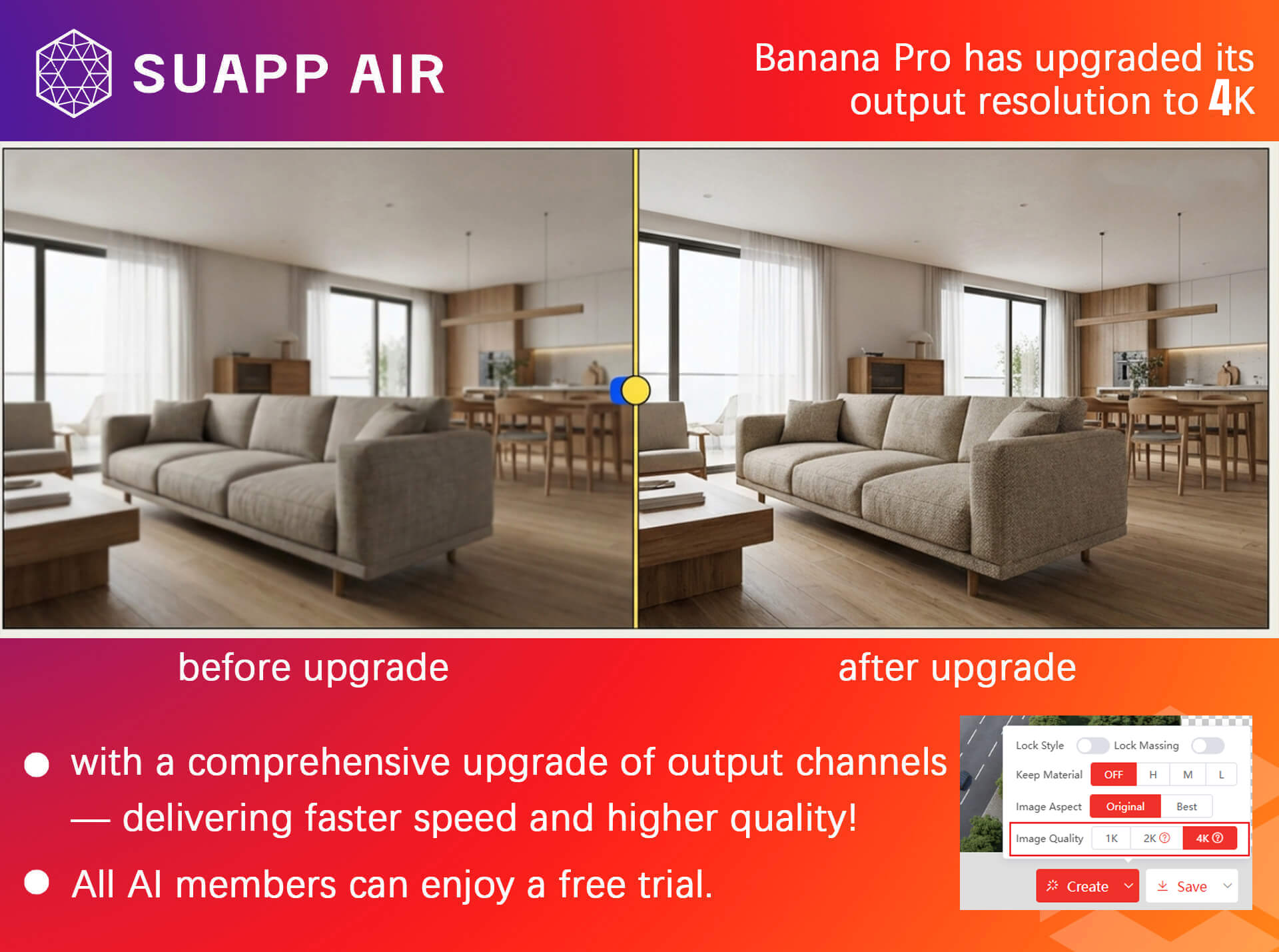
- AIR – Banana Pro: Now supports 1K, 2K and 4K resolution, available for all AI members. Rendering pipeline fully upgraded for faster output.
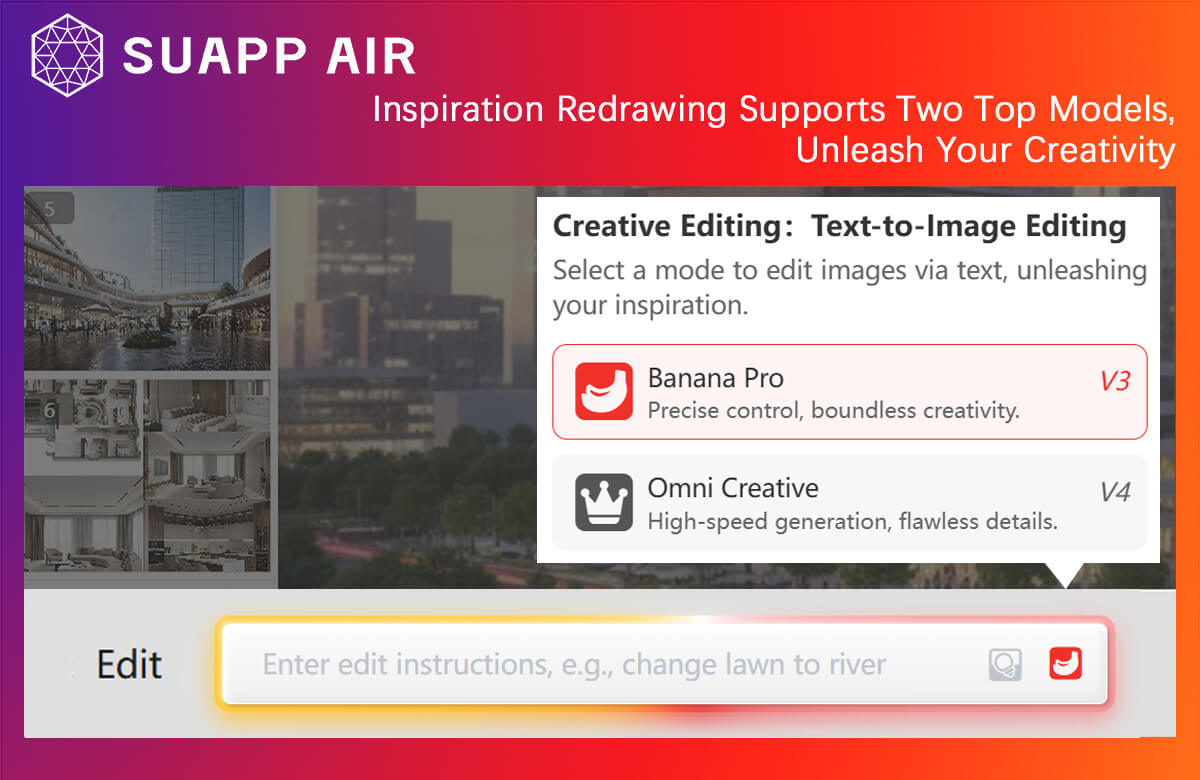
- AIR – Creative Editing: Now powered by two top-tier models, unlocking greater creative potential.
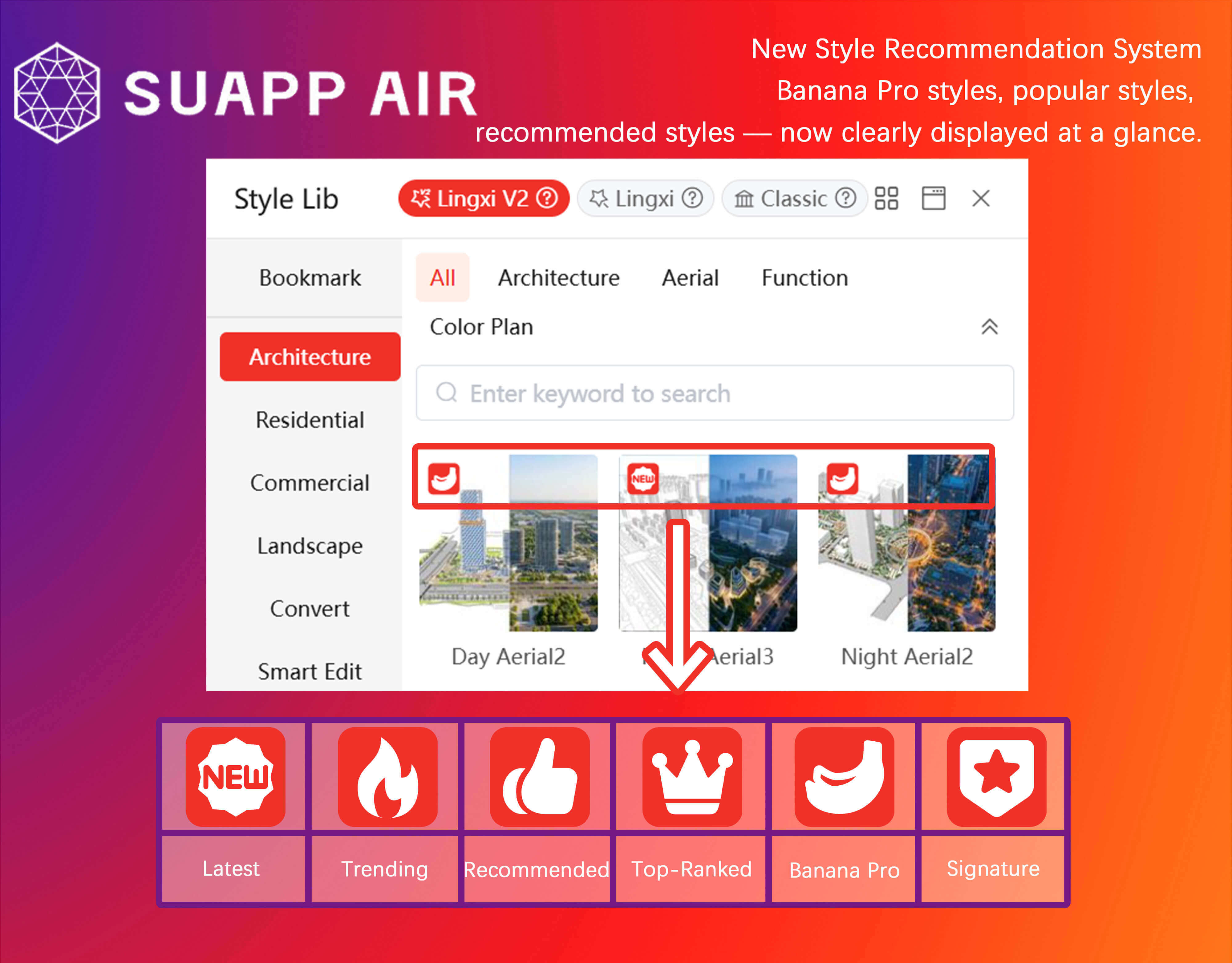
- AIR – Introduced Style Recommendation System, featuring Banana Pro styles, popular styles, and recommended styles for quick selection.
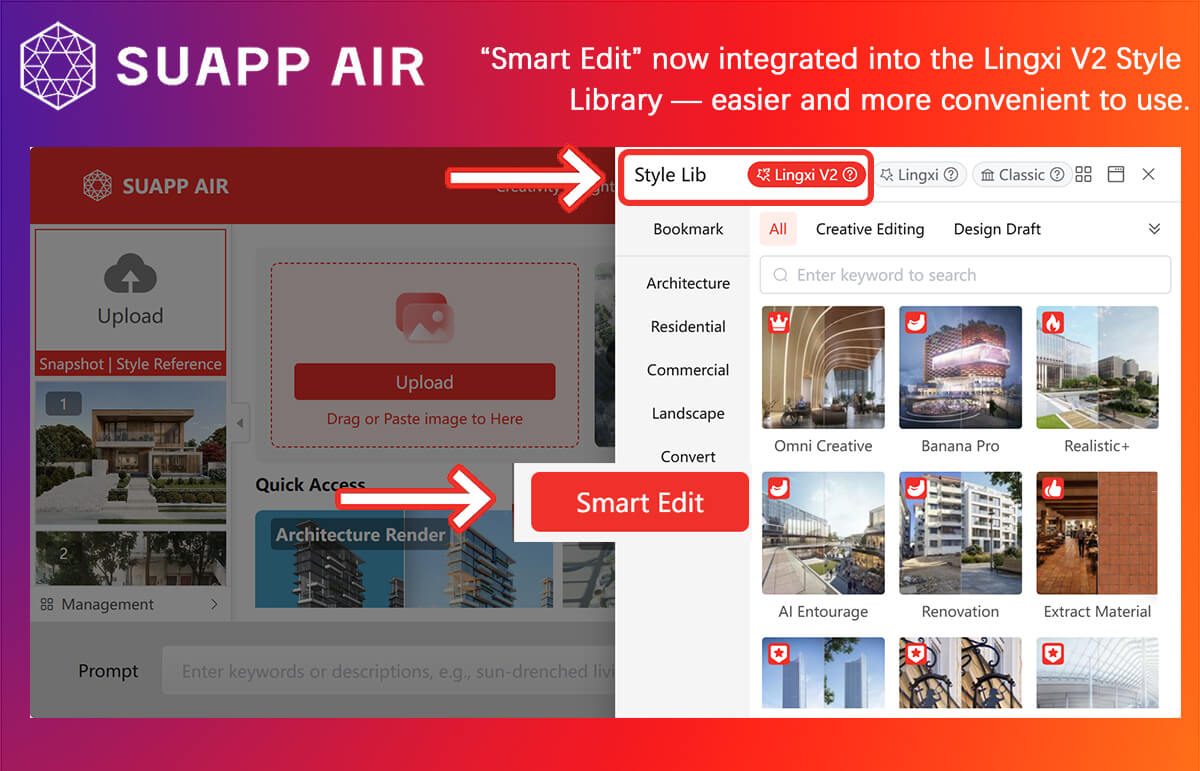
- AIR – “Intelligent Editing” is now integrated into Lingxi V2 (Smart Editing), delivering a more streamlined workflow.
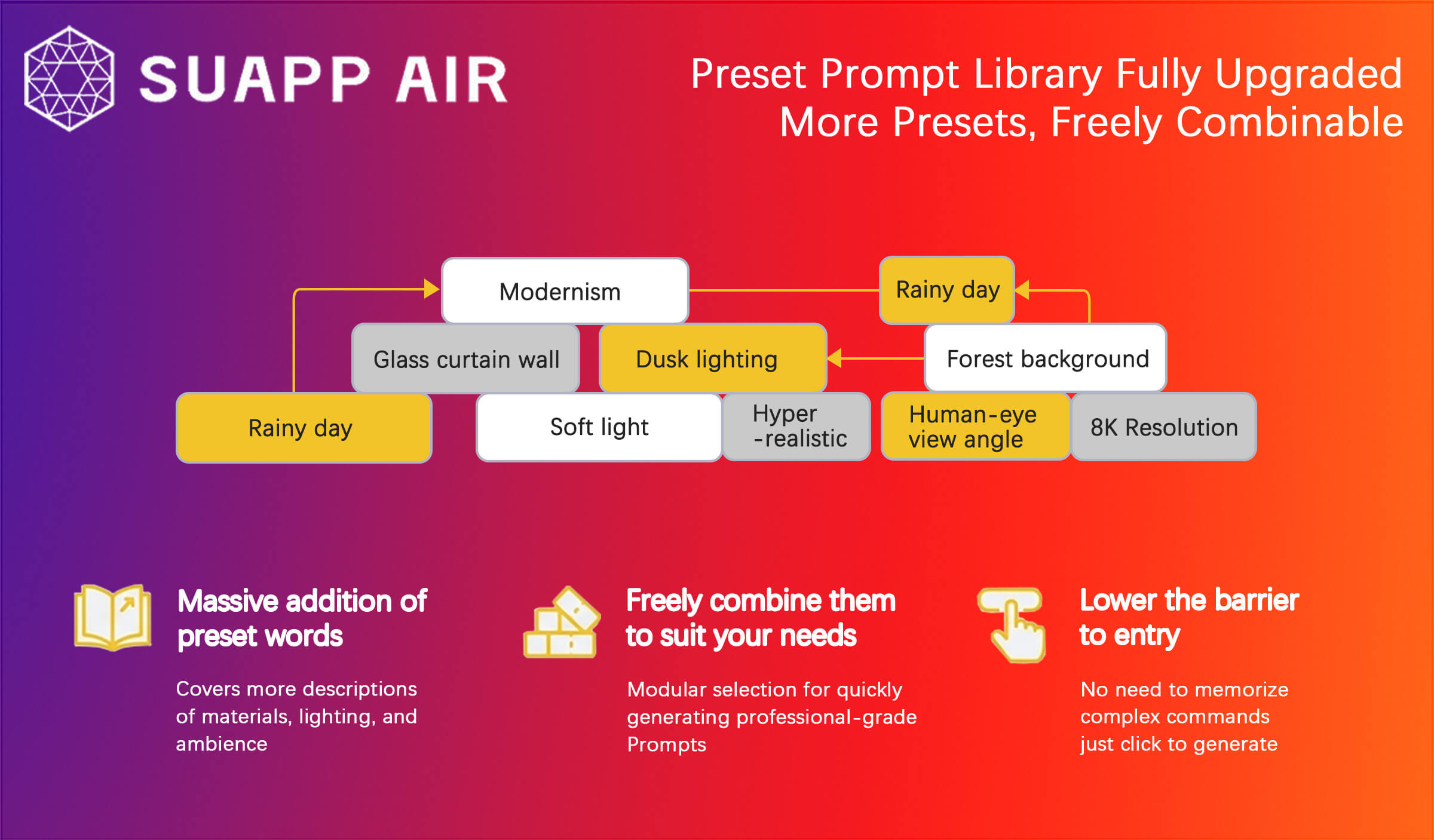
- AIR – Preset prompt library fully upgraded with more presets and flexible combinations.
- /7
SUAPP_AI_20250207
1. AIR: Added Implanting feature.
2. AIR: Optimized the order of icon tools in Edit Mode.
3. AIR: Sketch function now supports colored drawing.
4. Various rendering processes optimized and bugs fixed.
- /10
SUAPP_AIM_20250110
1. Now supports uploading .png images and returns .png format with one-click background removal.
2. Image and text prompts can now jointly influence model generation.
3. Added support for generating models from multiple images.
4. Optimized the workflow for using Style Reference.
5. Now supports importing from AIR and AIC history records.
6. Supports sending models directly to AIR.
7. Various rendering processes optimized and bugs fixed.
- /2
SUAPP_AIR_20240108
1. Added partial redraw on uploaded or screenshot images.
2. Added mask inversion
3. Support mask inheritance and editing for redraws.
4. Added user feedback portal
5. Default partial redraw set to Precise mode.
6. Fixed rare login issues.
7. Fixed various bugs.
- /34
SUAPP_AI_20260113
- AIR – Introduced Creative Editing V3 with improved instruction understanding, supporting text editing, reference editing, and partial editing. Set as default in Custom Options.
- AIR – Transfer Ambiance added V3 Mode with enhanced effects.
- AIR – Added Analysis Suggestions to provide intelligent edit recommendations.
- AIR – Optimized Prompt Refinement to improve output quality based on images and simple prompts.
- AIA – Added Flow Motion and World Motion with upgraded video effects.
- AIM – Added New Scene, Import Model, and Save Scene features.