


-
 SUAPP AIR
-
 Release Notes
- /1
 SUAPP_AIR_20240719
1. Advanced Editing for Lingxi Style is now live — including partial redraw, Outpainting, Sketch, Collage, Style Reference, and more.
SUAPP_AIR_20240719
1. Advanced Editing for Lingxi Style is now live — including partial redraw, Outpainting, Sketch, Collage, Style Reference, and more.
2. Lingxi Style is now pinned to the top of the rendering style list.
3. Added new Transfer Ambiance feature.
4. Added Auto-Masking for Sketch; Sketch and brush strokes can now be re-edited.
5. Added support for overlaying the original image when smearing selected areas.
6. Collage now supports distortion and deformation.
7. Optimized startup screen image loading order to improve loading speed.
8. Various operations optimized and bugs fixed.
- /21
SUAPP_AI_20251106
- AIR – Lingxi V2 and Creative Editing now support Partial Redraw.
- AIR – Lingxi V2 and Creative Editing now support Style Reference, and the Transfer Ambiance effect has been upgraded.
- AIR – Image Enhancer optimized; Fast Mode now supports zoom factor adjustment, and Inspiration Mode supports both zoom factor and restoration level settings.
- AIR – Custom Options added, allowing users to modify default settings.
- AIR – Creative Editing V2 introduced with higher output resolution and improved prompt comprehension; users can set the default version in Custom Options.
- AIR – Collage optimized Fusion Mode and added Fix Perspective, which intelligently adjusts collage image perspective to align with the base image.
- AIR – Intelligent Editing added Edit Text under Content Modification, allowing modification of text within images.
- AIA – SenseMotion and ViewMotion upgraded animation effects with added camera motion presets.
- AIC – Extreme V2 Mode added with enhanced comprehension and text generation capabilities.
- AIC – Creative Editing optimized overall performance.
- /3
SUAPP_AIR_20240701
1. Added Lingxi Style.
2. Added "Copy & Start" in the startup interface and "More Tools" in Edit Mode.
3. Added Quick + Precise Selection modes; optimized and now saves the mask channel map.
4. Improved interaction for the Image Cropper function.
5. Fixed an issue where the right toolbar would not temporarily hide when using the eraser on a mask.
6. Fixed various bugs.
- /14
SUAPP_AI_20251009
1. AIR-Added Lingxi V2 Style Library for rendering types, enabling precise image generation and accurate design presentation.
2. AIR-Added Intellignet Editing to prompt presets, including Design Analysis, Camera Switch, Content Revision, and Interior Design effects.
3. AIR-Upgraded prompt comprehension when using Lingxi V2 Style or Creative Editing.
4. AIR-Optimized prompt input interaction — the full interface now expands automatically.
5. AIR-The Sketch now supports rectangles, circles, and arrows, allowing partial image editing with prompts in Creative Editing.
6. AIR-Added categorized shortcuts on the homepage for Quicker Access.
7. AIR-Optimized rendering style favorites.
8. AIT-Added a bottom button to load more history records.
9. Optimized the interface and fixed bugs.
- /1
SUAPP_AIR_20240606
1. Optimized the Image Collage function.
2. Optimized the Outpainting feature.
3. Improved performance and interaction in Edit Mode.
4. Enhanced output quality for Image Enhancer saving.
5. Fixed various bugs.
- /30
SUAPP_AI_20250909
1. AIR- Added "Panoramic Rendering" feature, enabling panoramic-style rendering of models (SketchUp plugin version only).
2. AIR- Introduced a new rendering type called "Precise Editing," allowing accurate image rendering or atmosphere adjustments.
3. AIR- Added a "Fusion" feature to image Collage, seamlessly merging collages with the base image without altering details.
4. AIR- Added "Weight" functionality for Style Reference, supporting custom adjustment of reference weight.
5. AIR- Enhanced the generation effect of "Outpainting".
6. AIR- Added quick-access entries on the software homepage for multiple new features, including "Precise Rendering (Architecture)" and "Precise Rendering (Interior)".
7. AIM- Introduced an "Edit Material" feature, supporting material modifications via a preset material library or local uploads.
8. AIT- Upgraded the "Magic Assistant" with support for various text-based image editing functions.
9. Optimized the interface and fixed bugs.
- /3
SUAPP_AI_20260915
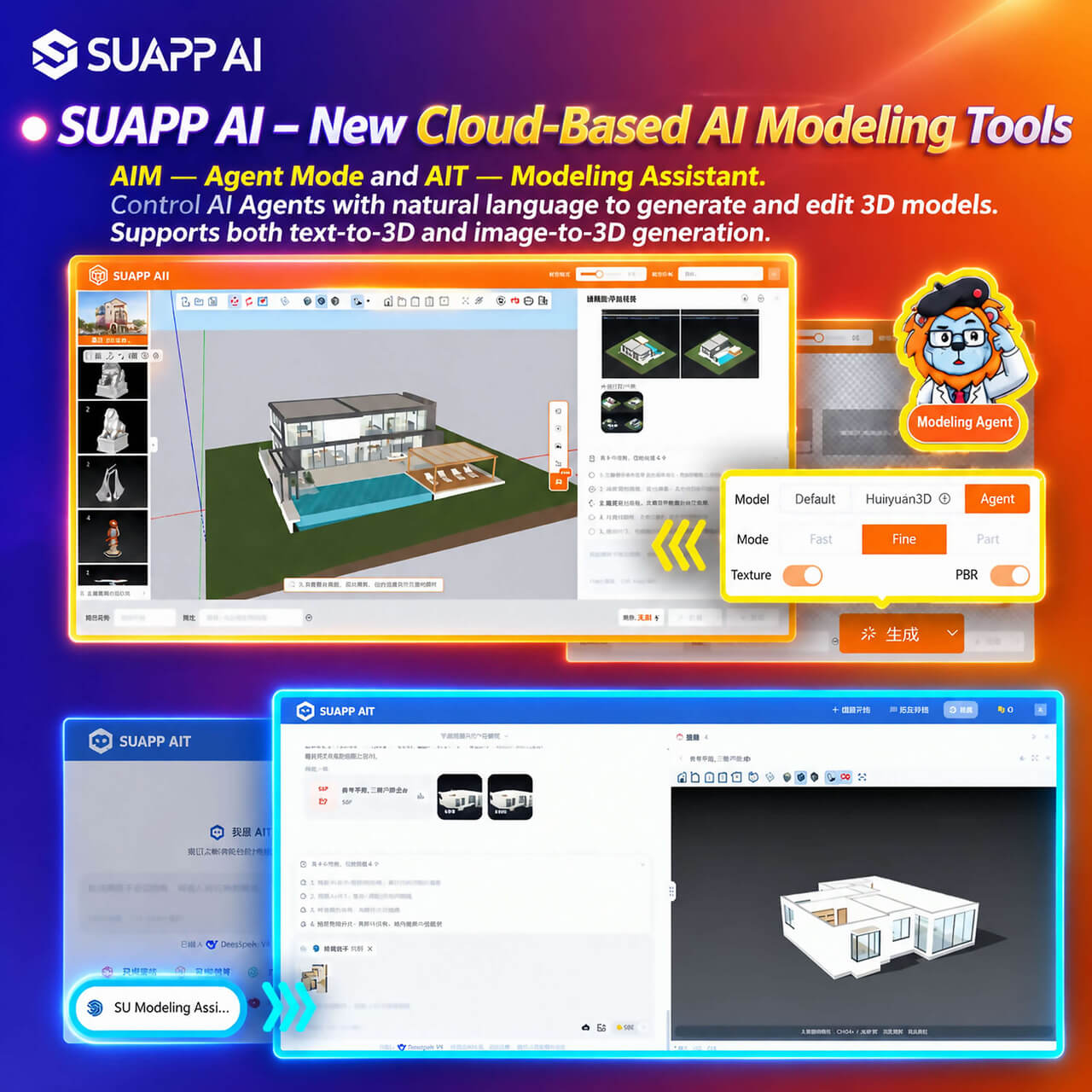
1. SUAPP AI – New Cloud-Based AI Modeling Tools Are Now Live: AIM — Agent Mode and AIT — SU Modeling Assistant. Control AI Agents with natural language to generate and edit 3D models. Supports both text-to-3D and image-to-3D generation.
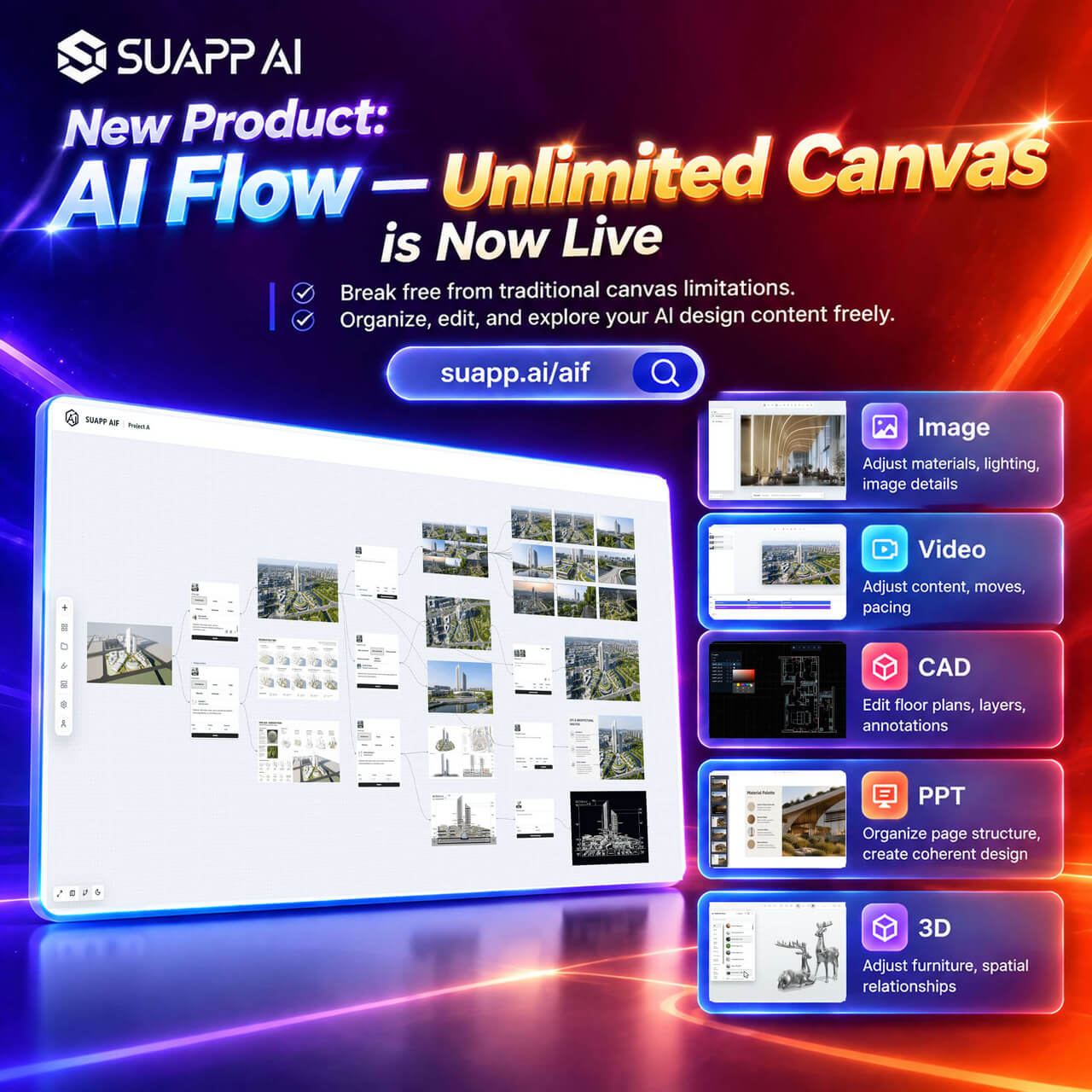
2. SUAPP AI – New Infinite Canvas Product, AI Flow, Is Now Live: https://suapp.ai/aif
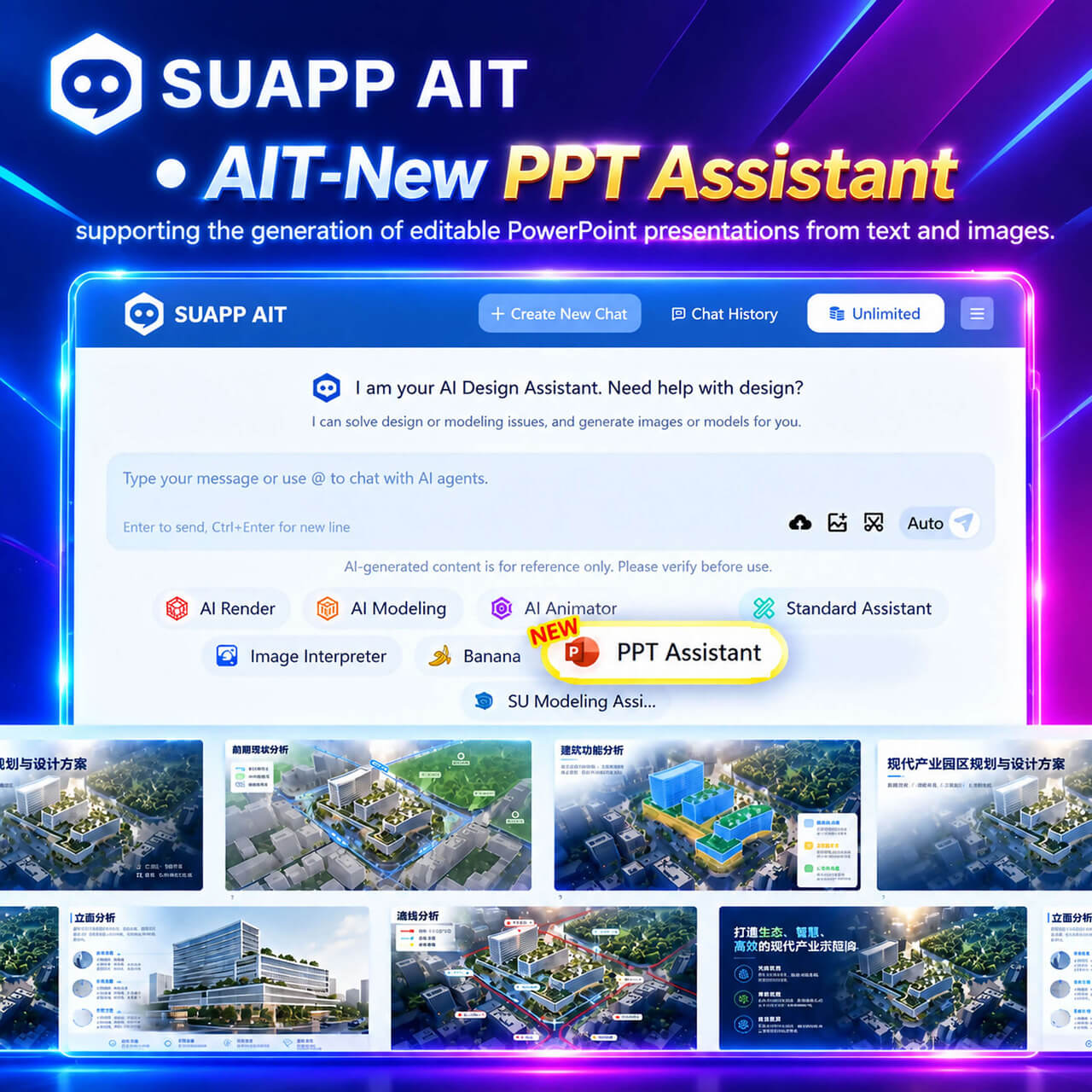
3. AIT – New PPT Assistant, supporting the generation of editable PowerPoint presentations from text and images.
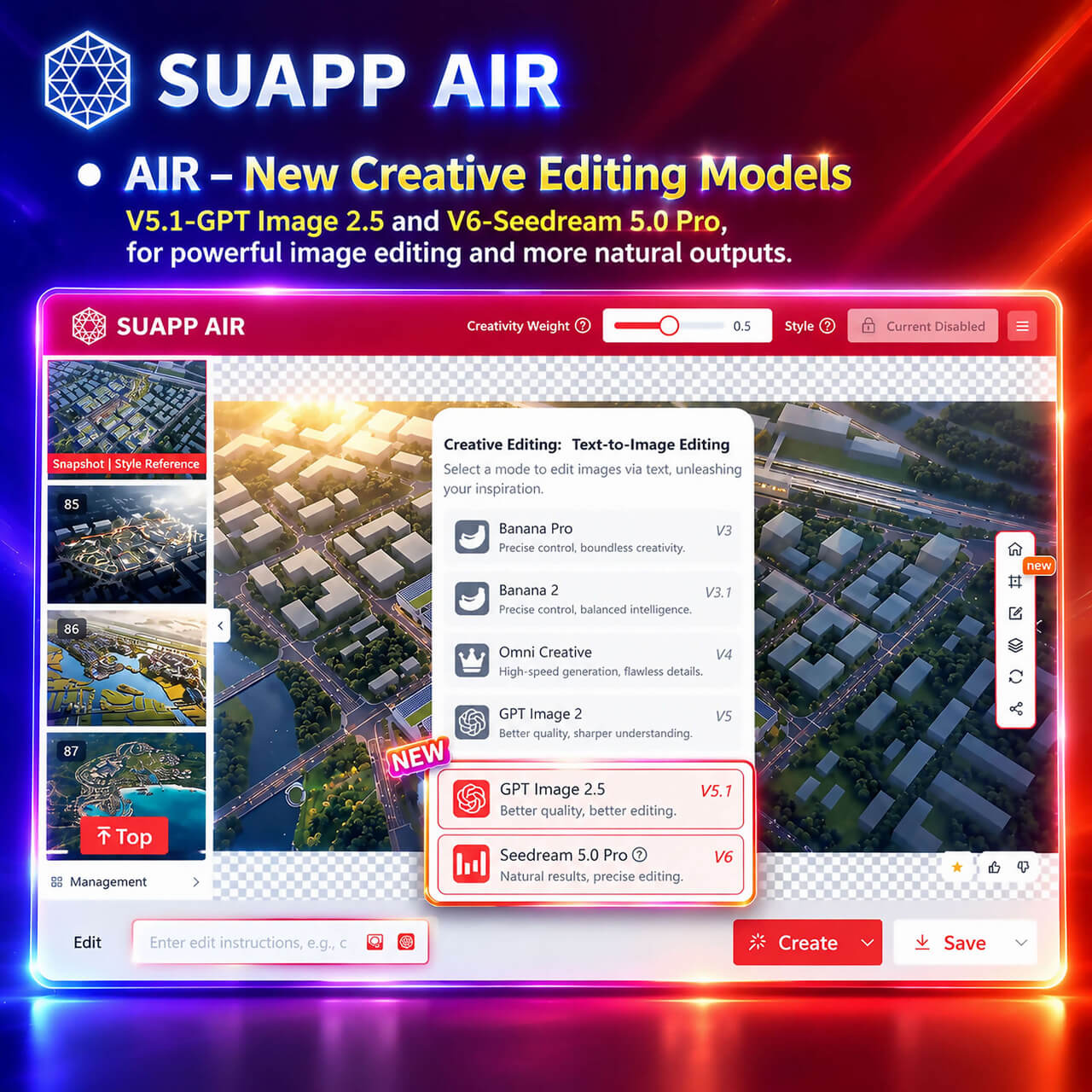
4. AIR – New Creative Editing V5.1 – GPT Image 2.5, with enhanced image generation and editing capabilities; New Creative Editing V6 – Seedream 5.0 Pro, with more precise editing control and more natural results.
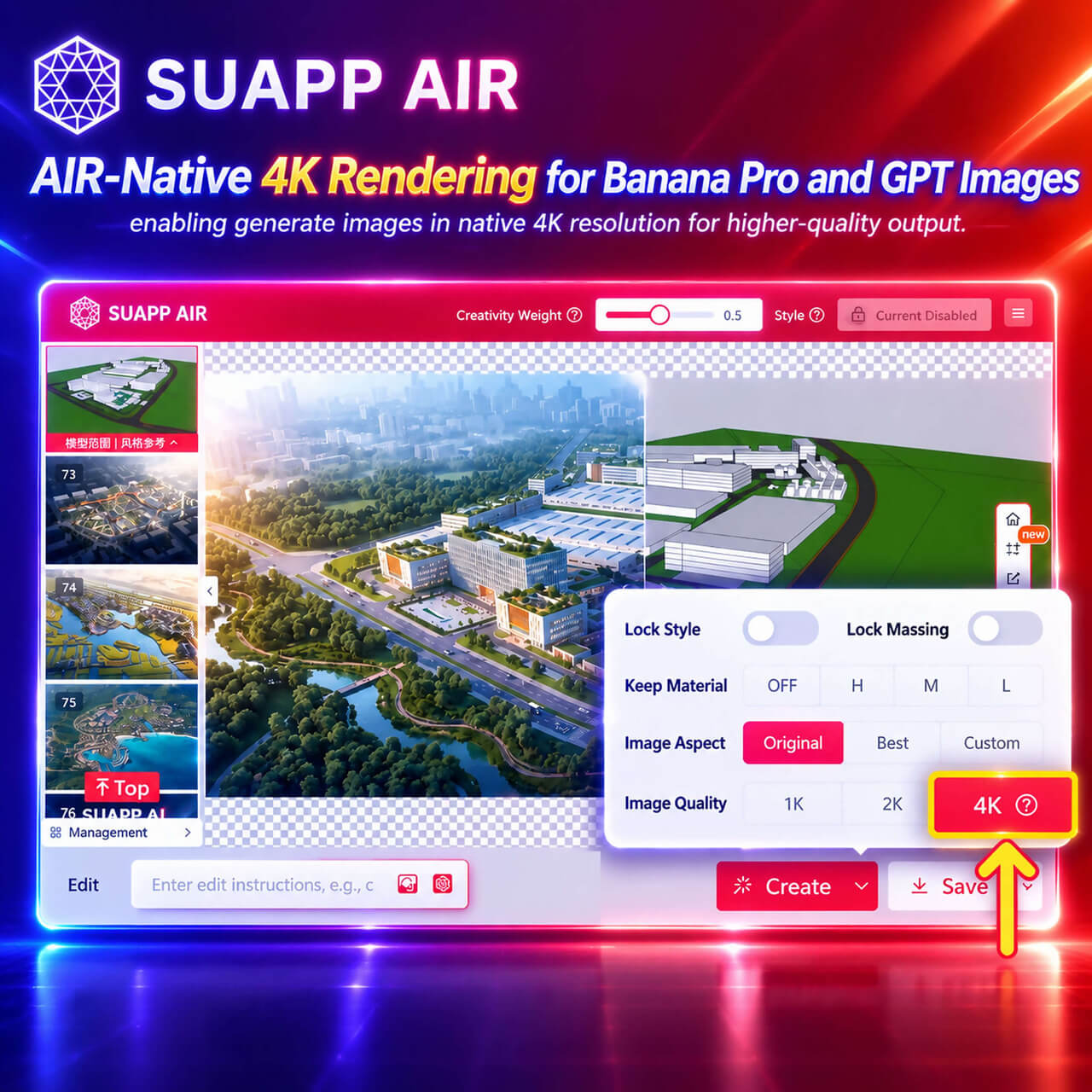
5. AIR – Native 4K Rendering for Banana Pro and GPT Image, enabling generate images in native 4K resolution for higher-quality output.
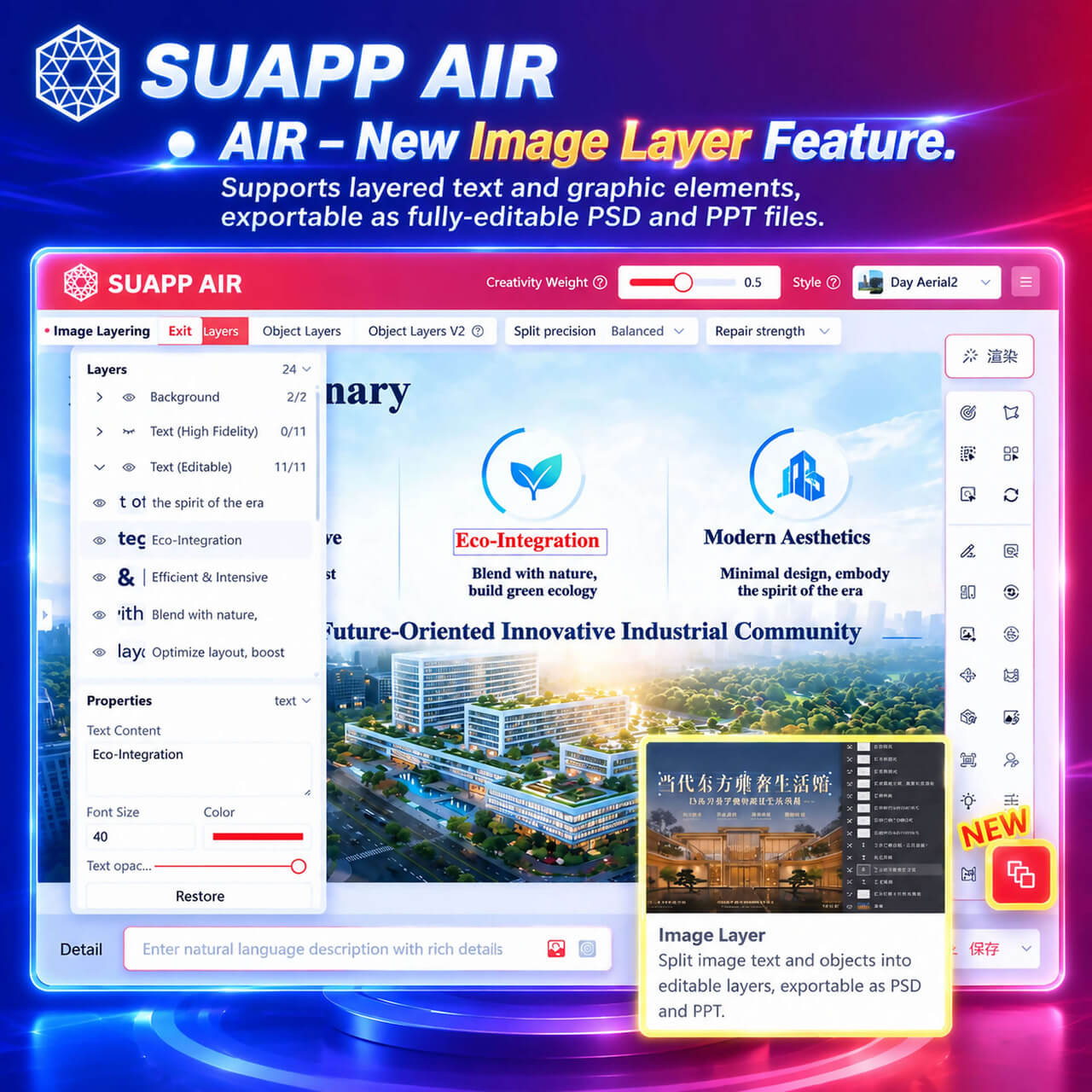
6. AIR – New Image Layer Feature, allowing you to create separate layers for text and individual elements, and save your work as fully editable PSD or PPT files.
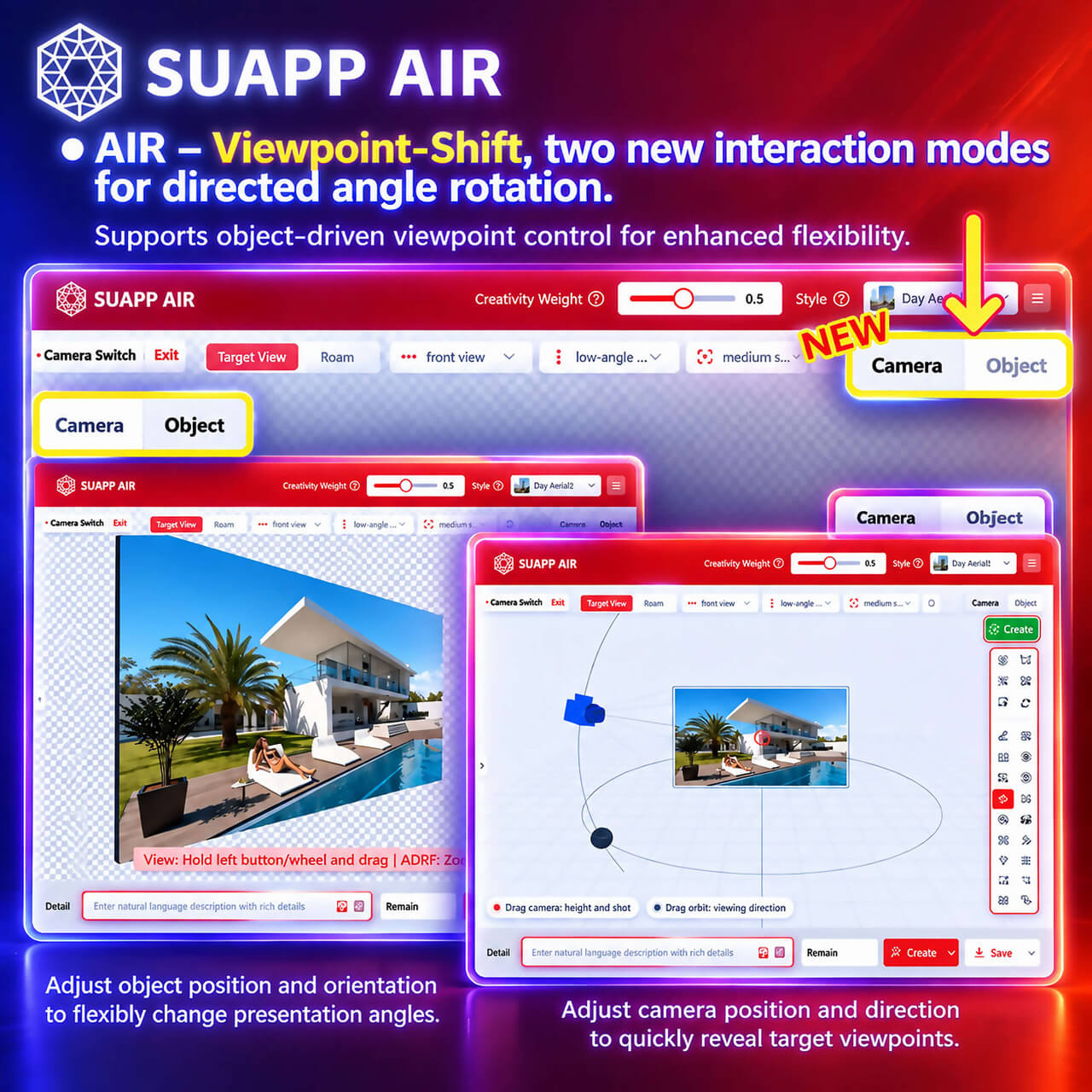
7. AIR – Viewpoint Shift, two new interaction methods for precise viewpoint adjustments.
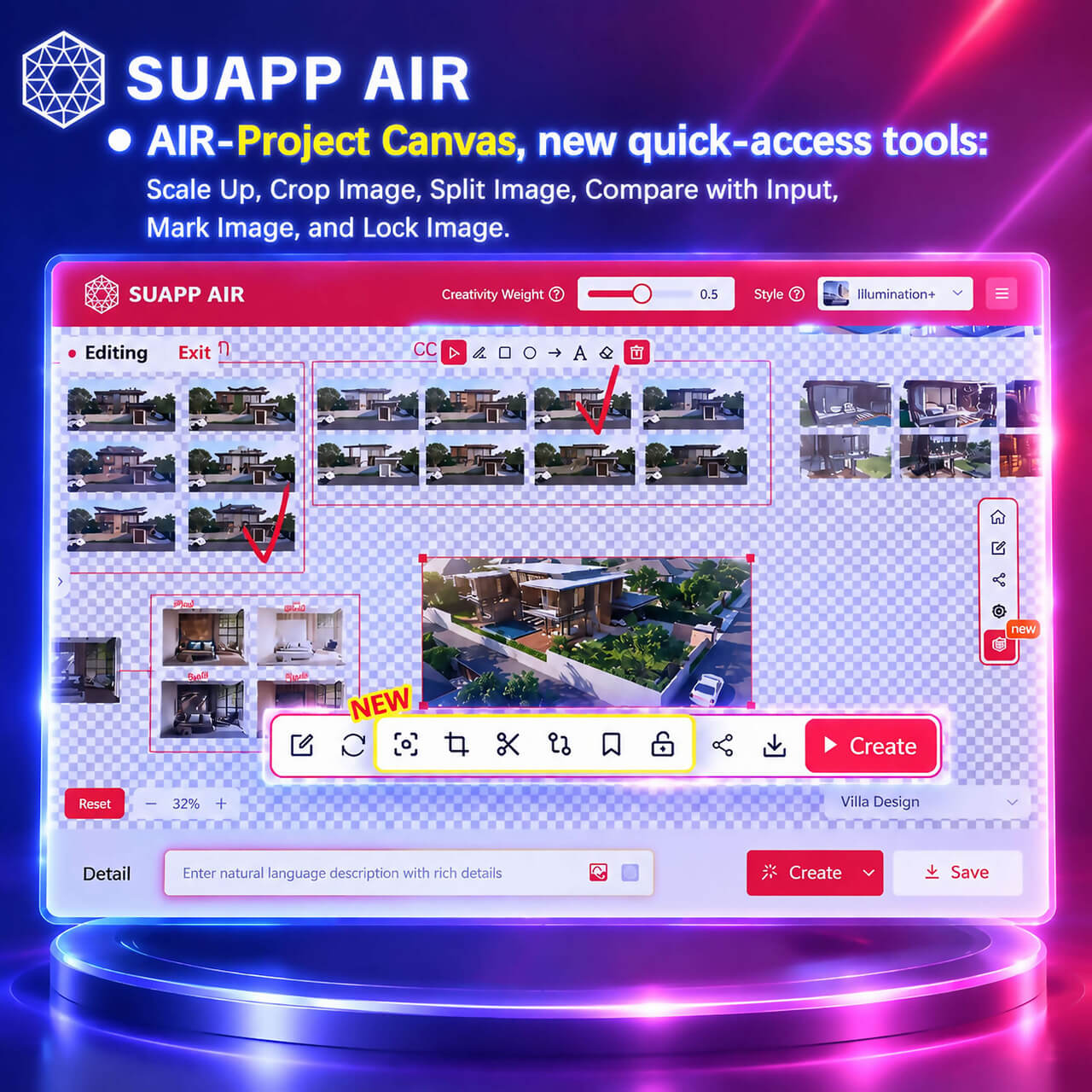
8. AIR – Project Canvas, new quick-access tools: Scale Up, Crop Image, Split Image, Compare with Input, Mark Image, and Lock Image.
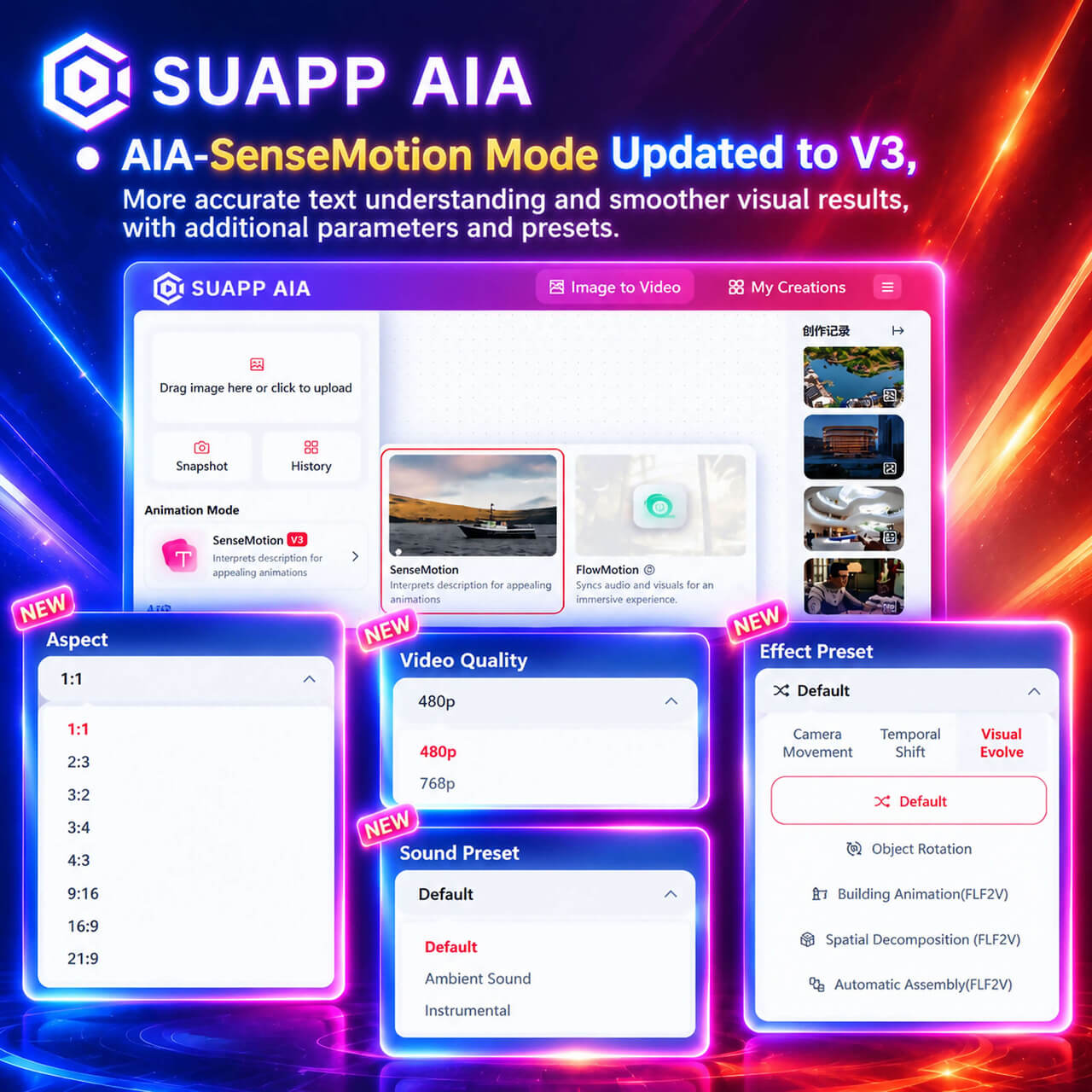
9. AIA – SenseMotion Mode Updated to V3, more accurate text understanding and smoother visual results, with additional parameters and presets.
- /14
SUAPP_AI_20250820
1. Auto Rotating is added to the preview interface after AIM generates a model.
2. AIR inspires graphics to change supports Style Reference images, improving image quality.
3. AIR Lingxi style has added new types, including several styles of image Atmosphere and Master Plan.
4. AIR Color Adjustment function is optimized and masks can be hidden during local toning.
5. Fixed various bugs.
- /1
SUAPP_AIR_20240424
1. Expanded the number of rendering styles to over 500
2. Launched an all-new Edit Mode featuring a more controllable, convenient, and comprehensive toolset.
- /51
SUAPP_AI_20260525
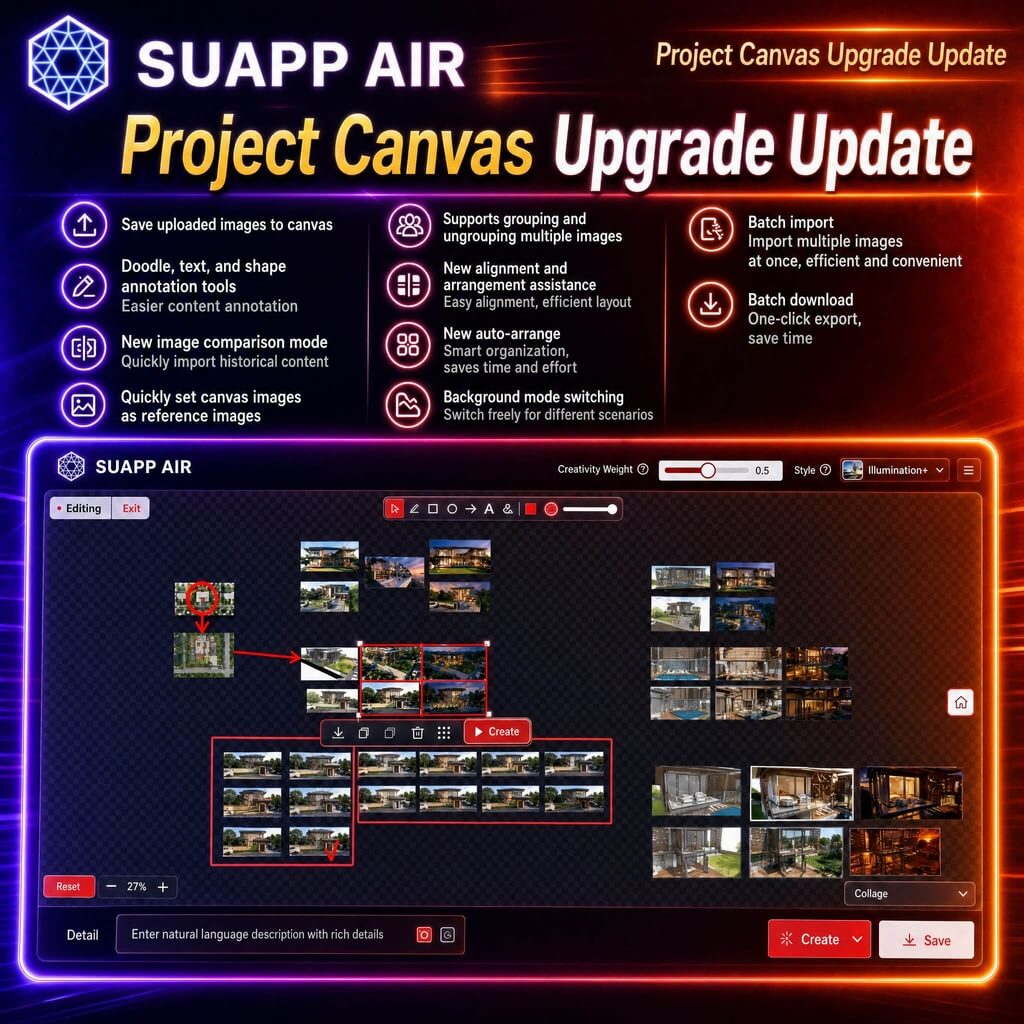
1. AIR – Project Canvas upgraded with support for saving uploaded images to canvas; added doodle, text, and shape annotation tools; introduced image comparison mode, quick import from history, and quick reference setting; supports grouping or ungrouping, alignment guides, auto layout, background modes, batch import, and batch download for improved workflow efficiency.
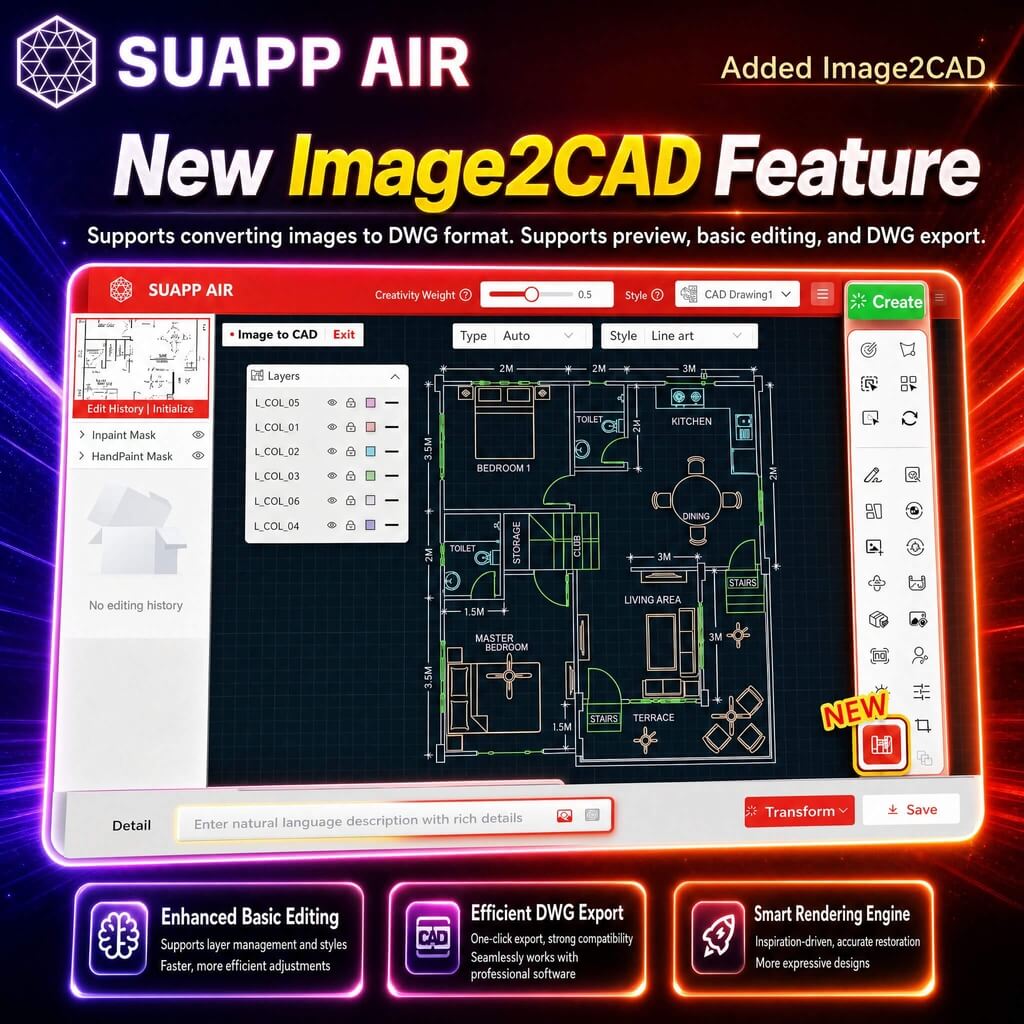
2. AIR – added Image2CAD, enabling image-to-DWG conversion with preview, basic editing, and export support.
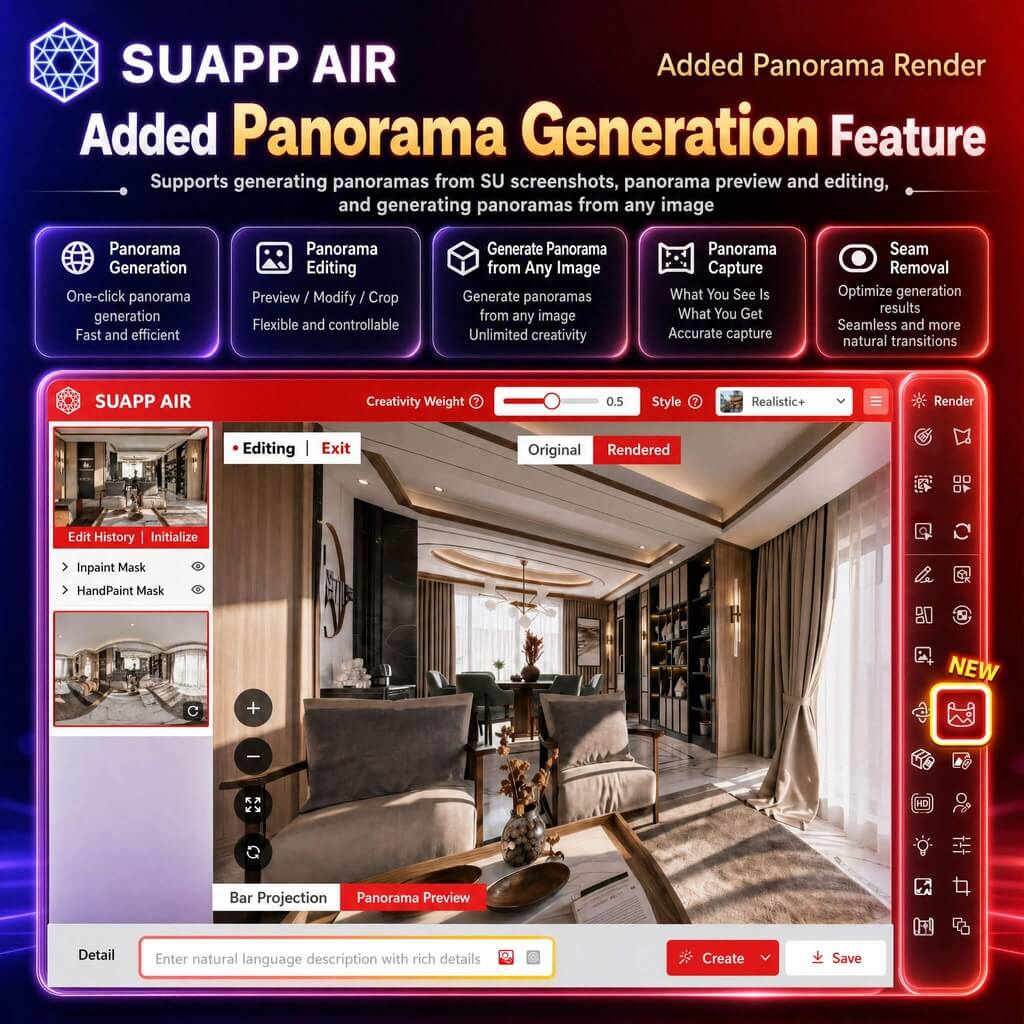
3. AIR – Panorama Render enhanced with support for uploaded panoramas, panorama generation from any image, panorama capture, and improved stitching quality with seamless output.
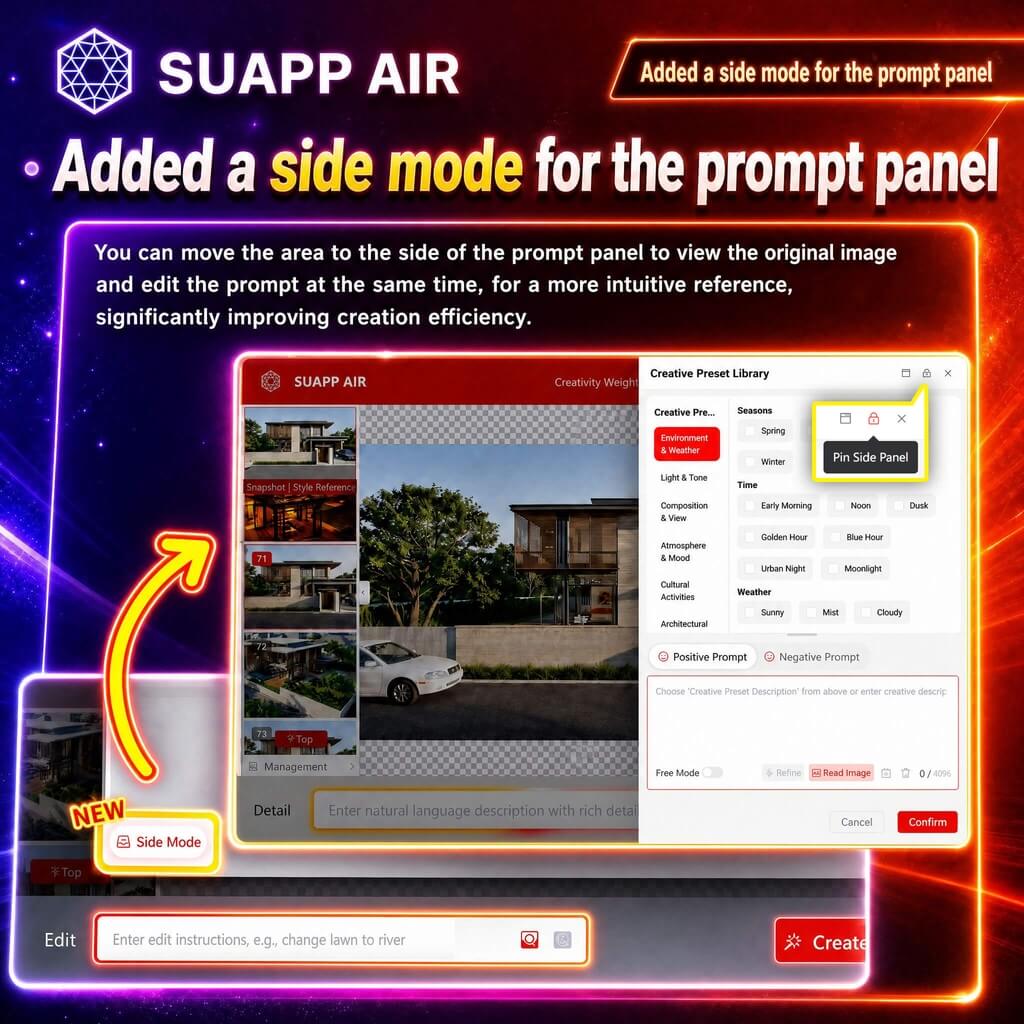
4. AIR – added a sidebar mode for the prompt panel, with support for mode locking.
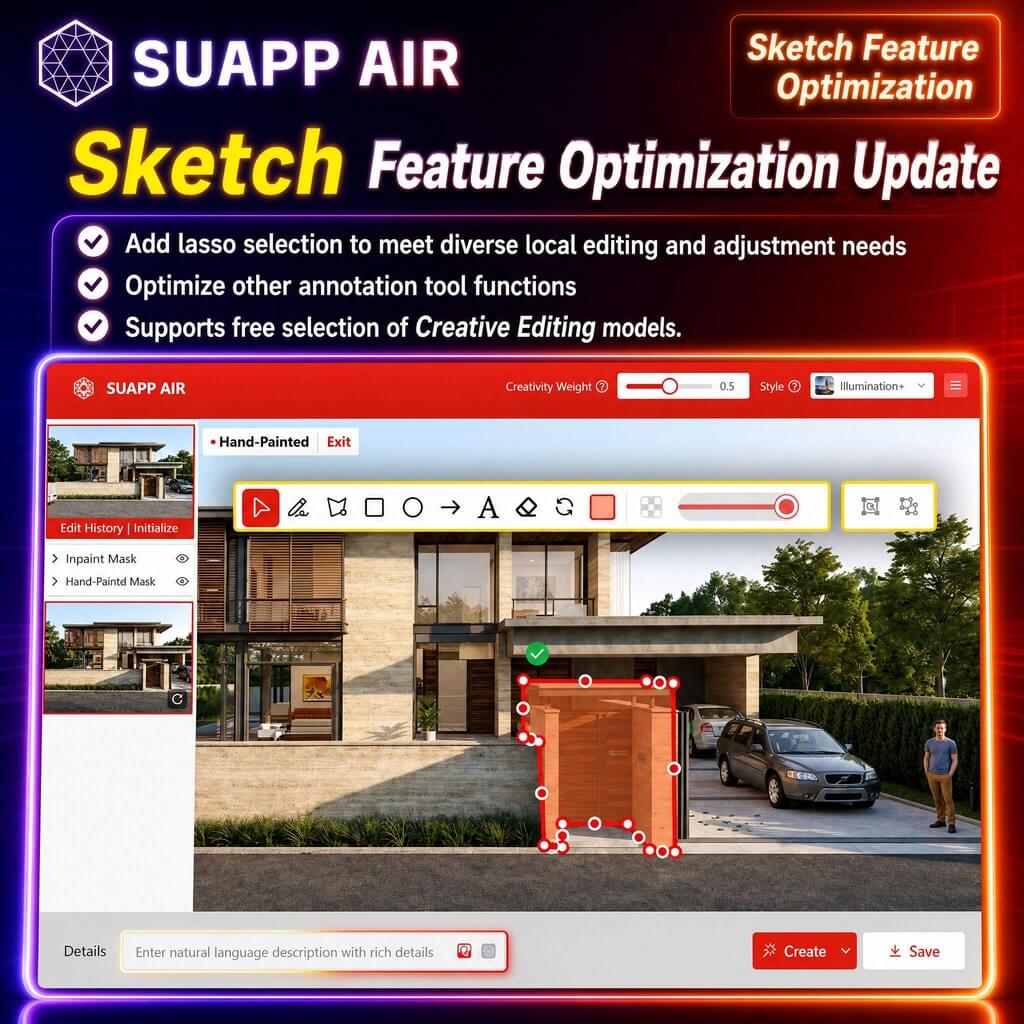
5. AIR – Sketch added lasso area picking and optimized annotation tools; supports flexible use with Creative Editing.
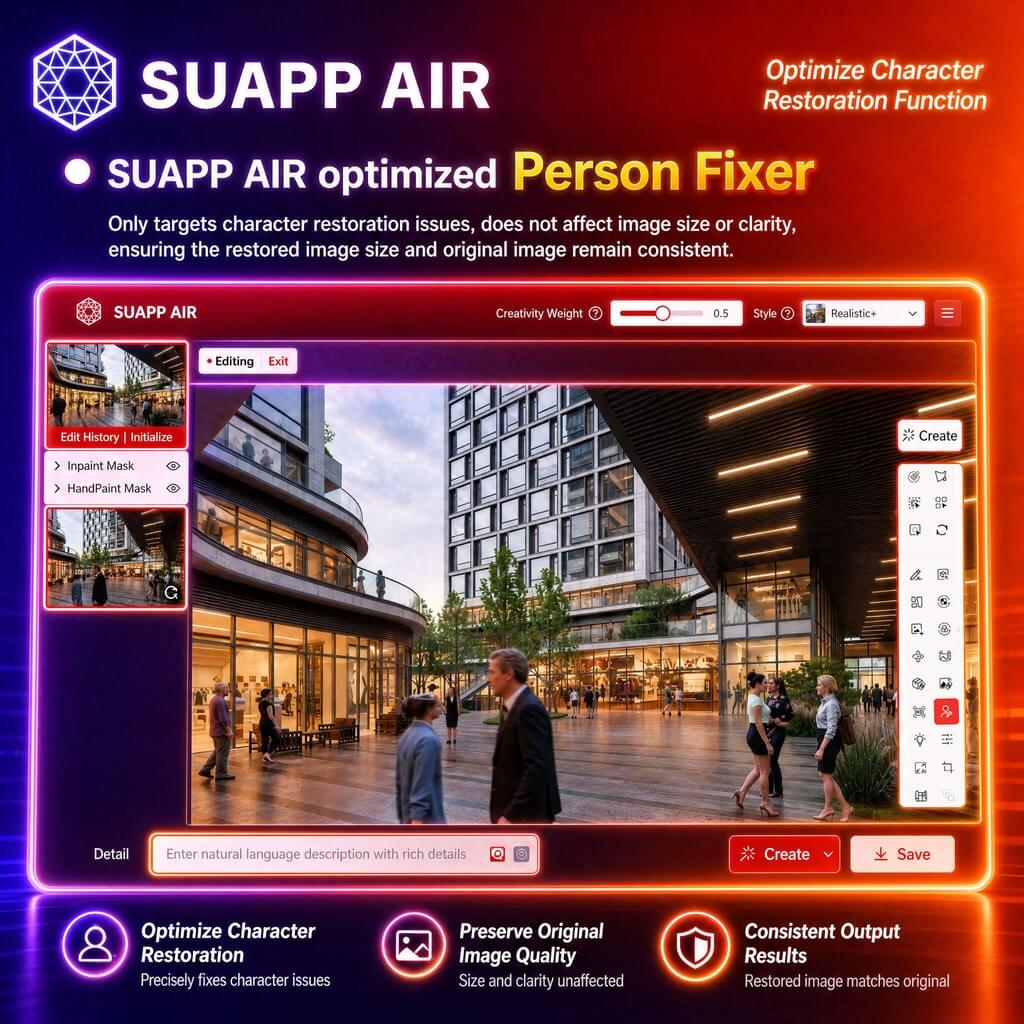
6. AIR – optimized Person Fixer, ensuring output image size matches the original.
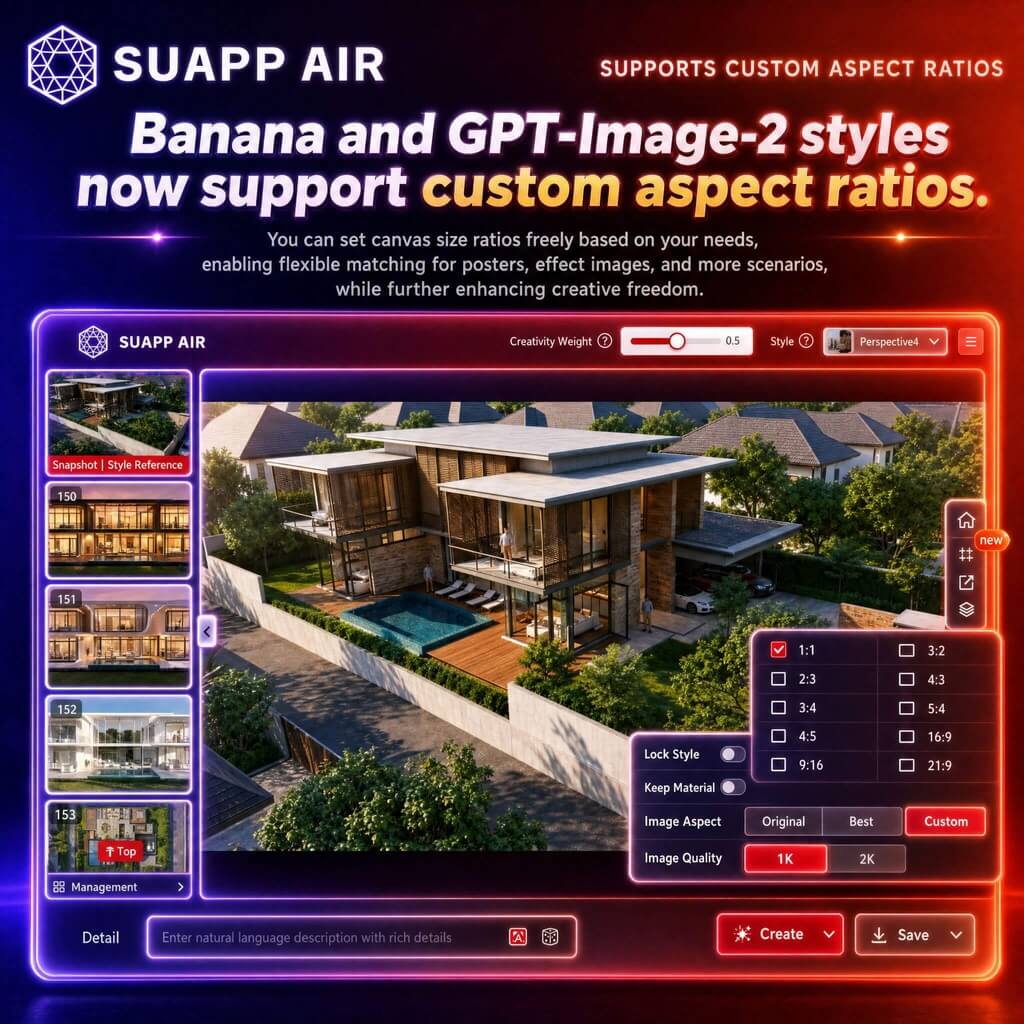
7. AIR – Banana and GPT-Image-2 styles now support custom aspect ratios.
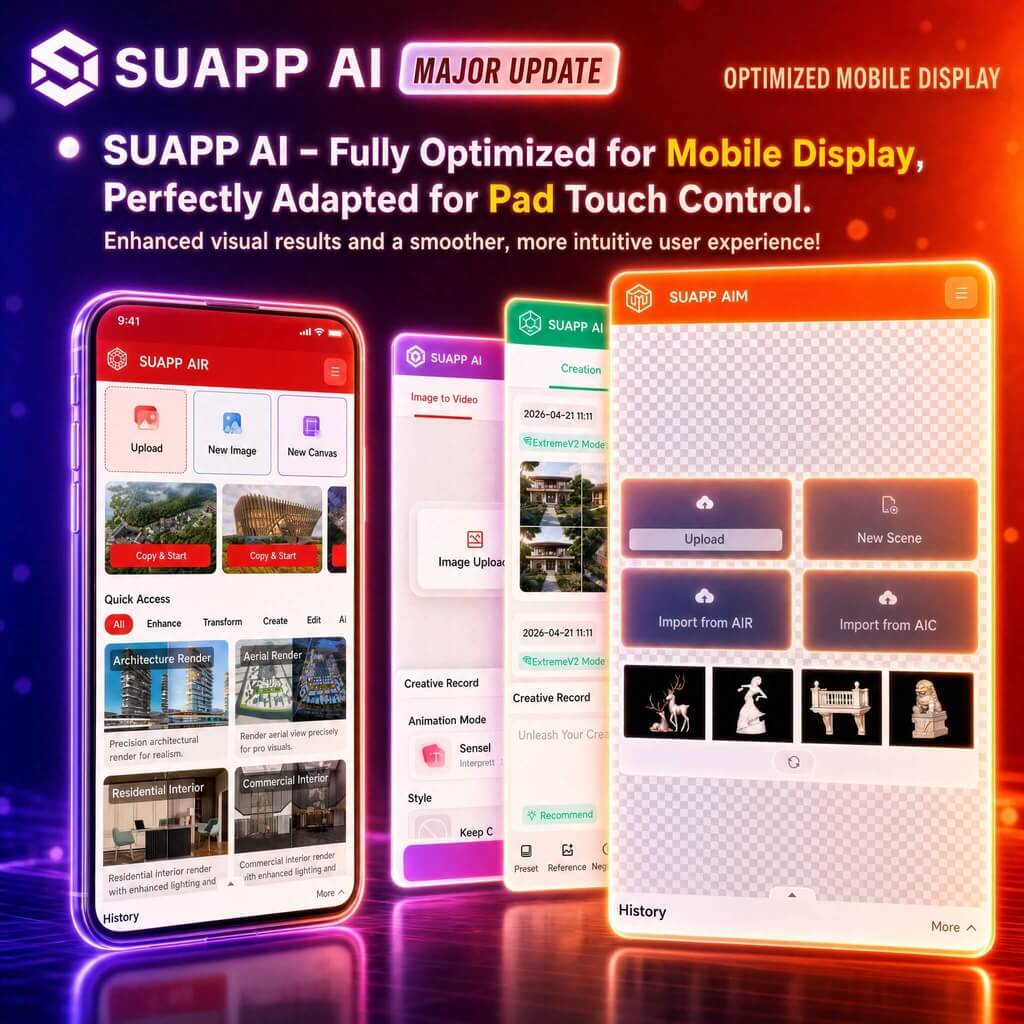
8. SUAPP AI – optimized mobile display across all modules, with improved tablet touch support.
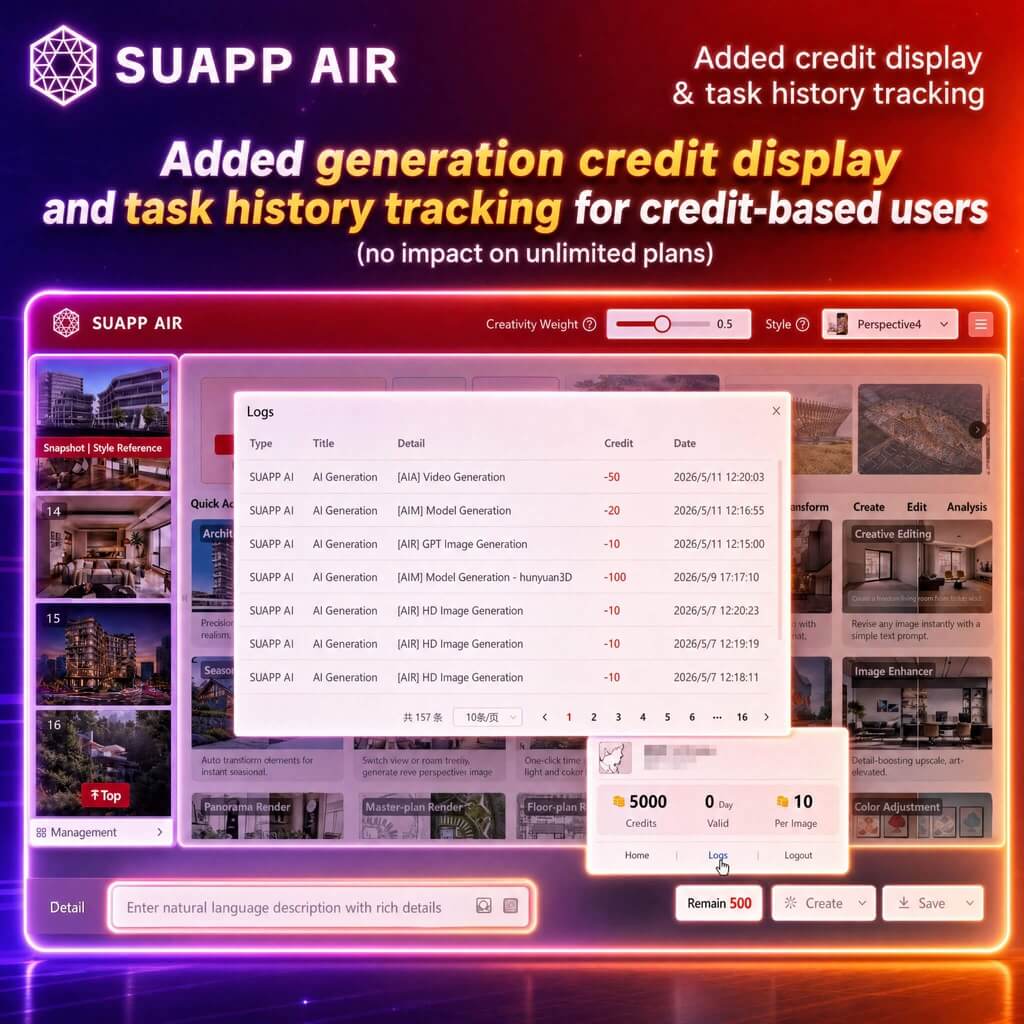
9. SUAPP AI – added generation credit display and task history tracking for credit-based users, no impact on unlimited plans.
- /11
SUAPP_AI_20250722
1. AIM: New Fine Mode for more precise model generation with PBR material support; new Part Mode for generating sub-component models; optimized preview display with new toggle options for Wireframe and Texture Display.
2. AIR: Added Color Adjustment with support for Curves, Hue/Saturation, Levels, and local toning.
3. AIR: Creative Editing feature now supports local editing with masks, includes new preset effects, and features a quick access entry.
4. Fixed various bugs.
- /3
SUAPP_AI_20240319
1. AIR: Added Magic Remover feature.
2. AIR: Added Background Remover feature.
3. AIR: Added Person Fixer feature.
4. AIA: Released AIA 2.0 (Trial Edition).
5. Fixed various bugs.
- /36
SUAPP_AI_20260430
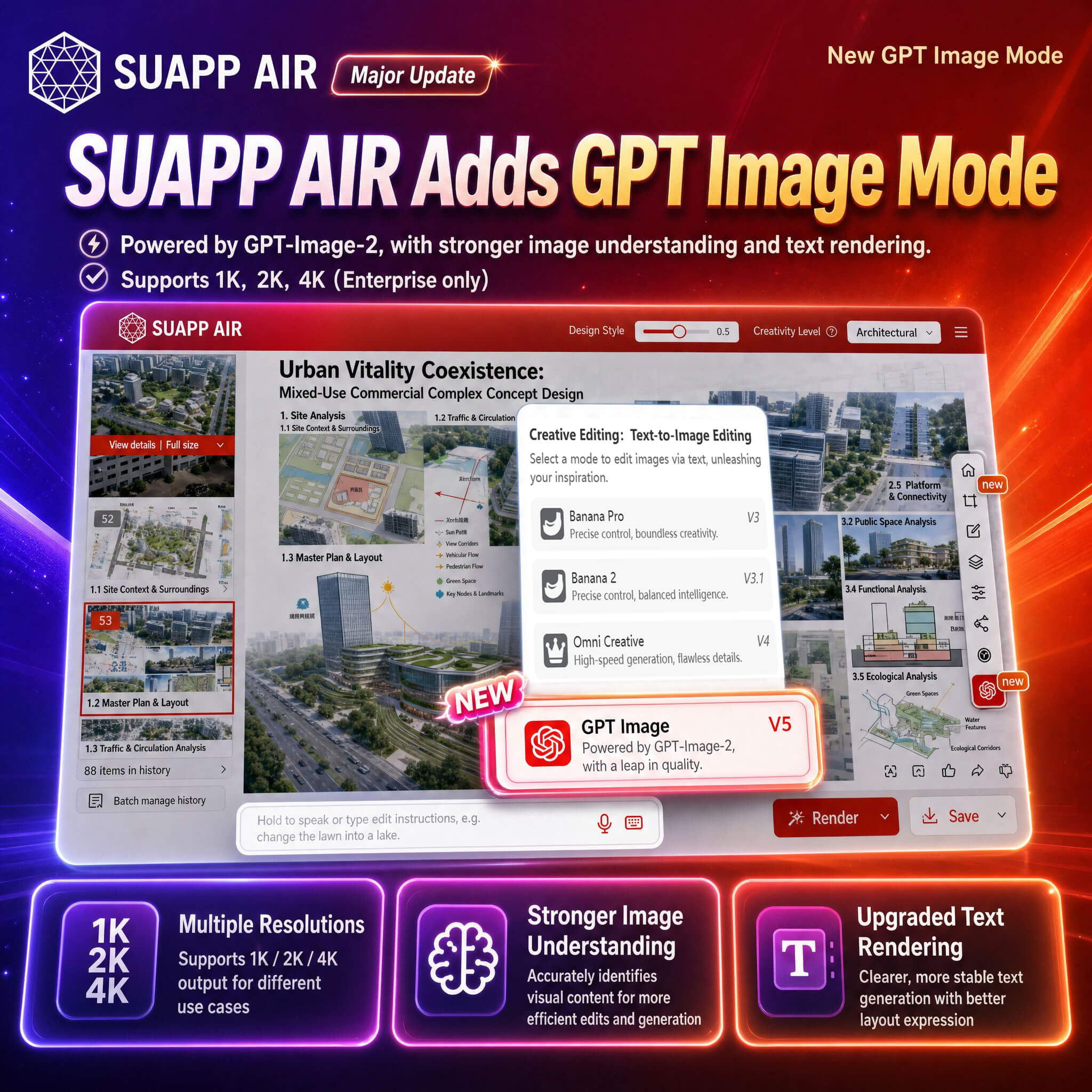
1. AIR – Creative Editing added GPT Image Mode, powered by GPT-Image-2, supporting 1K, 2K, and 4K output with improved image understanding and text rendering.
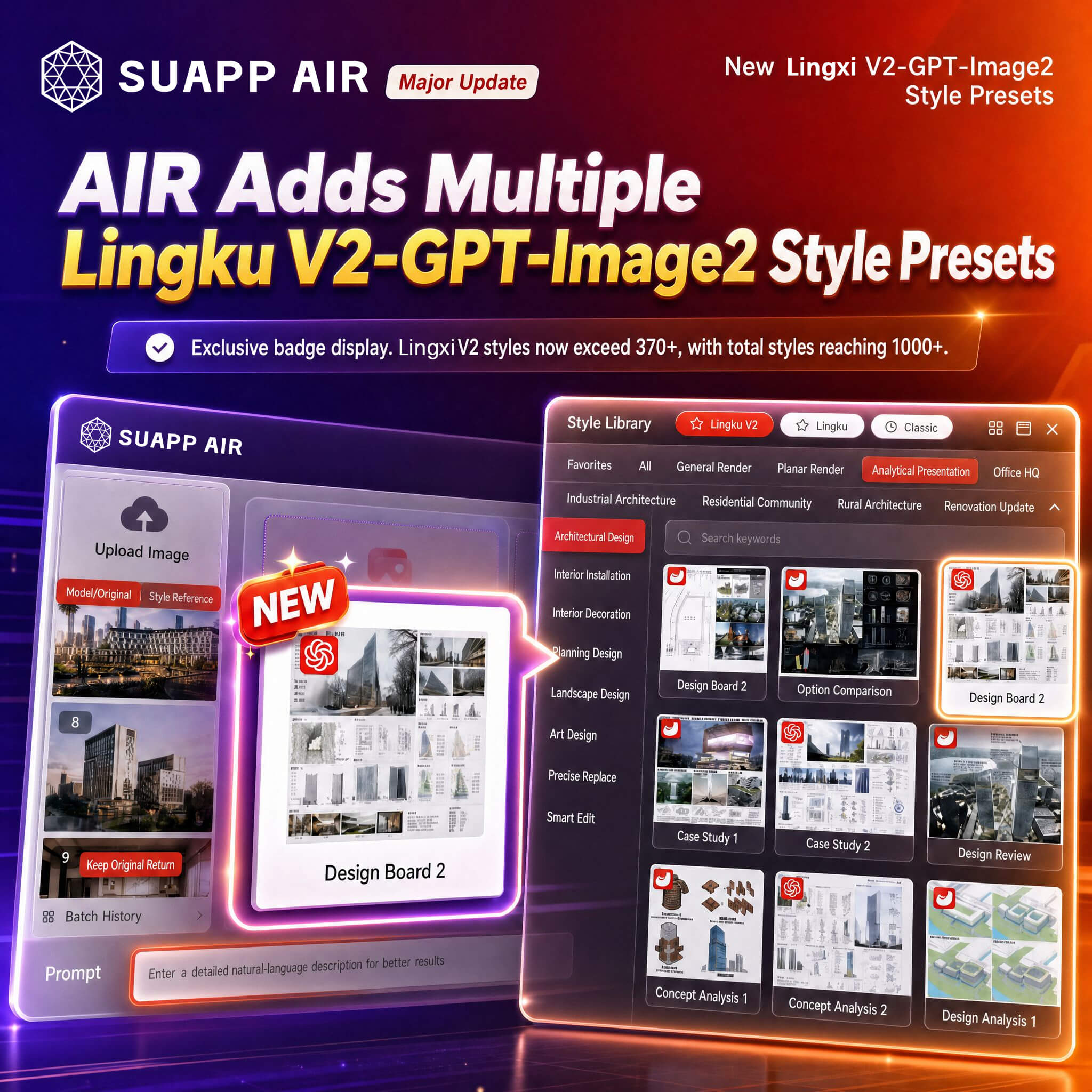
2. AIR – added Lingxi V2 – GPT-Image-2 style presets with dedicated icons; Lingxi V2 styles expanded to 370+, with total styles exceeding 1000+.
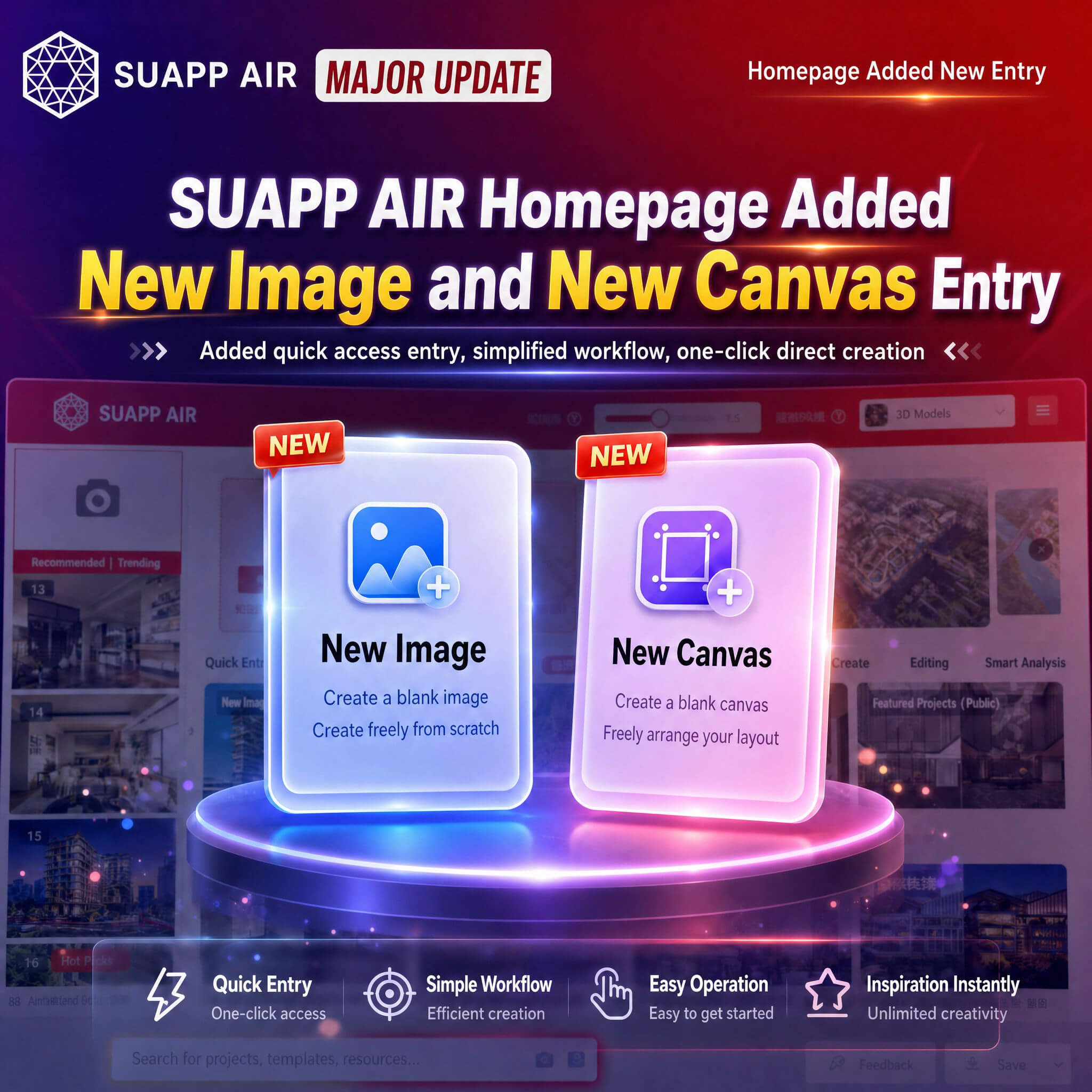
3. AIR – added New Image and New Canvas entries on the homepage.
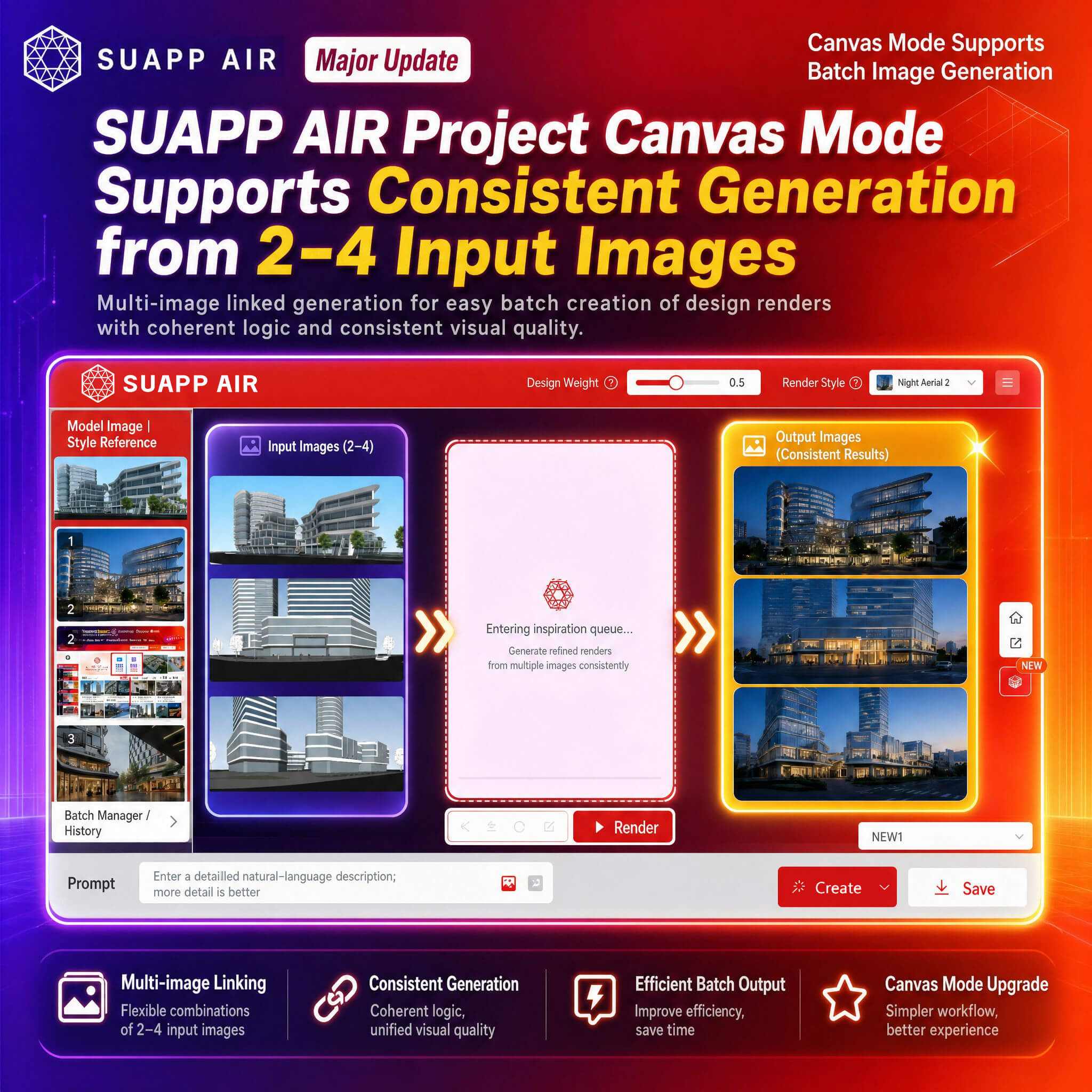
4. AIR – Project Canvas now supports consistent generation from 2–4 input images.
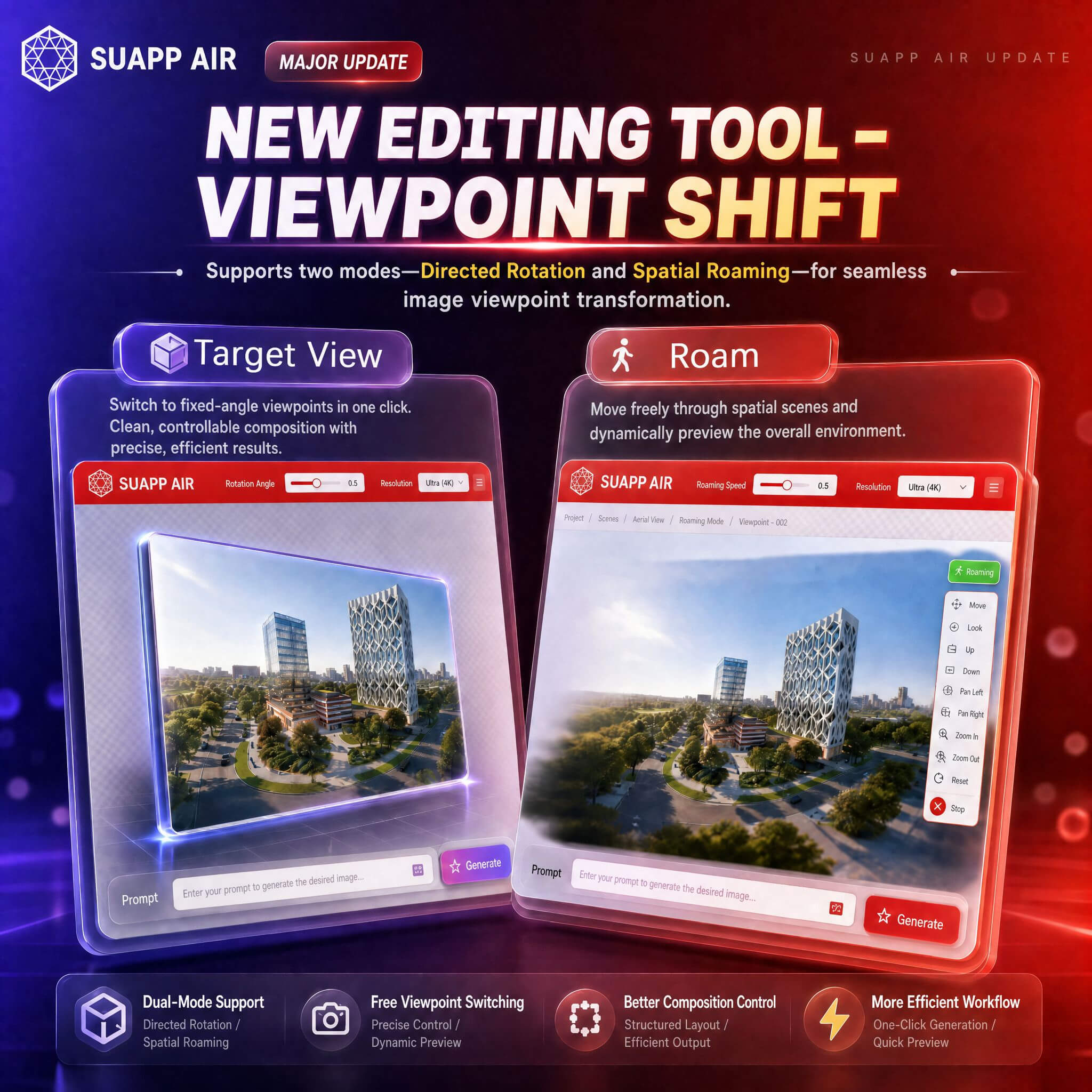
5. AIR – added Viewpoint Shift in editing tools, supporting Target View and Roam modes for perspective transformation.
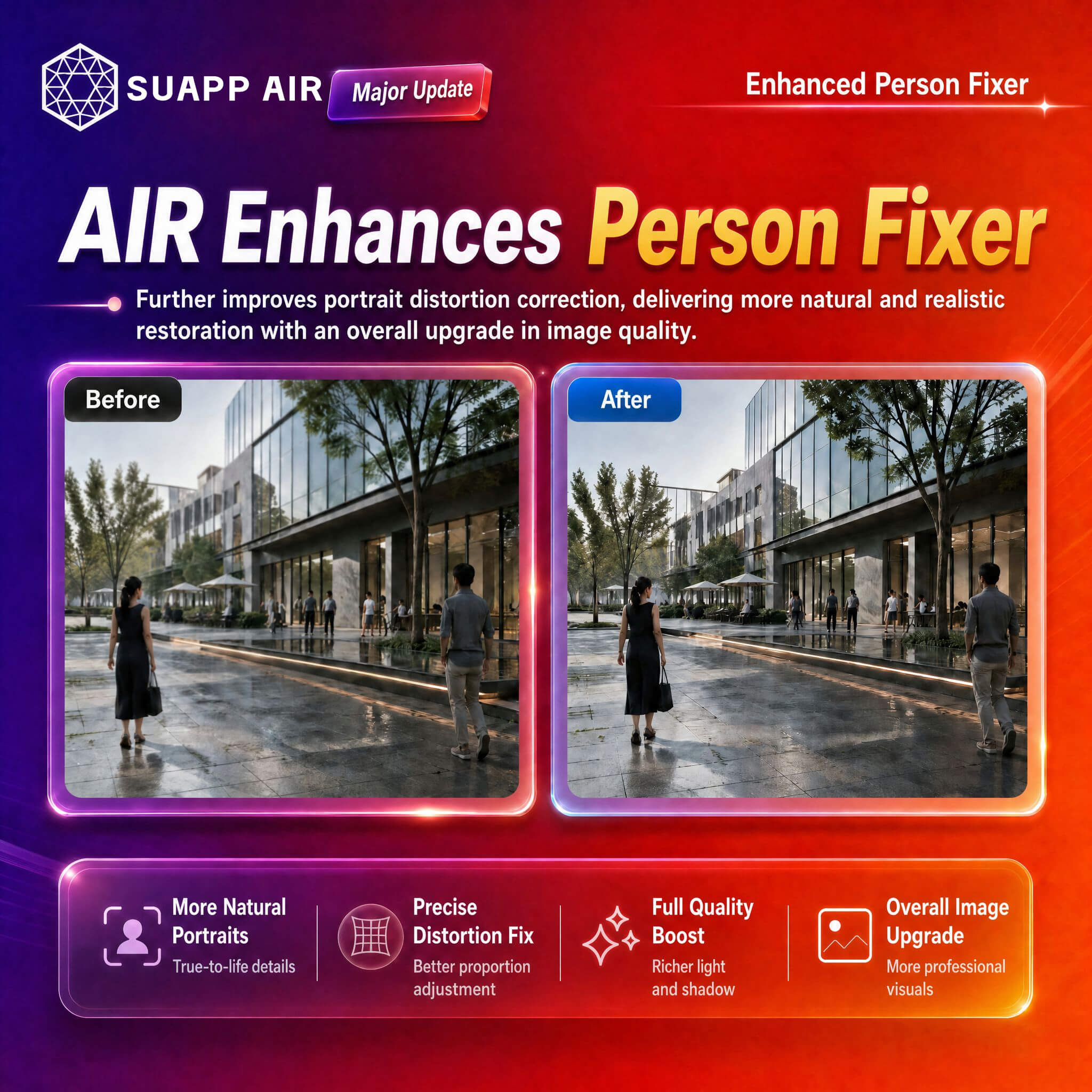
6. AIR – optimized Person Repair.
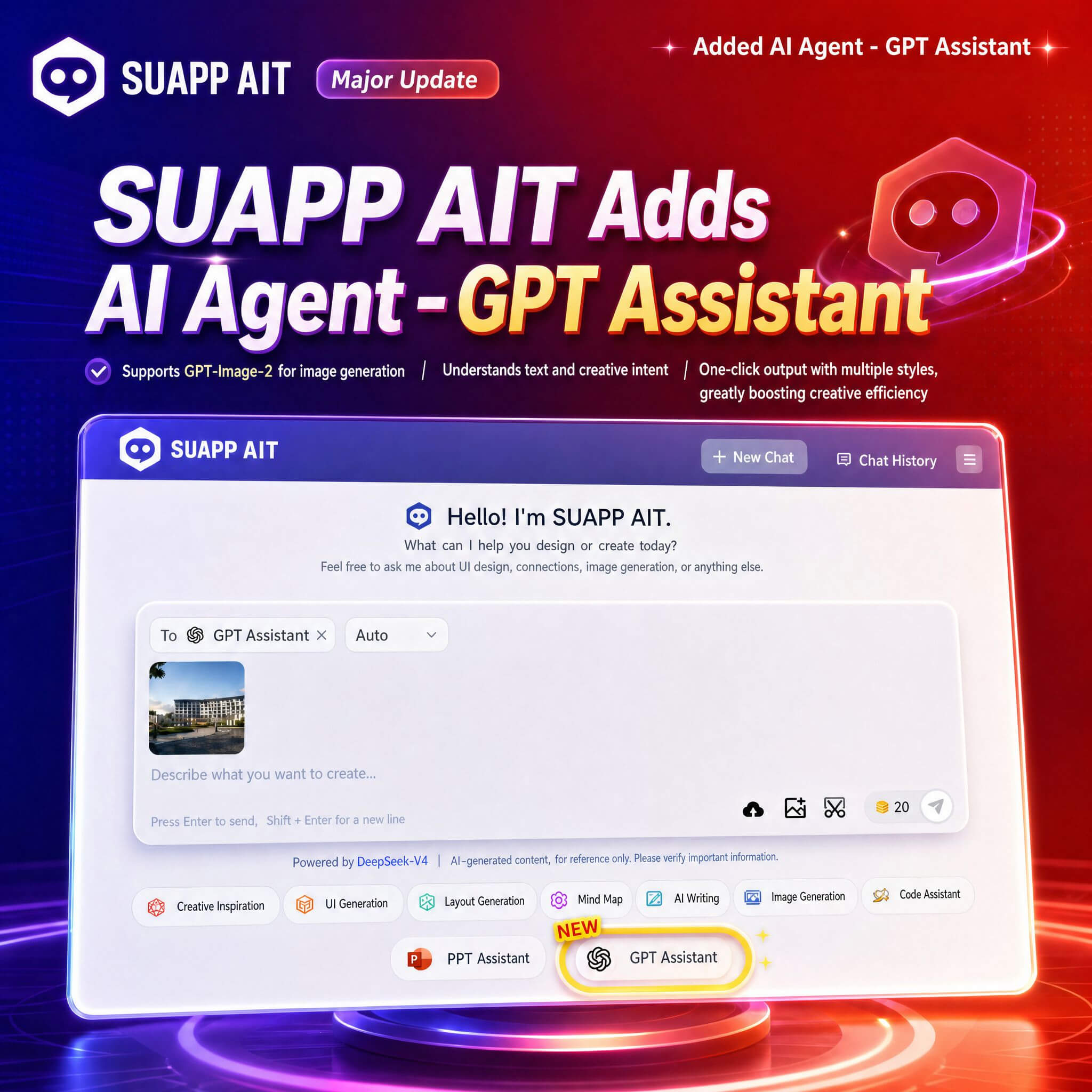
7. AIT – added GPT Assistant, supporting image generation via GPT-Image-2.
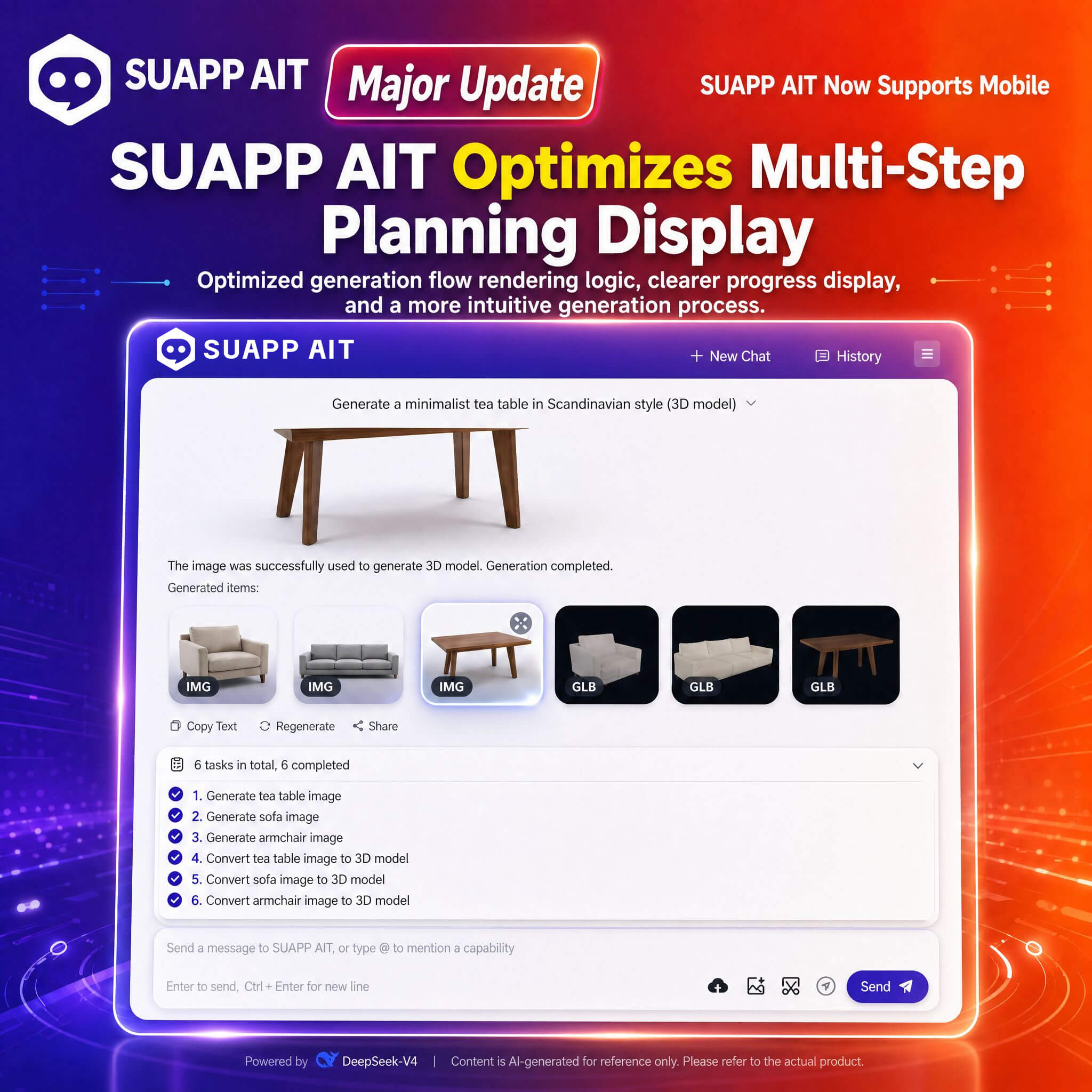
8. AIT – optimized multi-step planning output display.
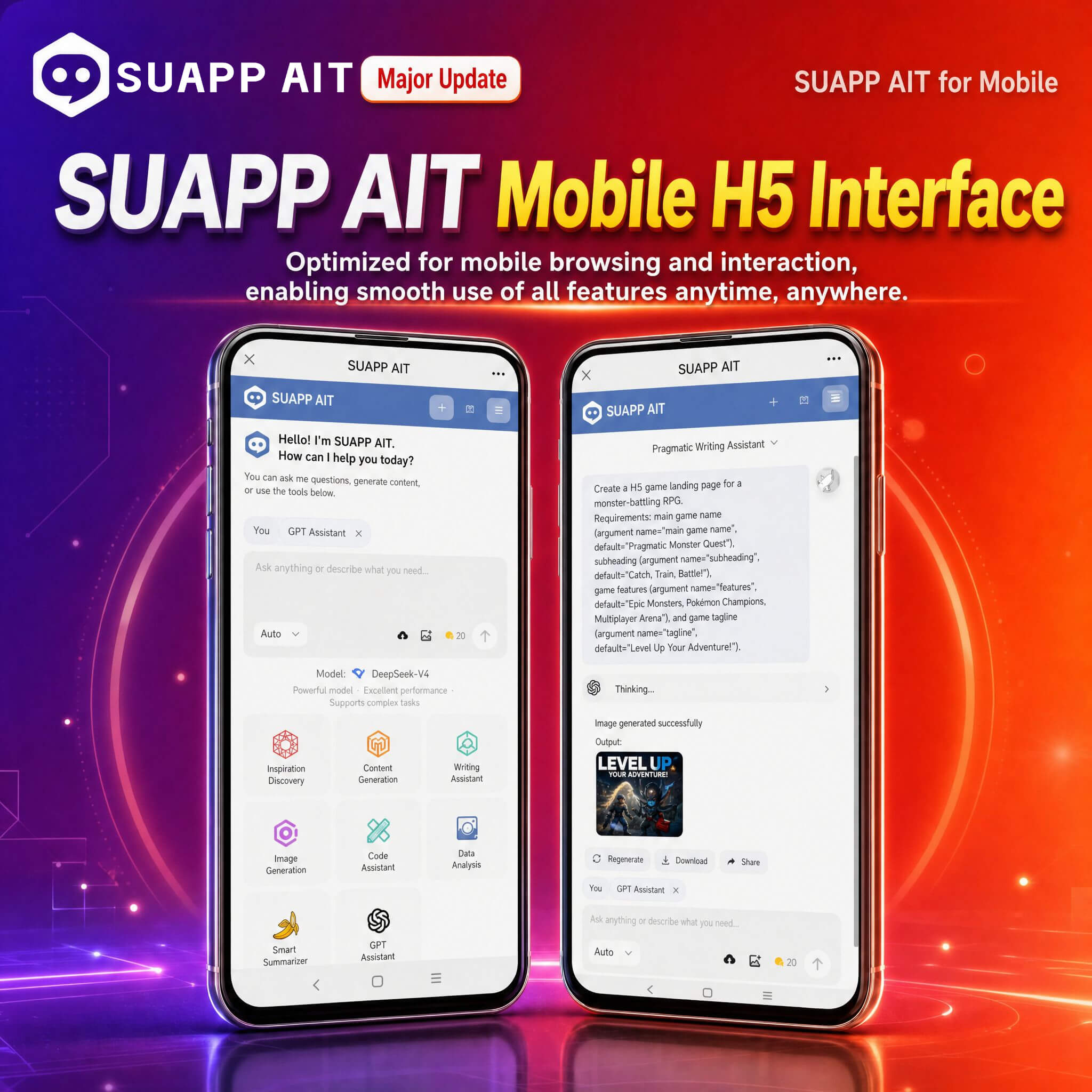
9. AIT – adapted for mobile H5 interface, improving usability on mobile devices.
- /10
SUAPP_AI_20250703
1. AIR - Image Enhancer: A new Custom Mode is added, allowing users to select zoom factor and restoration level. The original Lossless Amplification is now labeled as Fast, and the original Enhancement is now labeled as Inspiration.
2. AIR - Ambiance Transfer: Added V2 with improved effect; retained original as V1.
3. AIR - Space Lighting: Upgraded with new features including Rectangular Light, Shadow Variation, and Glossiness Control.
4. AIA - SenseMotion and ViewMotion: Upgraded output resolution for both modes, including the first and last frames.
5. AIC: Added Extreme Output (4 images) as the default rendering mode.
6. AIR - Editing Mode: Improved interaction when using Style Reference — clicking the image in the lower-left corner now opens the gallery panel on the right.
7. Optimize some mapping processes and fix some bugs.
- /10
SUAPP_AI_20250616
1. AIR: Added Creative Editing feature.
2. AIR: Rendering types are now categorized into two styles — Classic style and Lingxi style.
3. AIR: Supports seamless switching between three rendering modes — Menu, Sidebar, and Dialog. The last used mode will be remembered.
4. AIR: New Favorites button added. You can now view all your favorite works in the history panel.
5. AIT: Creative Editing feature upgraded.
6. AIA: Video Filter now support Lingxi Style and prompt words.
7. AIA: Improved video quality for SenseMotion mode.
8. Add Gallery (https://suapp.ai) .

